Compare staffing agency management software by cost and fit
A low software bill can still mean more admin when bookings, compliance, timesheets and client updates are spread across separate tools. The right staffing agency management software connects these parts of temporary staffing rather than stopping at recruitment. An ATS focuses on candidates and hiring; workforce management software also helps agencies deploy staff and run shifts.
If you’re juggling rotas, chasing timesheets and answering client queries, that distinction matters. A tool designed for one task may help with it, but it won’t necessarily support the agency’s wider workflow.
This comparison explains how the main software options differ, what to consider when assessing cost and fit, and how compliance requirements and client portal access affect your choice. It also offers a practical way to decide whether you need one platform for the full process or a narrower tool to address a specific gap.
Key Takeaways
- Separate candidate-tracking needs from the day-to-day work of filling shifts, managing rotas and tracking assignments.
- Compare tools by the tasks they cover, then weigh the cost of separate systems against the fit of one broader platform.
- Look at how compliance records and booking rules support your processes, and how client access can reduce routine updates.
- Use the decision guide to identify the gaps that matter most before choosing a tool for your agency.
What Is the Difference Between an ATS and Workforce Management Software?
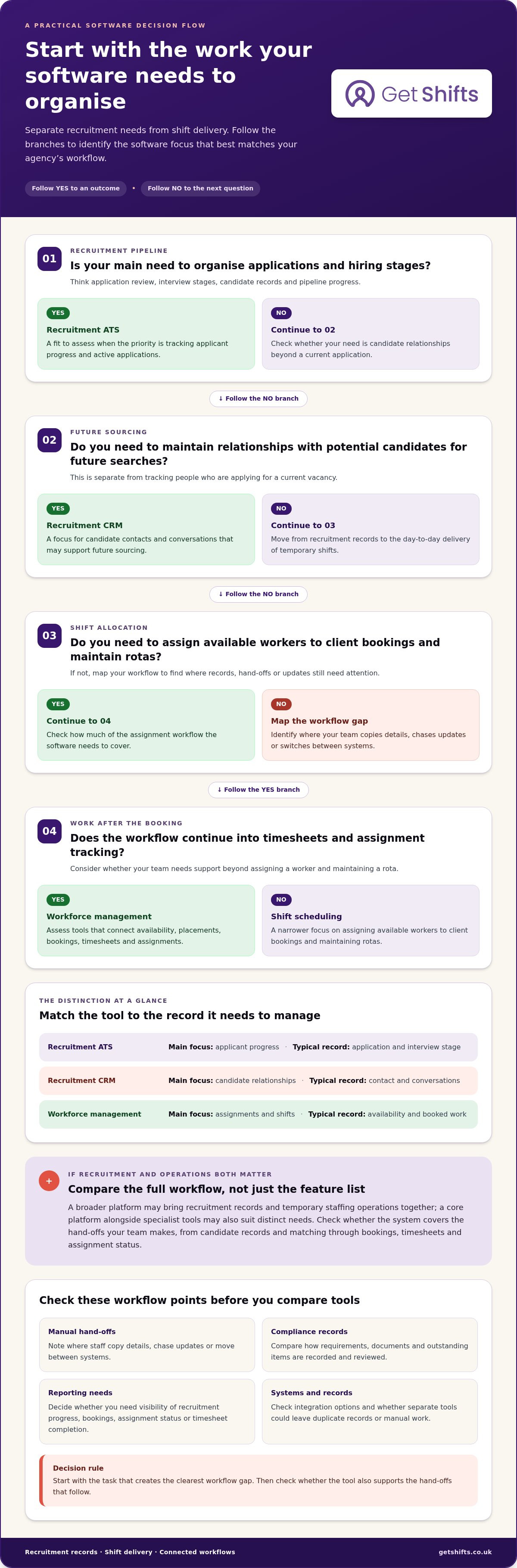
An applicant tracking system (ATS) organises recruitment, from applications to candidate records. Workforce management software extends the process to shifts, rotas and assignments.
Sourcing, Screening and Candidate Engagement
Sourcing brings potential candidates into view, while screening helps recruiters compare experience with a role. Matching tools can sort applicants against set criteria, and engagement tools support follow-up messages. These functions build the candidate pipeline. Workforce management has a different focus: worker availability and assignment delivery, rather than recruitment outreach.
Applicant Tracking and Candidate Management
An ATS records each applicant’s recruitment stage, such as application review or interview. It can report on pipeline progress and help recruiters manage candidate relationships, showing who needs a response and what comes next. Workforce management, by contrast, centres on availability and assignments.
Onboarding and Document Collection
Onboarding moves a selected candidate towards readiness for work. Document collection keeps candidate information together, while checks help recruiters track what has arrived and what is still outstanding. This differs from applicant tracking, which follows recruitment progress, and shift management, which handles the assignment of available workers to client bookings.
Career Sites and Recruitment CRM
A career site lets candidates view roles and submit applications. A recruitment CRM helps an agency stay in touch with potential candidates who may not be applying for a current vacancy. Together, they support future sourcing: an ATS organises active applications, while workforce management handles shifts and assignments.
| Option | Main focus | Typical record |
|---|---|---|
| Recruitment ATS | Applicant progress | Application and interview stage |
| Recruitment CRM | Candidate relationships | Contact and conversations |
| Workforce management | Assignments and shifts | Availability and booked work |
Trace a candidate’s journey from application to assignment, then note which hand-offs still require manual work.
A candidate who declined an opportunity two years ago may still be a valuable contact for a later search. A recruitment CRM helps preserve that relationship for future sourcing, separate from an ATS record of active application progress.
What is staffing agency software?
Staffing agency management software can bring recruitment records and temporary staffing operations into one platform, but the scope varies. Compare applicant tracking, shift scheduling, compliance records, client access and reporting. Integration options and workflow gaps also affect how well a system fits.
Integrations may connect software with job boards, payroll and billing systems, email and calendars, or other recruitment tools. Common drawbacks include paying for features you don’t use, duplicate records across systems and manual work when tools don’t connect.
Workforce Management, ATS and Shift Scheduling
A recruitment ATS organises applicants and hiring stages. Shift scheduling software focuses on assigning available workers to client bookings and maintaining rotas. Workforce management covers a broader operational flow, linking availability, placements and assignments. For a temporary agency, check whether a tool simply records a placement or also helps coordinate the work that follows.
Recruitment CRM and Workflow Automation
A recruitment CRM manages candidate relationships beyond a current application. Workflow automation can move records between steps, prompt follow-ups or reduce repeated data entry. Compare this with an ATS: applicant tracking focuses on active applications, while CRM records can support future searches. Automation is useful when it removes a real manual hand-off, not when it adds another process to maintain.
Temporary Recruitment Agency Workflows
A temporary recruitment workflow can run from talent-pool records to matching a candidate with a role, confirming a booking, capturing timesheets and tracking assignments. A recruitment-only platform may stop at placement; workforce software can carry records into delivery. Map your own process to find where staff copy details, chase updates or switch between systems.
Reporting and Recruitment Analytics
Recruitment analytics can show how applicants move through the pipeline, from applications to interviews or placements. Operational reporting may focus on bookings, assignment status or timesheet completion. Start with the question you need to answer, then check whether the platform reports on the records your team uses. A core platform alongside specialist tools may suit agencies with distinct reporting needs.
For agencies comparing recruitment and operational capabilities, recruitment and applicant tracking tools show one part of the wider workflow.
Compliance with employment and data protection rules
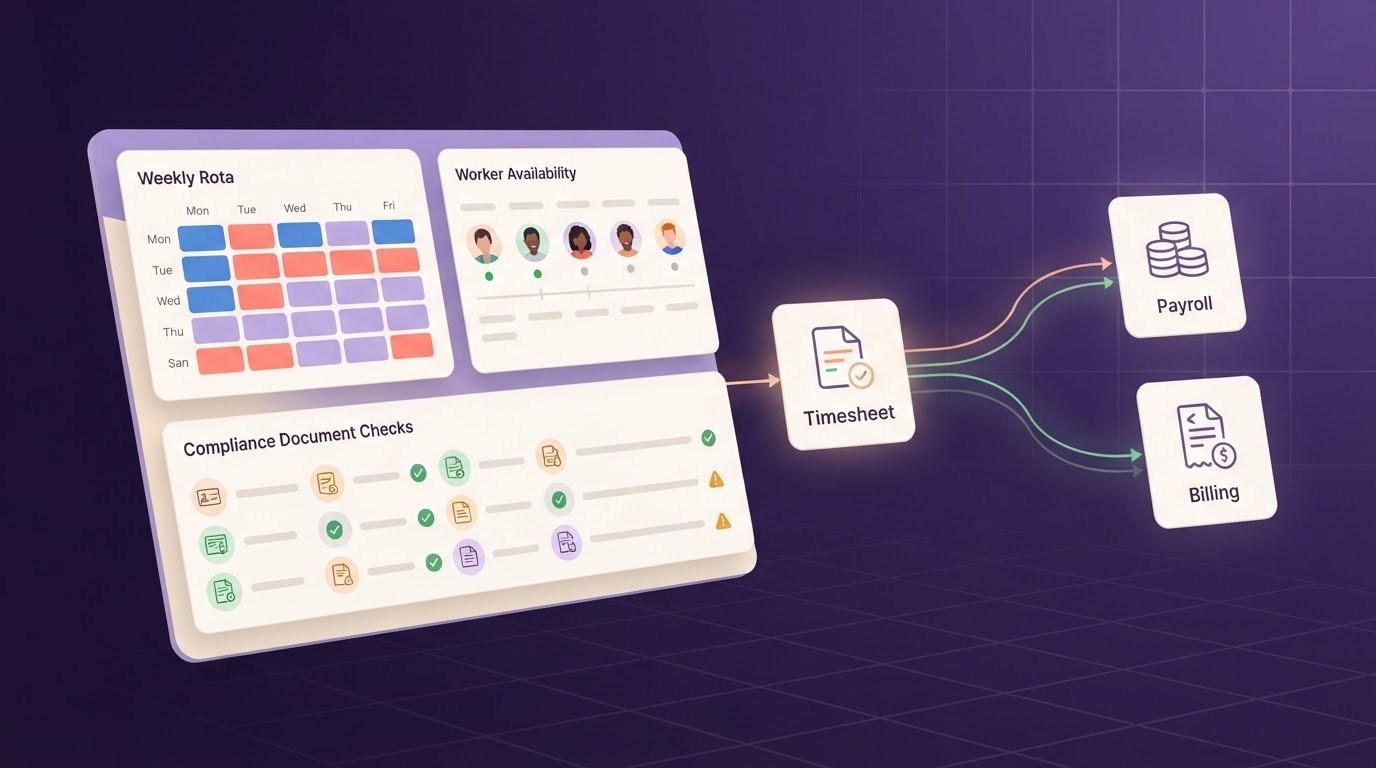
Compliance tools help organise worker records, client requirements and onboarding tasks. Compare how each system tracks evidence, flags gaps and handles personal data.
Compliance Tracking and Audit Readiness
Compliance tracking records which documents are held, which requirements apply and what needs attention. A system can store documents and track regulatory or client-specific requirements, giving coordinators a clearer record to review. Compare this with shared folders or spreadsheets, where expiry dates and booking requirements may be scattered. A useful audit trail should make it easier to find the relevant record and understand its status.
Onboarding and Compliance Workflows
Onboarding workflows connect document collection with the steps required before a worker is considered for a booking. Some software can support offer-letter creation, store compliance documents and track requirements linked to a client. Check whether the workflow highlights outstanding items before a booking or only records them after manual entry. For example, one care home may have different requirements from another.
Data Security and GDPR Compliance
Staffing records can contain personal information about candidates, workers and client contacts. Assess how a platform manages access to those records, supports data requests and handles retention or erasure. These controls matter alongside document tracking: keeping information together is useful only when access and handling suit your processes. The ICO’s UK GDPR guidance provides current information for organisations handling personal data.
Before comparing systems, map onboarding from application to booking. Note who handles each document, where client-specific requirements are recorded, and how the team spots an expiry or missing item. This simple process map helps you assess whether software supports your compliance workflow or merely stores files.
Client reporting and portal access
A client portal changes how a care home requests cover and follows a booking. Instead of relying on phone calls and email threads, the client can submit shift details and view booking progress in one place. Its value depends on whether the portal’s views match your agency’s processes and each client’s information needs.
Check what the portal displays after a request. A nursing home, for example, may need to see whether a shift is open, filled or awaiting confirmation. Clear availability and booking statuses can reduce routine updates; unclear labels may prompt more questions. Check that the agency can manage client access to the appropriate records.
Reporting should answer practical questions, not simply display activity. A care home may need booking history or timesheet sign-off; your team may need to review unfilled shifts, attendance or billing records. Compare these operational reports with an ATS, which focuses on hiring and candidate progress rather than client bookings.
Ask how information moves between the portal and your internal records. If a client changes a shift, does the update appear in the relevant booking workflow, or must a coordinator copy it manually? Check how approvals are recorded and whether reports use current booking and timesheet information. These details affect daily admin and the usefulness of client reporting.
Include access and setup in your pricing comparison. A portal that suits one client’s process may not suit another’s booking or approval steps. List which updates clients make themselves, which details your team controls and what reports each side needs. Then compare the solution with your current phone, email and spreadsheet processes.
If client access and reporting are key criteria, explore the workforce platform features relevant to those workflows.
Get Shifts: Get Shifts workforce management platform
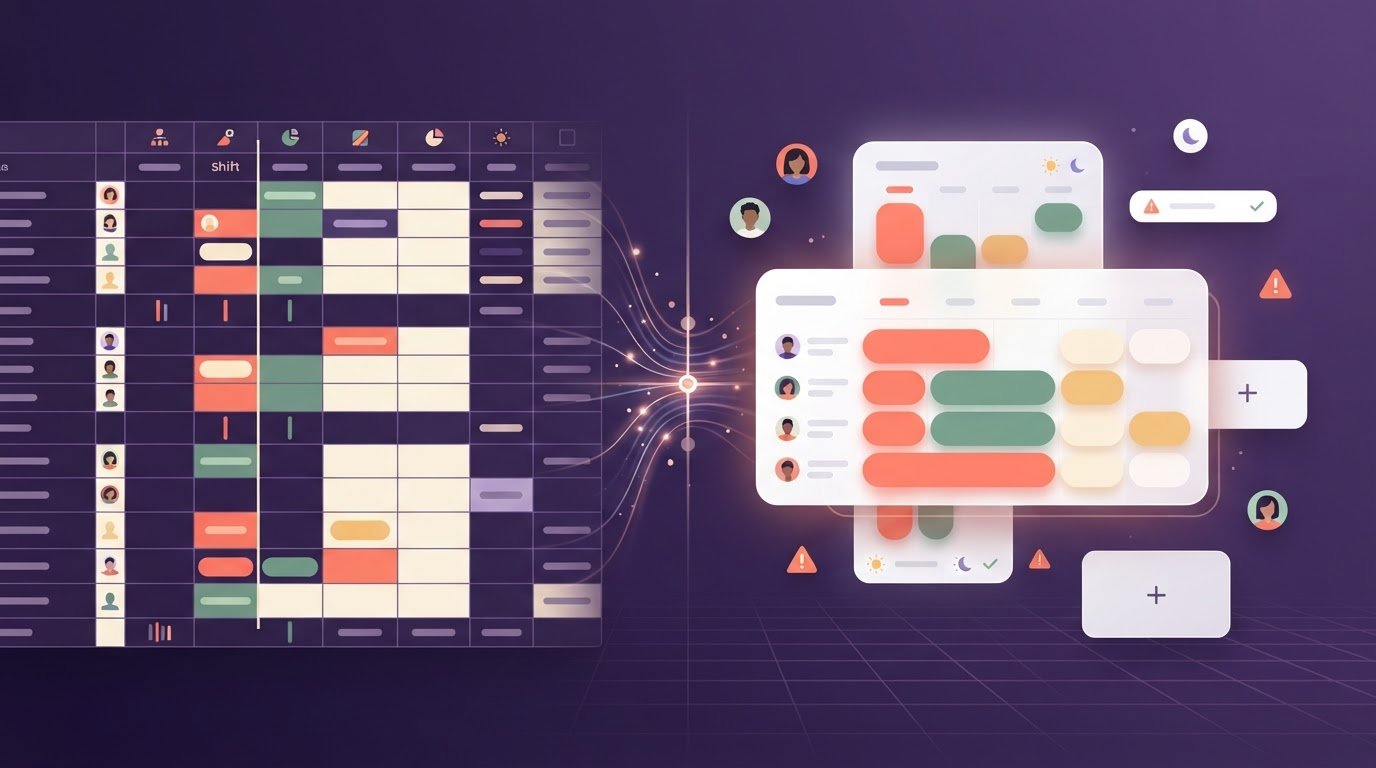
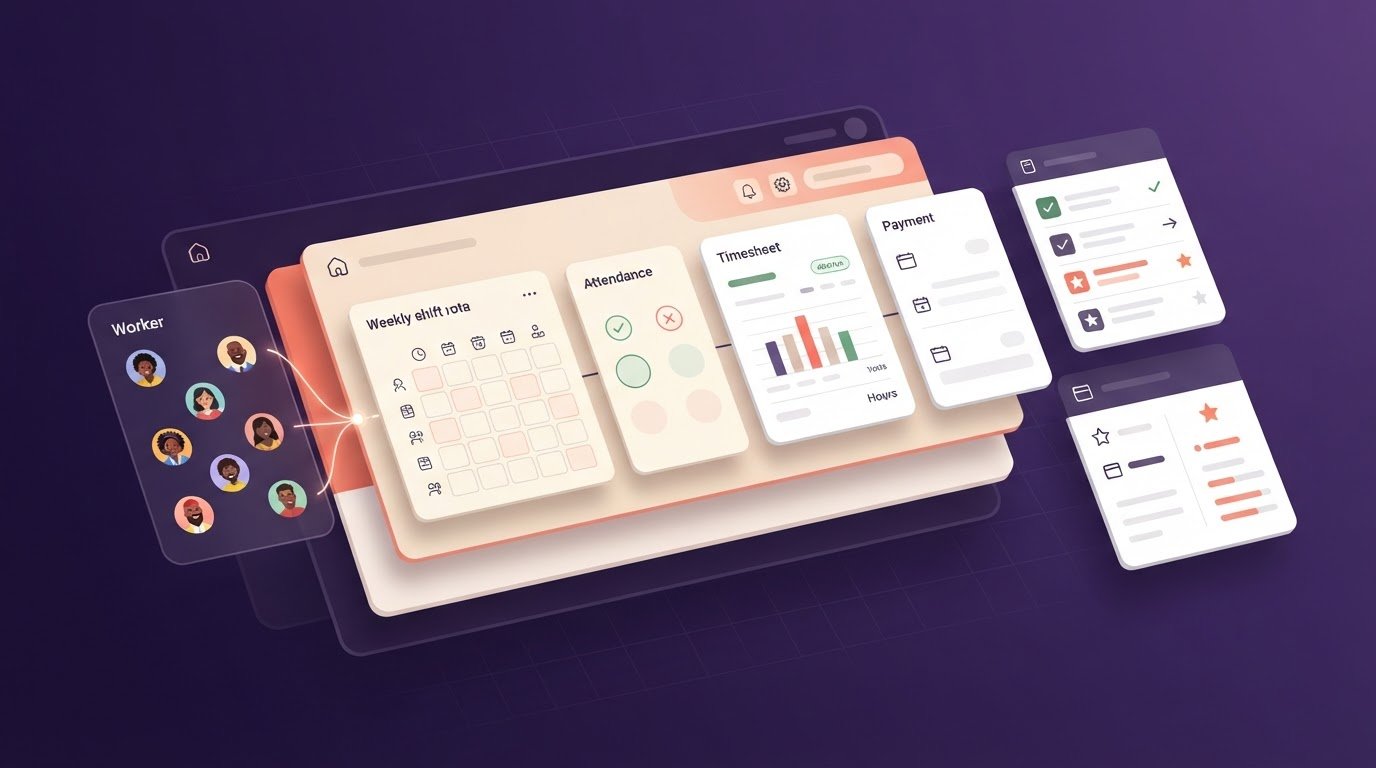
Get Shifts brings shift bookings and rota management together in workforce management software for temporary staffing agencies. It can support teams coordinating client bookings, tracking worker availability and managing open shifts across a busy rota.
Open Shift Broadcasting & Automatic Matching supports sharing open shifts and matching workers. Assess the fit against your operational needs: if your main challenge is coordinating shifts rather than recruitment alone, compare how these workflows could support your agency.
To discuss whether Get Shifts fits your agency’s processes, contact Get Shifts.
Choose the fit that clears your next bottleneck
Before committing, write down where work slows down in a typical week. Note the hand-offs that require repeated updates and the records staff enter more than once. This gives your evaluation a practical starting point based on your agency’s day-to-day work.
Then identify the change that matters most to your team. Compare staffing agency management software against that priority, including the effort required to maintain it and the processes it would replace.
Use those priorities to assess whether Get Shifts’ workforce platform fits your agency. Clear criteria make the next decision easier.
Frequently Asked Questions
What are the best staffing agency management software platforms in the UK?
There’s no single best platform for every UK agency; the right choice depends on your sector and operating model. For agencies needing a system across staffing operations, Get Shifts offers a workforce management platform. Compare shortlisted options against your client mix, the records you need to retain and whether administrators can complete daily tasks without workarounds. Judge suitability, not popularity.
How do leading staffing software platforms compare on features and usability?
Test the same task in each platform with the same user role and sample information. For example, ask a coordinator to amend a worker profile, find the related client record and locate the change later. Note how clear the labels are, how many steps the task takes and whether permissions suit each role. This practical test reveals usability differences better than feature names alone.
How does staffing software support temporary worker timesheets, rota planning and payroll?
A platform can connect planned shifts, recorded hours and pay information without processing payroll. Check whether recorded hours remain linked to the booked shift and whether client approval is captured before pay information is prepared. If a client queries a worker’s hours, your team needs a clear way to resolve the record. Confirm what data can be exported for your pay-run process.
What UK GDPR and data protection requirements apply to staffing agency software?
UK GDPR and the Data Protection Act 2018 govern how organisations handle personal data. For staffing records, assess whether your documented practices cover a lawful basis, clear privacy information, limited collection, accuracy, retention and appropriate security. The ICO’s UK GDPR guidance explains the principles and organisational responsibilities. Choosing software doesn’t by itself make an agency compliant.
How can a staffing agency choose and implement management software?
Appoint an implementation owner and agree who maintains each record type before importing data. Remove duplicate or obsolete entries, standardise client and worker fields, then test the import with representative records. Train coordinators on their actual tasks and keep an issue log during adoption. Review unresolved issues before moving the remaining records or retiring existing spreadsheets.