Workforce management software for recruitment agency compliance
A staffing agency can have the right workers and client bookings yet still lose time keeping information aligned. Workforce management software for recruitment agencies brings operational tasks into one system, helping you coordinate temporary placements and see what needs attention without relying on scattered records.
For owners, managers and coordinators, the pressure often comes from small gaps: a rota change missed by a colleague, a document reminder buried in an inbox, or an event shift that needs a clear handover. This guide explains how software supports everyday agency work, how to manage records and compliance, and why event staffing brings different coordination needs. It also covers practical ways to compare systems against your workflows, so you can choose a platform that suits your agency and the clients who rely on it.
Key Takeaways
- Bring worker availability, shift bookings and rota planning together to make staffing changes easier to manage.
- Use document expiry reminders and booking controls to keep compliance tasks visible before assigning shifts.
- Plan event staffing around changing demand, clear onboarding steps and the practical rules for irregular-hours work.
- Compare providers by how well their tools fit your agency’s workflows, from filling shifts to managing client and worker updates.
What is agency workforce management software?
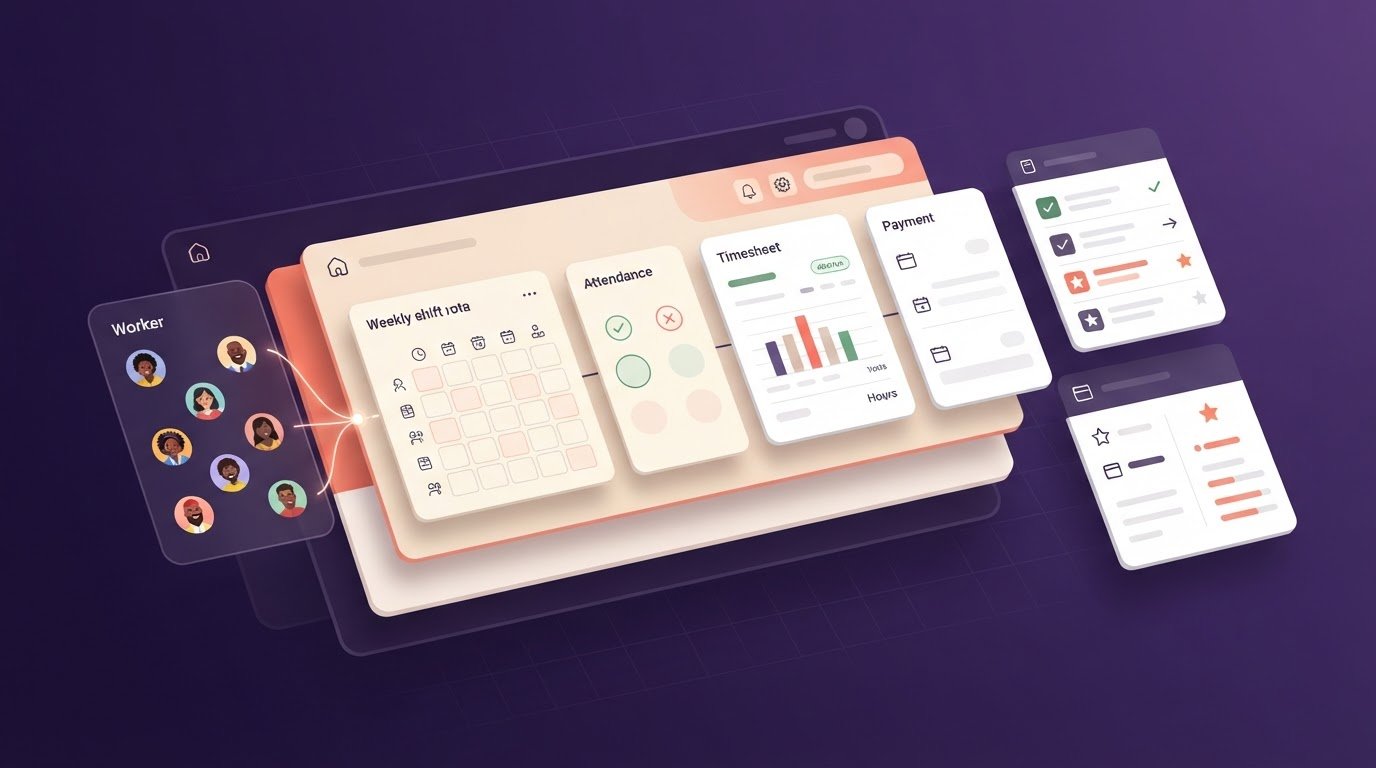
Agency workforce management software brings temporary worker records, client bookings, shifts and timesheets into one platform. Recruitment agencies use it to track availability, match workers to placements and keep booking details accurate. Rather than switching between spreadsheets, calls and messages, coordinators can follow each shift from request through completion.
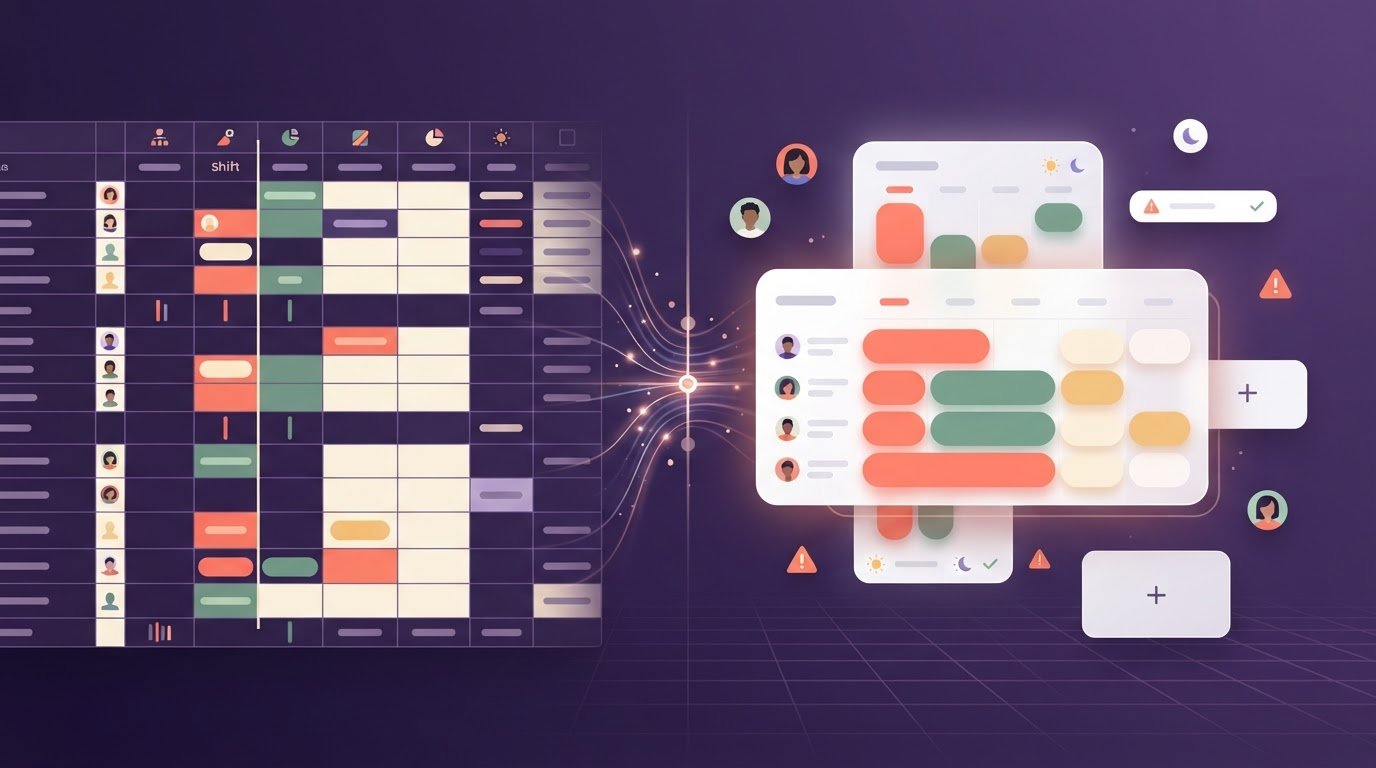
To fill a vacancy, record the client’s role, location, hours and required skills, then identify available workers. A useful system connects that booking with worker availability and clear shift details, helping coordinators manage changes without losing track. Recruitment agencies should look for availability management, rota planning, open-shift communication, attendance records and digital timesheets. These features support the whole process, from finding cover to recording hours worked.
For shift planning and scheduling, build rotas around client demand, worker availability and the hours each placement needs. For example, a care home may request an overnight nursing shift; the coordinator can compare available workers and identify a vacancy quickly. Hourly workforce scheduling also needs clear start and finish times, locations and role details. According to the UK Government, workers are entitled to a 20-minute break when a shift lasts more than six hours.
Demand forecasting means reviewing upcoming client bookings and known staffing requirements to identify likely gaps before they become urgent. Shift-filling tools can help broadcast vacancies to suitable available workers. Record the agreed pay rate and any shift-specific adjustment against the booking, giving the team a clear reference when checking hours and preparing payroll information.
Common implementation risks include incomplete worker records, unclear processes and staff unfamiliar with a new platform. Before rollout, clean existing data, agree who updates availability and train coordinators using a real booking example. Keep employee records distinct where employment status differs, and match access permissions to each person’s role. Moving one workflow or team first can expose gaps before wider adoption. After each stage, check that booking details, rota changes and timesheet records remain consistent.
Compliance management and document expiry reminders
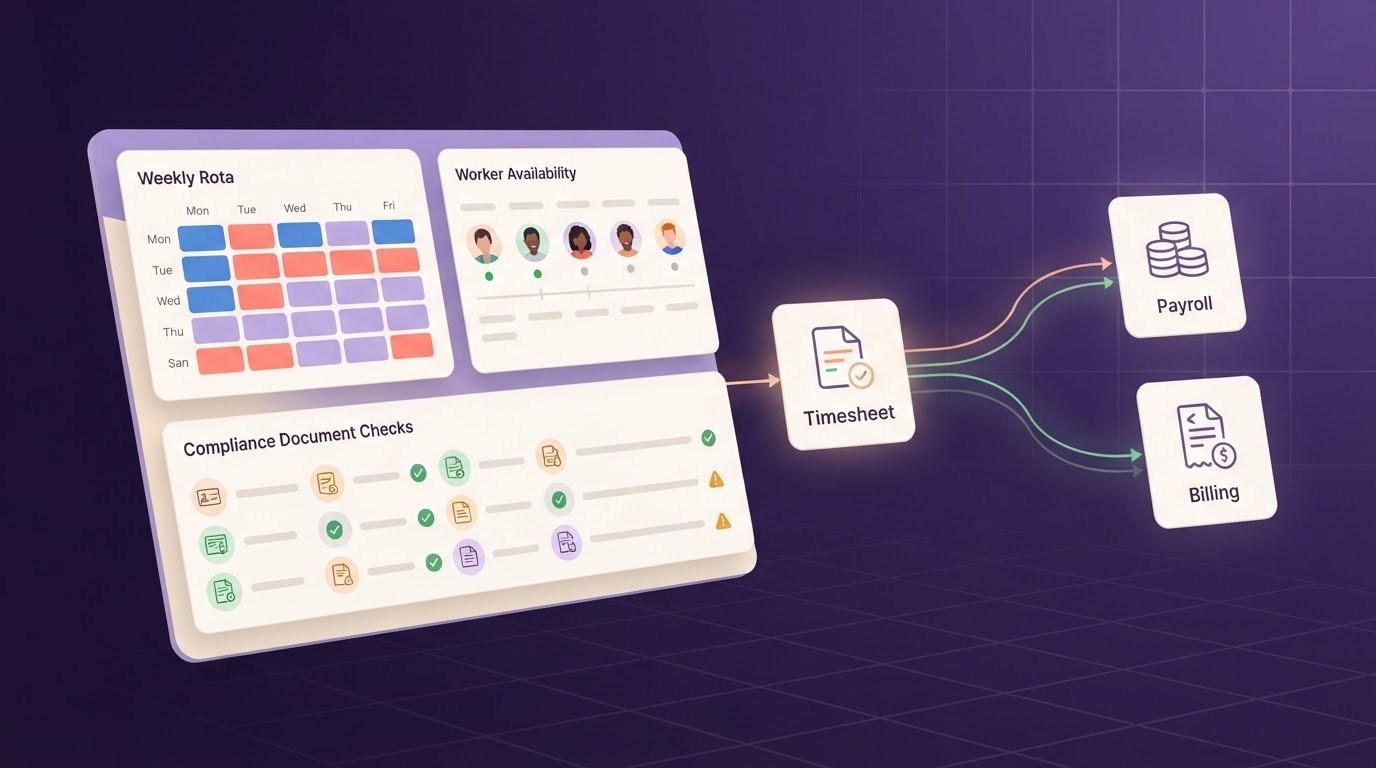
Compliance records can include identity documents, qualifications and role-specific evidence. A digital system helps you see which documents are held, when they expire and which candidates need follow-up. Establish a clear process: record each document and its expiry date, assign responsibility for renewal, then review outstanding alerts before making a placement. This replaces manual diary reminders and scattered spreadsheets with a more organised record.
Working time also affects rota planning. According to UK Government, the Working Time Regulations 1998 limit the average working week to 48 hours over a 17-week period. Use worker records to review hours across assignments and spot patterns that need attention. Keep the information current when shifts change, and check current government guidance for details relevant to your circumstances.
When choosing software, consider how it handles data: where records are stored, who can access them and how changes are recorded. The UK’s data protection framework applies to candidate and worker information. Review access controls, retention processes and export options against your agency’s procedures, and assign clear responsibility so outdated records are not treated as current.
For payroll and accounting workflows, distinguish record management from payroll processing. Workforce software may organise approved hours and provide payroll exports; accounting systems may use exported files or a separate connection. Agree which records move, who checks them and how corrections are handled. Software does not determine a worker’s IR35 status; status assessment depends on the working arrangement and belongs within the agency’s professional compliance process.
Overtime rules can vary with contracts, client terms and working patterns. Record agreed rates and hours against each shift, then review exceptions before payroll export. Reporting can help you compare rota hours, approved timesheets and pay adjustments, so discrepancies are easier to investigate. For a practical view of document-tracking workflows, explore compliance software for staffing agencies.
Workforce management software for event staffing agencies
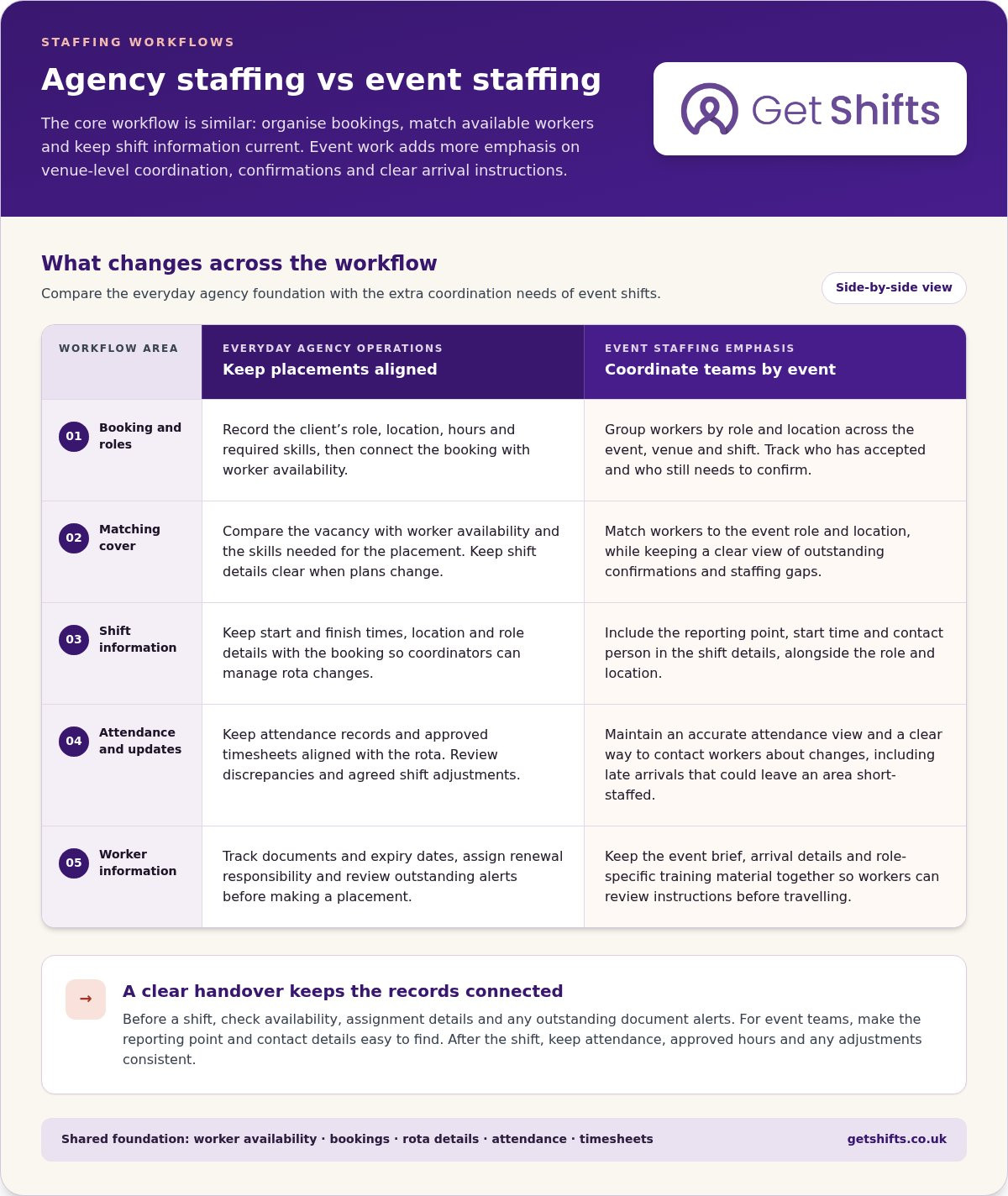
Event staffing can involve filling different roles across a venue, event and shift. A workforce platform helps an agency organise temporary workers against bookings, record availability and keep assignment details together. For example, coordinators can group workers by role and location, then track who has accepted a shift and who still needs to confirm.
Attendance also needs a clear process. Include the reporting point, start time and contact person in the shift details. At a large event, a late arrival can leave one area short-staffed, so coordinators need an accurate attendance view and a way to contact workers about changes. Keep updates in one place rather than scattering them across separate messages.
Mobile communication can put practical instructions within reach before a shift. Share the event brief, arrival details and role-specific training material in one place. Workers can review what they need to know before travelling, while coordinators keep the same information available to the staffing team. This is especially useful for temporary teams whose members may not work together regularly.
Holiday pay also needs careful handling for irregular-hours work. According to UK Government, for irregular-hours staff in the UK, rolled-up holiday pay is calculated at 12.07% of pay each pay period. Keep the relevant pay records together and make the basis for each calculation clear. Agencies should follow current guidance when applying rules to particular working arrangements.
IT recruitment and staffing agencies face a different matching task: a shift may require a particular technical skill as well as availability and a suitable location. Recruitment and staffing software can organise role requirements, candidate records and placement details. For each vacancy, record the required skills, agreed hours, client contact and assignment updates. This gives recruiters and coordinators a shared view across event shifts and temporary IT placements.
Recruitment agency workforce software providers
Providers differ in how their tools handle placements, shift operations and agency reporting. Compare them against your workflows, not a generic feature list.
Comparing providers and support
Agency size matters: a small team may prioritise quick access to bookings, while a larger operation may need clear handovers across departments. Test everyday tasks, such as finding available workers, updating a shift and approving timesheets. The right fit should make these actions straightforward for coordinators and workers.
Ask providers to demonstrate how reports present labour hours, revenue and outstanding actions. Clarify what support covers, how to contact the team and how questions are handled. These details help you assess day-to-day usability beyond a feature checklist.
Choosing and implementing software
Start by mapping one workflow, from a client request through worker placement to timesheet approval. Note where staff repeat data entry, miss updates or lack useful information. Then compare platforms against those specific steps, including recruitment records, shift changes and reporting needs.
Before rollout, assign owners for data import, access and staff training. Test a real booking with coordinators, workers and a client-facing process. Check that records remain accurate from booking to timesheet approval, then gather feedback and resolve gaps before moving more workflows.
Implementation also depends on how well the system fits existing processes. Set a clear source for worker and client records, define who updates each field, and agree how teams handle cancelled shifts. A focused trial can show whether reports answer practical questions, such as which placements remain unfilled or which timesheets need attention.
For a relevant next step, explore recruitment software for staffing agencies against the workflow you have mapped.
Get Shifts: Get Shifts workforce management platform
Get Shifts provides workforce management software for recruitment agencies and other temporary staffing agencies. Its shift booking and rota management tools bring bookings and schedules into one workflow. When a shift remains unfilled, open-shift broadcasting and automatic matching help share the vacancy with suitable workers.
Get Shifts may suit your agency if spreadsheets, calls and messages make it harder to keep bookings aligned. The platform supports your staffing operation; it does not supply workers or process payroll. Your agency remains responsible for recruitment and staffing decisions.
If you’d like to explore whether the platform fits your workflows, contact Get Shifts.
Choose a practical next step for your agency
Before changing systems, identify where your current process slows down. It might be approving a booking, finding cover for a cancelled shift or keeping rota information current. Use that workflow to judge whether workforce management software for recruitment agencies would make everyday decisions clearer for your team.
Get Shifts offers Staffing Agency Management Software through its workforce management platform. If your priority is keeping bookings and rotas organised, Shift Booking & Rota Management brings that work into the platform. Assess how these tools fit the way your coordinators handle client requests and worker availability.
Start with the workflow that creates the most avoidable admin, then consider what a better process would look like. To discuss how Get Shifts could fit your agency, contact Get Shifts and take the next step at your own pace.
Frequently Asked Questions
What is workforce management software for recruitment agencies?
Workforce management software helps an agency organise temporary placements and the work around them. Assess it by following a booking from client request to completed shift: can your team find the relevant worker and assignment record without searching separate systems? This practical test helps distinguish workforce tools from systems focused mainly on candidate records.
What are the best workforce management software platforms for UK recruitment agencies?
There is no single best platform for every UK agency; choose one that suits your sector and working processes. Test a real task, such as changing a booking and checking the resulting records, then consider how staff will use the system day to day. Get Shifts offers staffing agencies a workforce management platform, with data exports for manual import into payroll or accounting software.
How do leading workforce management tools compare for agency size, ease of use and customer support?
Providers differ in how they handle placements, shift operations and reporting. Compare tools against your agency’s size and workflows by testing everyday tasks, such as finding available workers, updating shifts and approving timesheets. Clarify what support covers and how to contact the team.