Automated Shift Matching Software for Smarter Scheduling

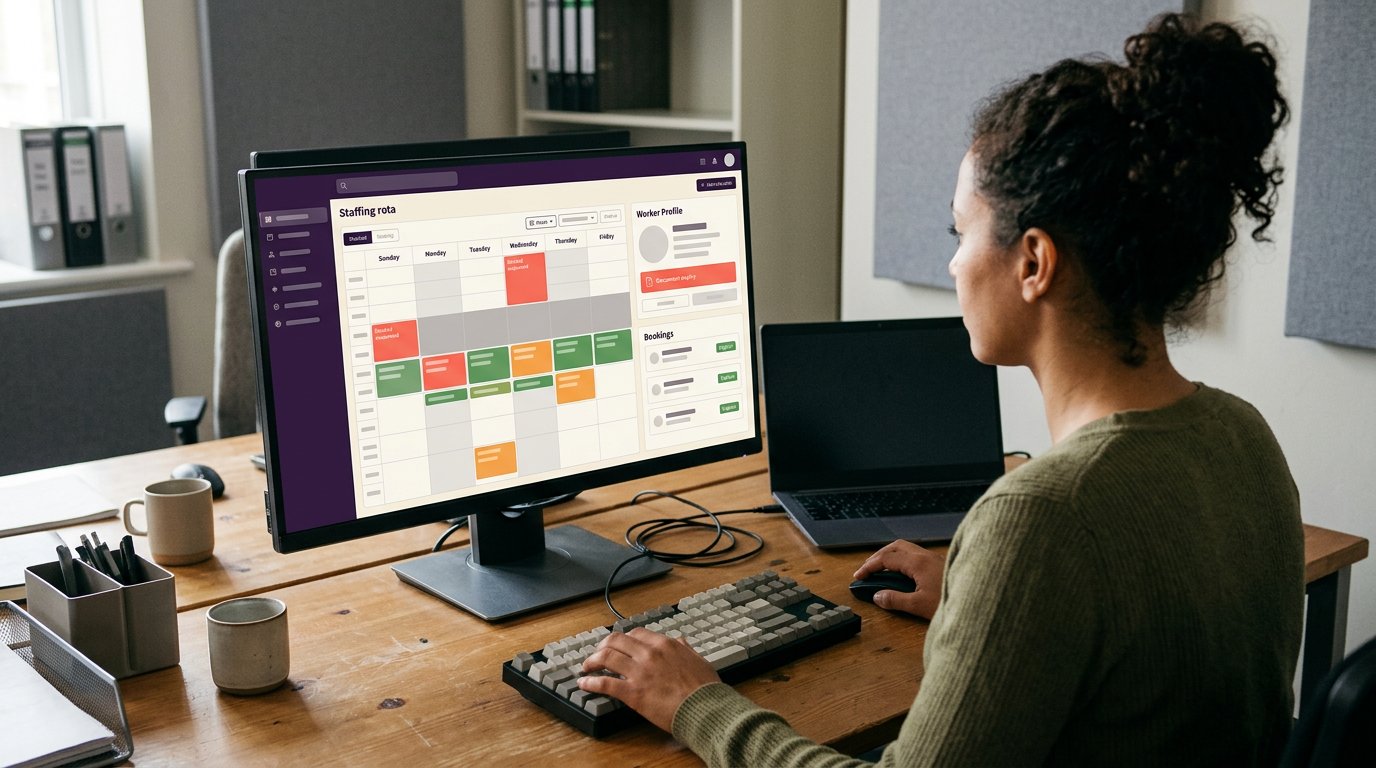
A full rota doesn’t guarantee the right people are assigned to the right shifts. Automated shift matching software can help identify suitable workers for open shifts and send offers to eligible staff, while managers retain oversight.
For UK staffing agencies, matching means balancing availability, skills, worker preferences and booking rules, often while a client is waiting for cover. You’ll learn what rota automation can take off your hands, where human decisions still matter, and how to improve shift acceptance, outcomes and compliance.
We’ll cover how matching works in practice, what to measure and how to make shift allocation clearer for your team. The aim is practical: smoother bookings for clients and fewer manual steps for co-ordinators.
Key Takeaways
- Use automation to match open shifts against worker availability, skills and booking requirements, while keeping managers involved in final decisions.
- Separate essential rota rules from preferences so the matching process can weigh each one appropriately.
- Measure whether shifts are accepted and filled well, not just how many rota changes the system processes.
- Make notifications clear and timely, and use compliance checks to help prevent unsuitable bookings.
Can AI fully automate rota planning?
No. A system can help match workers to open shifts, but managers still oversee bookings and exceptions. Automated shift matching software uses recorded information to identify suitable workers; it cannot replace judgement when a client’s needs or a worker’s circumstances change.
Rota planning and workforce management
Automated matching applies workforce information to rota planning and shift allocation. For agencies, automated shift matching software can narrow the options using availability, skills and booking criteria. Compare systems by the information they use, how managers review proposed matches and whether the process accounts for changing worker records. Spreadsheets and manual rota planning remain alternatives, but managers must search and update records themselves.
Approval workflows and response deadlines
An approval workflow identifies who reviews a proposed booking, the response window and the next action. This structure matters when several people coordinate cover. For a same-day reassignment, assign an owner and set a practical response deadline; allow more time for a future rota change. UK software costs vary by provider, billing model and included functions, so compare like-for-like quotes.
Automated shift replacement
A replacement workflow begins when a worker becomes unavailable, then identifies and contacts possible alternatives. For example, a manager records the absence, checks for suitable workers and sends an open-shift offer. The manager confirms acceptance and handles exceptions. This can reduce repeated calls, but depends on accurate availability and clear client requirements.
Matching and workflow automation
Matching identifies possible workers; workflow automation manages offers and responses. Check which criteria shape recommendations, how managers review them and what records are retained. Data connections with payroll, HR or time-and-attendance systems vary, so confirm the specific data flow before relying on one. Risks include outdated records, inappropriate access and biased criteria. Restrict access appropriately and review recommendations for consistent outcomes.
Measuring rota outcomes and improving the system
Measure the results of your rota process, not just how quickly a rota is produced. Track whether shifts are filled, offers accepted, changes made and the cover clients requested provided. For example, if a care home regularly needs last-minute replacements, review where the process slows down: finding workers, sending offers or confirming bookings. Speed matters only when it supports dependable staffing.
Choose measures that link day-to-day workforce management with operational outcomes. Record how many shifts remain unfilled, how often workers decline offers and how frequently managers make manual changes. Note the time each stage takes, from receiving a booking request to confirming a worker. Consistent records show whether a change improves the process or simply moves work elsewhere.
- Compare accepted offers with declined or unanswered offers.
- Review unfilled shifts and repeated changes by client or shift type.
- Ask workers which shift patterns or notice periods make offers practical.
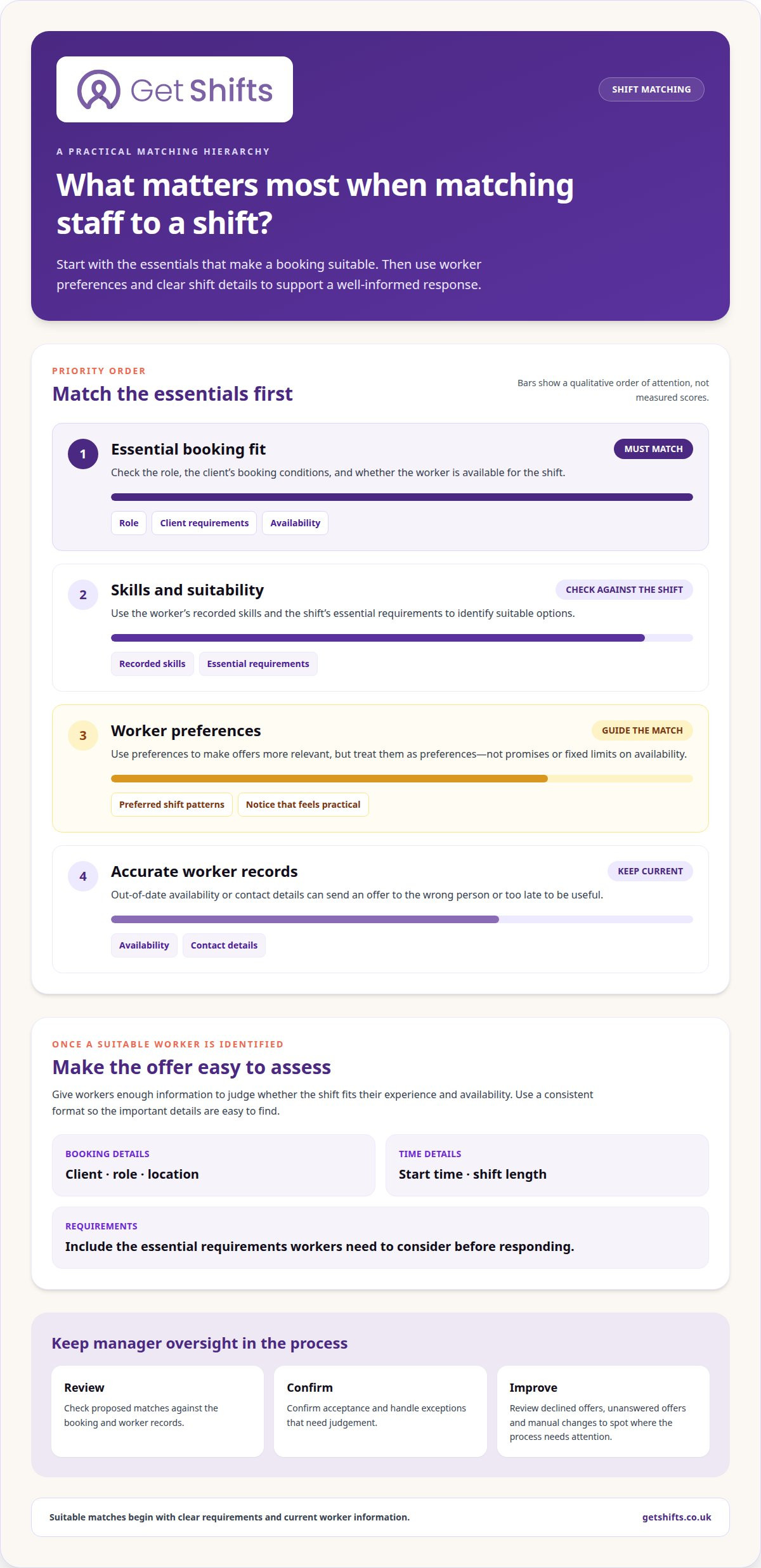
Current worker preferences can improve matching, but treat them as preferences, not promises. A worker may favour daytime care shifts while remaining available for other work. Separate essential criteria, such as the role and client’s booking conditions, from preferences. Keep manager discretion for unusual cases and record why a proposed match was changed. This helps your team spot unsuitable patterns and adjust its criteria.
Sector needs also shape useful measures. A care rota may prioritise continuity and role suitability; hospitality may need to respond to changing service demand. Review outcomes by sector, client and shift type, then test a change alongside the existing process before relying on it. This makes rota planning easier to assess against real workforce needs, rather than broad market-growth claims.
Start with one clear question, such as whether better worker preferences reduce declined offers. Review the same measures before and after changing the process, and keep an eye on service outcomes as well as speed. If you’re organising bookings and rotas in one workflow, explore shift booking and rota management.
Staff notifications and shift acceptance
Clear notifications help workers decide whether a shift suits them before accepting. Demand forecasting can also give staffing teams earlier notice of likely gaps.
Communicating available shifts
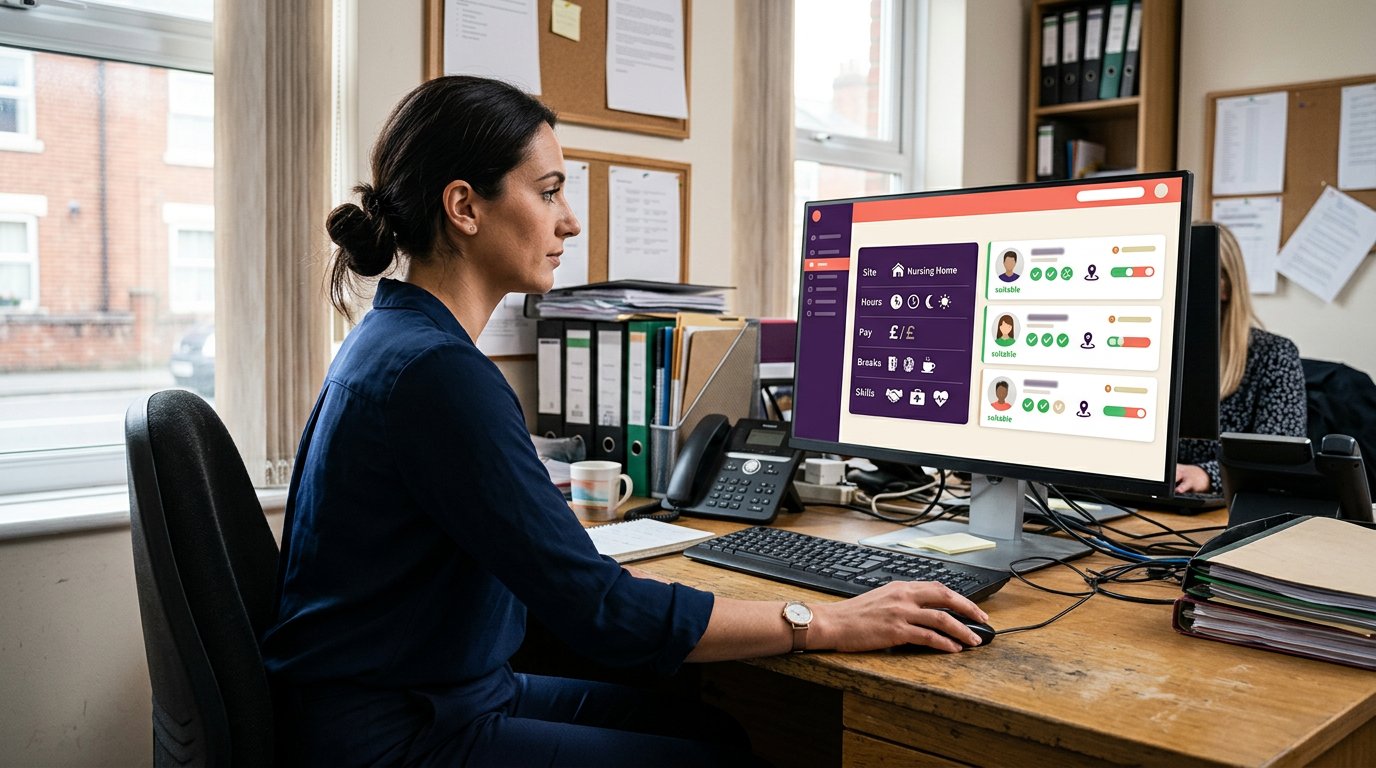
A shift notification should tell workers what’s available and how to respond. Include the client, role, location, start time, shift length and essential requirements. For example, a care worker needs enough detail to judge whether a nursing-home shift fits their experience and availability. Use a consistent format across email, push notifications and manual SMS, so important details are easy to find.
Offering shifts to eligible staff
Offer shifts to workers who meet the essential requirements and are available. Clear eligibility criteria help prevent irrelevant notifications going to staff who cannot take the booking. For a hospital night shift, make the role, location and hours clear before the worker responds. Track accepted, declined and unanswered offers separately: each points to a different issue.
Demand forecasting uses past booking patterns and known client requirements to flag potential staffing gaps. For example, recurring weekend requests can help managers review likely cover needs before finalising the rota. Treat a forecast as a planning signal, not a confirmed booking. Managers can compare it with current client requests and worker availability, then decide whether to prepare an open shift.
Accurate worker records support relevant shift offers. If availability or contact details are out of date, notifications may reach the wrong people or arrive too late. Set a routine for updating these details, and review responses by client, role and shift type. If workers accept but later withdraw, check whether the offer included enough information or the shift conflicted with stated preferences.
Keep shift acceptance records separate from payroll records so each serves its purpose. See how workers receive shift updates.
Compliance and qualification checks
Compliance matching compares a worker’s recorded documents and qualifications with a client’s booking conditions. In UK agency staffing, accurate records help managers assess whether a worker appears suitable before confirming a shift. Document tracking supports this process, but doesn’t perform checks or replace a manager’s decision. Keep that distinction clear when setting up your rota process.
Start with a consistent structure for worker profiles. Record relevant documents, expiry dates and the roles or client bookings they relate to. For example, a care booking may have different qualification criteria from a hospitality shift. Clear records help managers spot conflicts between booking requirements and a worker’s profile, rather than relying on memory or scattered files.
Expiry tracking can remind managers when a document is approaching its recorded end date. Booking rules can then warn or block a booking based on the agency’s settings. A warning prompts a review; a block prevents the booking from proceeding through the system. Managers should understand which rule triggered the alert and what action follows.
- Match each booking’s criteria to the relevant profile records.
- Review expiry alerts before offering or confirming a shift.
- Record the reason when a manager resolves an exception.
For example, if a client requests a worker with a particular qualification, the matching process should apply that criterion before showing suitable staff. If a document has expired, an alert or booking block can bring the issue to attention. Managers can review the record and resolve the issue through the agency’s normal process. The system tracks documents; it doesn’t renew them or verify their contents.
Reviewing alerts and exceptions can also help improve the process. If the same booking conflict recurs, managers can assess whether worker information, client criteria or booking rules need updating. Keep changes controlled and clear, so an adjustment addresses the right issue without weakening other checks. This makes compliance part of shift matching, rather than a separate last-minute task.
Make your next rota easier to manage
Use your next rota cycle to identify where manual work causes the most friction. Perhaps managers spend too long finding cover, or shift offers are difficult to track. Choose one pressure point, then assess whether a clearer process gives your team more time to focus on client and worker needs.
Automated shift matching software can support that change, with managers retaining oversight of bookings and exceptions. Get Shifts brings staffing agency management software together with shift booking and rota management, plus open-shift broadcasting to eligible workers. These tools give your team a practical way to organise shift coordination in one workflow.
If you’re ready to explore a calmer way to manage agency rotas, contact Get Shifts to discuss scheduling. A clearer process can help your team focus on the people behind every shift.
Common questions
How can automated matching improve job assignment efficiency?
Automated matching can sort workers against the requirements recorded for each booking. This helps managers focus on suitable options instead of opening records one by one. For example, an agency can organise separate worker groups for care, security and hospitality roles. Accurate profiles and clear criteria are essential: incorrect details can produce irrelevant suggestions and add work instead of reducing it.
How should rota tools handle union agreements and UK employment rules?
Rota tools can apply rules entered by the agency, but they can’t interpret agreements or provide legal advice. Requirements depend on the relevant contract, agreement and circumstances. For information on working hours, see GOV.UK guidance on maximum weekly working hours, and check current official guidance for the situation. A manager should review how any configured rule affects a proposed rota.
How quickly can automated rota planning deliver a return?
There’s no single timeframe that applies to every agency. Results depend on existing admin work, setup, record quality and staff uptake. Before changing processes, note where time goes, such as resolving duplicate bookings or correcting rota details. After implementation, review those tasks alongside the quality of client cover. That gives you a more useful assessment than measuring speed alone.
How can you use automated tools for shift planning and job assignments?
Begin with a defined booking process: record the client’s request, specify role requirements and keep worker profiles current. Use the system to organise relevant information, then assign a manager to review proposed matches and resolve exceptions. For instance, separate requests by client and location to avoid mixing similar roles. Review the process when client requirements or agency procedures change.
What are the benefits of automated rota planning?
Automated rota planning can bring booking information and worker records into a more organised process. This makes pending decisions easier to spot during handovers between coordinators. It can also reduce repeated data entry when the same booking details appear in multiple places. The value depends on accurate records and consistent use, so keep a clear process for correcting errors.
What happens after a last-minute absence or emergency?
Record the change against the affected shift, then review which workers are available and suitable. If the first offer doesn’t fill the gap, the manager can move to another eligible worker and keep the client informed. For an urgent hospital request, note who is handling each update so messages don’t conflict. The system organises information while managers coordinate the response.