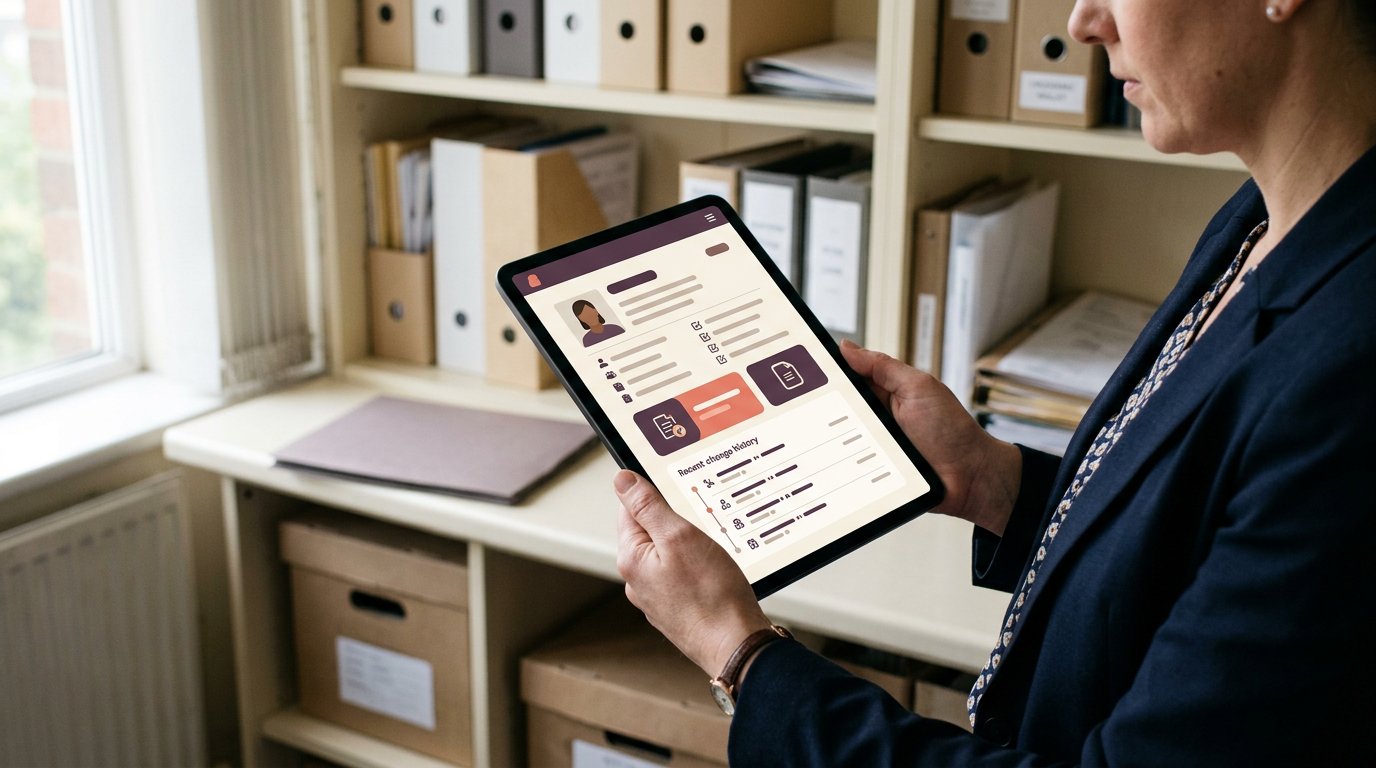
Prevent Non Compliant Staff Bookings With Booking Controls
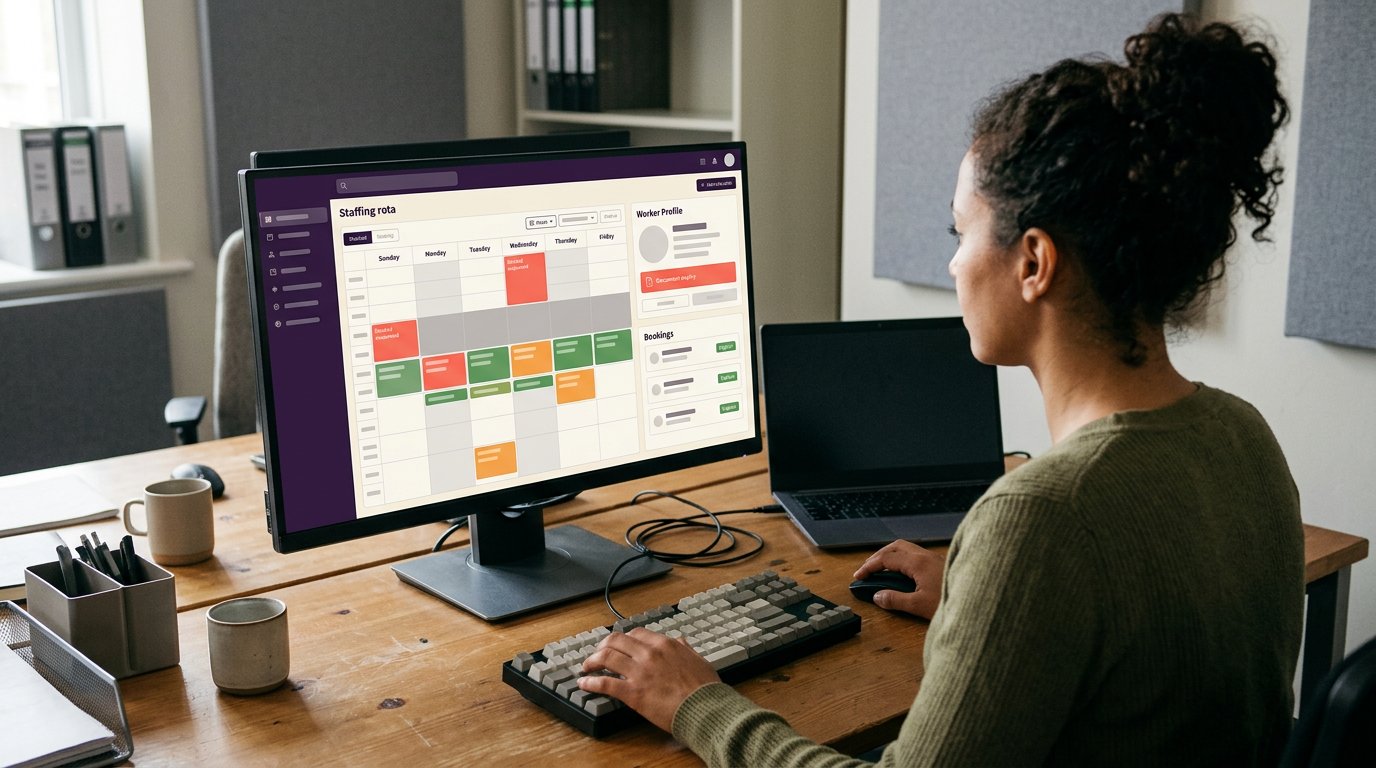
A booking policy only works when the booking process applies it. To prevent non-compliant staff bookings, direct requests through the official booking tool, set clear rules to warn or block bookings that do not meet them, and review the configuration regularly. Track compliance to see whether the controls work in practice.
If you manage staffing agency bookings, you know a clear rule can still be missed when a shift needs covering quickly. Phone calls, messages and bookings made outside the usual process can leave gaps in the audit trail and make it unclear whether a worker meets the requirements.
This guide explains how to make the approved booking route easier to follow, what to review in your booking tool, and how compliance rates can reveal recurring problems. It also covers how to handle urgent exceptions without letting them become routine.
Key Takeaways
- Make the official booking route clear and straightforward so staff know where to request shifts.
- Review booking rules and tool settings to spot where non-compliant requests could pass through.
- Track compliance rates to identify recurring issues and see whether booking controls are working.
- Set a clear process for urgent exceptions, with approval and a record of the reason.
1. Requiring employees to book through the official online booking tool
Make one booking route the recognised route for every shift. An online booking tool gives workers and client managers a shared place to request, offer and confirm shifts. A phone call or text may help resolve an urgent gap, but record the confirmed shift in the tool so it has a clear status and audit trail. This helps prevent non-compliant staff bookings from slipping through informal channels.
Off-platform requests often stem from practical friction. A worker may not know where to find shifts, receive an offer by text, or assume a manager’s verbal approval is enough. For example, a nurse who accepts a night shift by message may miss a required booking check if nobody records the request centrally. Ask managers where requests came from and why workers bypassed the tool. Patterns can reveal unclear instructions, access problems or a process that is awkward during a busy handover.
Keep the booking policy short enough to use when making a decision. State which tool to use, what information to provide and how to flag an urgent request. Managers should explain the steps in team briefings and repeat them when someone joins or the process changes. A practical example helps: show how a care home requests a shift, how the agency confirms it and where the worker sees the final details. Clear instructions reduce confusion before it causes a rota gap, expense or disputed booking.
Recognition can reinforce the routine without turning every booking into a reprimand. Managers can thank workers who use the correct route and provide complete details, especially when requesting last-minute cover. Pair that feedback with regular checks: compare tool bookings with phone, text and email requests, then follow up on exceptions. If the same issue recurs, clarify the relevant policy or booking instructions rather than assuming staff are deliberately ignoring the process. Consistent checks show whether a reminder, clearer steps or a conversation with a manager would help.
Automated compliance checks and audit tools
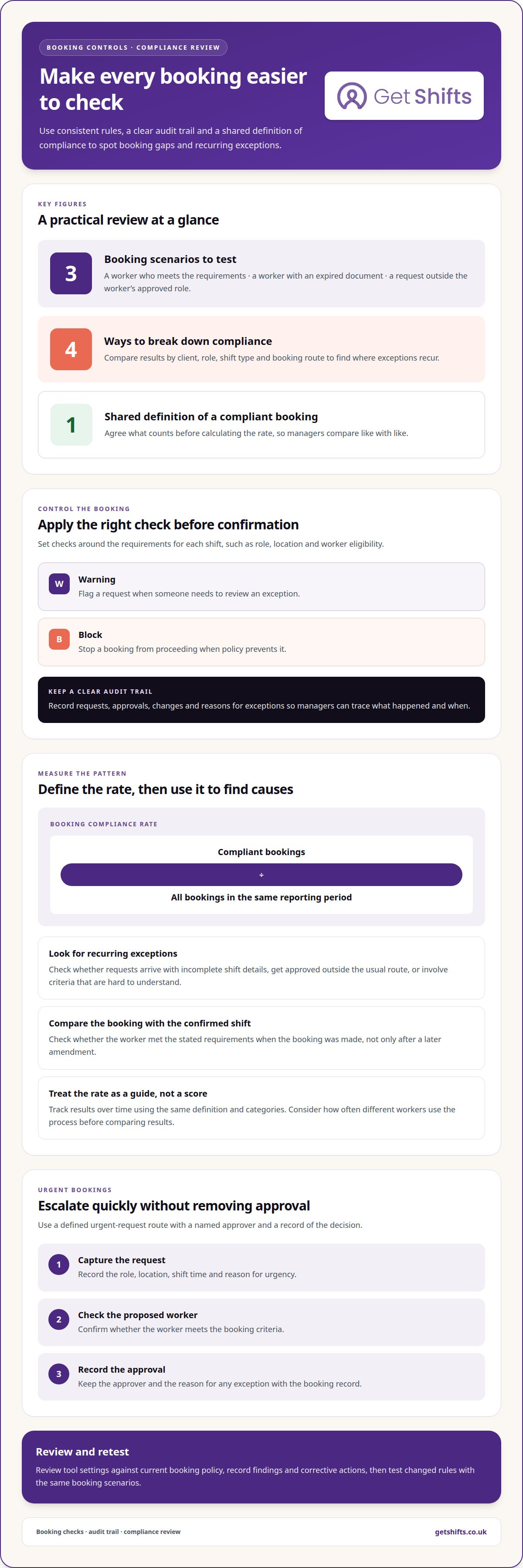
Booking controls work best when the same rules apply to every request. Set checks around the requirements for each shift, such as role, location and worker eligibility. For example, a nursing shift request can trigger the relevant checks before confirmation, rather than leaving a manager to spot a problem afterwards. Use a warning when someone needs to review an exception, and a block when policy prevents the booking from proceeding.
An audit trail records what happened to a booking and when. Keep a clear history of requests, approvals, changes and reasons for exceptions so managers can trace each decision. If a worker’s document has expired, the record can show whether the booking was stopped, reviewed or amended. This makes follow-up specific: managers can address the control or process that failed instead of relying on memory or scattered messages.
Review the booking tool configuration regularly and after any policy change. Test realistic cases: a worker who meets the requirements, one with an expired document, and one requesting a shift outside their approved role. Confirm that each result matches the intended rule. Check that user roles have the right approval options and that a rule change has not created an unintended way around a booking check.
During each audit, compare the tool settings with current booking policy, then record the finding, owner and corrective action. Look for repeated overrides, missing approval reasons and requests completed outside the tool. These patterns reveal control gaps and where staff need clearer guidance. A dashboard can bring open exceptions and recurring failures into view, helping managers act before the same issue happens again. Review findings with the people who manage bookings, then retest changed rules using the same scenarios.
3. Booking compliance rates
A booking compliance rate shows how often bookings follow the agreed policy. Define a compliant booking first, then compare compliant bookings with all bookings in the same reporting period. For example, a care agency might count a shift as compliant when the worker meets the booking criteria and the request follows the approved process. Without a shared definition, managers may calculate different results from the same rota data.
Use the rate to find patterns, not to label individual workers. Break results down by client, role, shift type and booking route. If nursing shifts show more exceptions than cleaning shifts, review the requirements and booking steps for those roles. If a particular client’s bookings often need manual changes, the issue may lie in the request process or settings, not with workers accepting shifts.
Frequent exceptions can signal practical problems: workers may receive incomplete shift details, managers may approve requests outside the usual route, or criteria may be hard to understand. Compare the booking record with the final confirmed shift. For example, check whether a worker booked for a care-home night shift met the stated requirements when the booking was made, not just after a later amendment.
Track changes over time using the same definition and categories. Record compliant bookings, exceptions and the reason for each exception, then review recurring causes. A rate that rises after managers clarify a confusing instruction suggests the communication helped; repeated exceptions may mean a control needs adjusting. Compare frequent and occasional bookers carefully, since their exposure to the process differs. Share results with booking managers and agree on one practical action, such as clarifying a rule or improving a client request form. This makes the rate a guide for follow-up, not a score without context.
4. How should organisations handle exceptions and urgent bookings without weakening controls?
Urgency should speed up escalation, not remove approval. Give managers a defined route for urgent requests, with a named approver and a record of the decision. For example, if a care home needs cover for an unfilled night shift, the booking manager can escalate the vacancy before agency staff are booked. NHS guidance identifies approval before booking agency staff as the escalation point for vacant shifts.
Separate the request from the approval. The client can state the role, location, shift time and reason for urgency. The agency manager can then confirm whether the proposed worker meets the booking criteria and record who authorised any exception. A short written approval in the booking record is clearer than relying on an undocumented phone conversation.
Keep essential checks in place even when time is tight. If a worker does not meet a required booking criterion, route the request to the authorised decision-maker instead of treating urgency as automatic permission. Record the issue, the reason for proceeding or declining, and any conditions attached to approval. This gives the next manager a clear account if the shift changes hands during a busy handover.
After the shift is covered, review the exception alongside other recent cases. Check whether the client’s request arrived late, the approval route was unclear, or the booking criteria created a recurring delay. If a shift cannot be filled through the approved process, record that outcome too. A simple exception log helps managers distinguish genuine urgent cases from routine workarounds, then update instructions or escalation routes where needed. To discuss how approval steps could fit your booking process, book a demonstration.
Get Shifts
Get Shifts provides staffing agency management software to manage bookings and rotas in one place. When calls, messages and last-minute cover make booking controls harder to apply consistently, a shared process gives managers and workers a clearer view of shift requests and confirmations.
Shift Booking & Rota Management supports the day-to-day process, while Open Shift Broadcasting sends available shifts to eligible workers. Workers can use the mobile app to view and respond to bookings. These tools help agencies bring shift activity into a consistent workflow, while booking rules and approval processes continue to guide each decision.
If you want to explore how Get Shifts could fit your agency’s booking process, contact Get Shifts.
Make your booking controls part of everyday work
To prevent non-compliant staff bookings, make the approved process practical for the people using it. Review where requests arrive, how exceptions are approved and which booking rules need clearer wording. Choose a manageable improvement, then see whether it changes booking patterns. Small, consistent adjustments can make compliance easier without adding unnecessary steps to a busy rota.
Your next step could be mapping one booking journey, from a client’s request to the worker’s confirmed shift. That gives you a clear view of where controls support the process and where managers need better visibility. Explore how compliance software for staffing agencies can support that work, then choose a practical change to build into your next rota cycle.
Frequently Asked Questions
What are the risks of non-compliance and how can companies mitigate them?
Non-compliant bookings can lead to duplicate cover, extra administration and uncertainty for clients about who is attending. They can also make it harder to reconcile a shift with its timesheet. Reduce these risks by comparing confirmed bookings with completed shifts, noting discrepancies and discussing recurring problems with the relevant client or booking team. This addresses operational effects as well as the booking record.
What is non-compliance and why is it important for businesses?
Non-compliance means failing to follow an organisation’s stated process, policy or agreed client requirements. In staffing, a booking might differ from the role or location requested by the client. A shared definition helps managers categorise problems consistently and distinguish a one-off data-entry mistake from a recurring issue that calls for a change to the process.
How can organisations prevent staff from making non-compliant bookings?
Make booking information specific enough to prevent avoidable mix-ups. For example, distinguish between sites with similar names and state whether a shift requires a particular role or working pattern. Ask clients and booking teams where requests are commonly misunderstood, then adjust the wording or form fields. Clear details can prevent errors caused by incomplete or ambiguous information, rather than leaving staff to guess what a request means.
What booking policy controls help ensure staff bookings comply with company rules?
Separate essential requirements from preferences, and map them to the relevant client and role. For example, a client may require a particular experience level for one shift type, while another client has different expectations. Assign an owner to each policy entry and review it when client arrangements or role descriptions change. This keeps guidance relevant and avoids applying a broad rule where a more specific one is needed.
How can booking systems enforce approval limits and prevent unauthorised bookings?
Where the system allows, assign user permissions that reflect each person’s booking responsibilities. For example, one role might create draft requests while another confirms bookings within its authorised scope. Explain what to do when a request falls outside that scope, so staff know which route to use. Review access when responsibilities change and remove permissions that are no longer needed.
What approval workflows are effective for high-cost or out-of-policy bookings?
For high-cost requests, compare the proposed booking with the client’s agreed terms and identify who owns the relevant budget or account. Set an escalation route for requests that exceed those terms, while keeping routine bookings on a simpler path. For example, a booking manager can refer an unusual charge to the account lead before confirming it. This focuses review on significant departures rather than every request.