Branded Candidate Portal Software for Recruitment Agencies
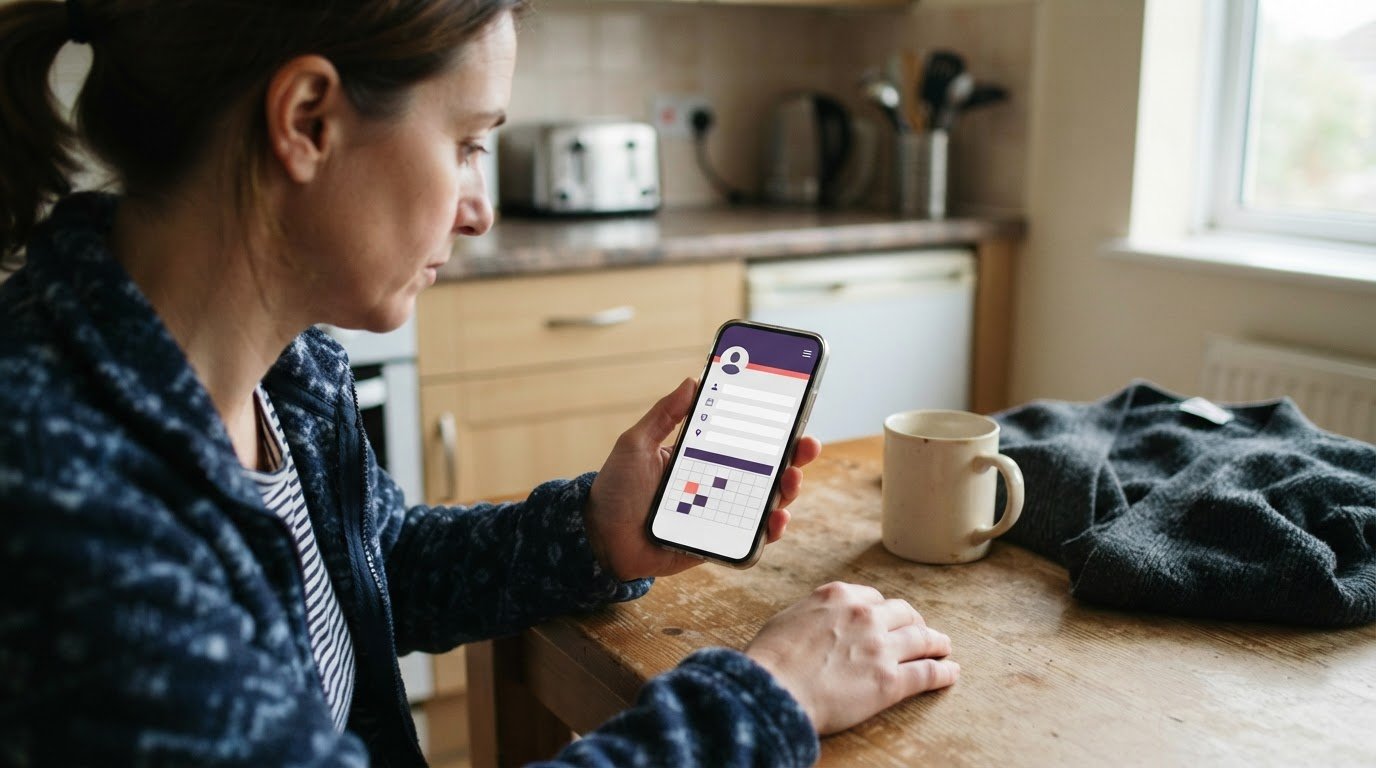
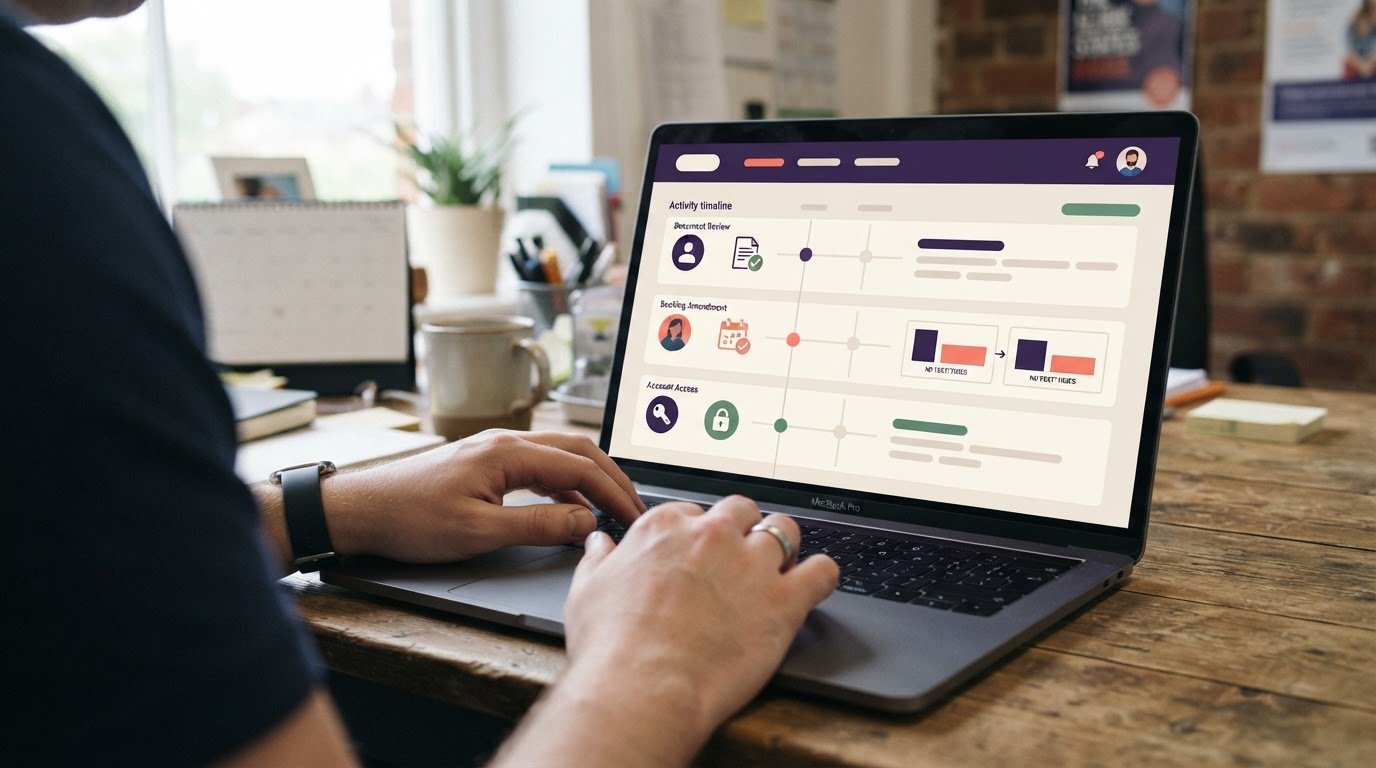
When applications, availability updates and candidate messages arrive through separate channels, recruitment can quickly become difficult to manage. Branded candidate portal software gives applicants a clear, agency-branded way to apply and manage their details.
This guide explains how candidates use a portal to apply, update their profiles and availability, and communicate with your team. It also covers what to consider when choosing a branded experience and how Get Shifts can support the recruitment process.
Key Takeaways
- Shape application forms around the information your agency needs, while keeping the candidate journey clear and manageable.
- Give candidates a straightforward way to maintain profile details and availability, so your team has a clearer view of who may be suitable for a shift.
- Bring candidate updates and agency communication into one portal instead of relying on scattered messages.
- Choose an approach that fits how your recruitment team works, whether you hire for an agency or an in-house team.
Customisable application forms and CV parsing
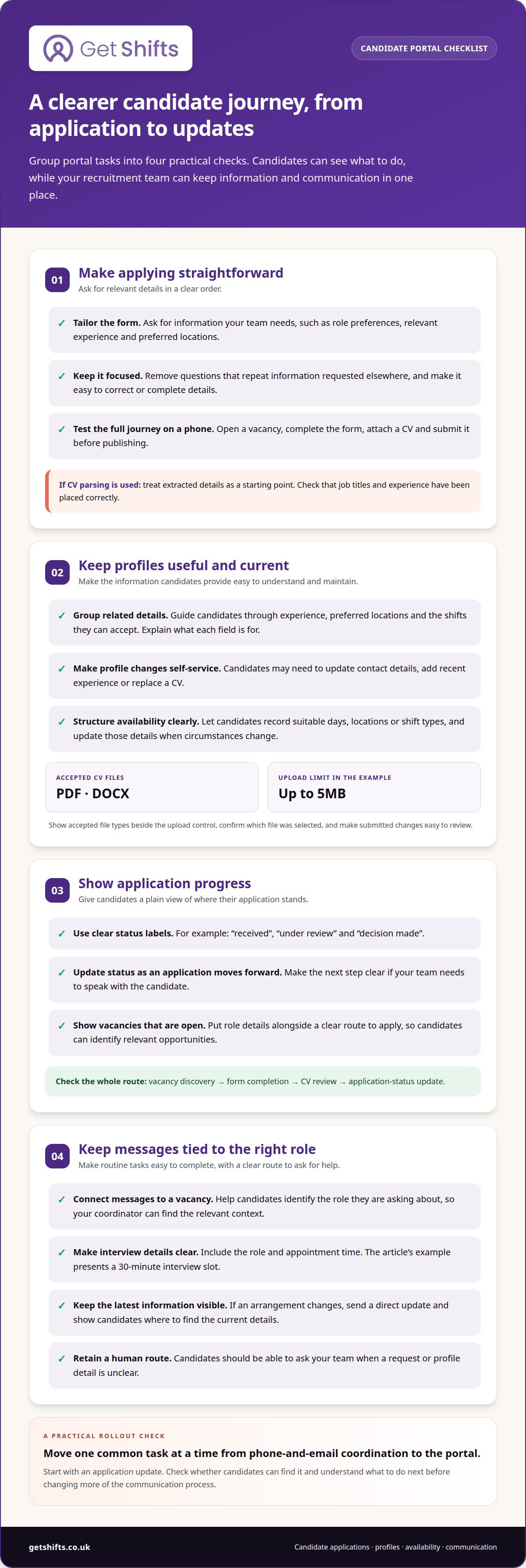
A clear application asks the right questions in a logical order. For a care role, you might ask about role preferences, relevant experience and preferred locations. Tailor the form to collect the information your recruitment team needs, without asking every applicant to complete irrelevant fields.
CV parsing extracts details from a candidate’s CV and places them into profile fields. Treat the result as a starting point, not a final decision. Check, for example, that a care worker’s job titles and experience have been placed correctly before assessing their suitability. Keep the form focused and give candidates a clear way to correct or complete their details.
Mobile-friendly applications matter when candidates apply between shifts or while travelling. Use readable labels, simple layouts and an upload step that works on a phone. Before publishing a vacancy, test the full journey on a small screen: open the role, complete the form, attach a CV and submit. Remove questions that repeat information requested elsewhere.
Make vacancies easy to find, with role details and a clear application route alongside each position. Recommendations can help candidates spot relevant roles, such as a nursing-home shift that matches their preferred location. Show only roles that are currently open.
Application-status tracking gives candidates a way to follow progress, while helping your team manage each application stage. Use plain labels such as “received”, “under review” and “decision made”, and update them when the application moves forward. No named UK customer reviews or case studies are cited here; the examples focus on practical application steps rather than claims about specific agencies.
When assessing branded candidate portal software, review the whole journey: vacancy discovery, form completion, CV review and status updates. A test application can reveal confusing questions or broken steps before candidates encounter them.
Candidate profile and availability management
A useful profile gives your team an up-to-date view of each candidate’s experience, contact details and shift availability. Clear registration and straightforward profile updates can reduce the need to chase changes by phone or message.
Candidate registration and profile completion
Registration should guide candidates through the details your agency uses to match people with work. A care worker, for example, might enter relevant experience, preferred locations and the shifts they can accept. Group related questions, explain what each field is for, and make incomplete sections easy to identify. Candidates can then complete their profiles without guessing what your team needs.
CV uploads can add useful context to those details. Candidate portal upload forms may accept PDF and DOCX files up to 5MB. State accepted file types beside the upload control, then show candidates which file they selected. A clear confirmation helps prevent an outdated CV being mistaken for the latest version.
Self-service profile updates
Self-service lets candidates update their details without relying on your coordinator to make every change. They might change a phone number, add recent nursing-home experience or replace a CV after gaining new skills. Make relevant fields easy to find and the save action clear. Candidates should also be able to review the changes they submit.
Availability needs a practical structure. Let candidates record suitable days, locations or shift types, and prompt them to update those details when circumstances change. A care worker whose weekday availability has changed can update their profile before your team considers them for another rota. Clear dates or status labels help distinguish current information from older entries.
Profile updates work best when candidates know what happens next. Confirm when a change has been submitted, and provide a way to ask questions if the profile needs clarification. Your team can then use consistent information when discussing suitable work, instead of relying on a series of separate calls.
For agencies organising candidate records alongside recruitment activity, recruitment workflow tools can bring those tasks into view.
Candidate self-service and communications
A candidate portal gives applicants one central place to view vacancies, updates and documents. For agency teams, it offers a clearer way to handle routine candidate administration without relying on separate emails for every step.
Map the candidate journey from invitation to next action. Candidates should be able to sign in, find relevant vacancy information, submit documents and see application updates. If an action needs input from your agency, make the next step clear. For example, distinguish an application that has been received from one awaiting a conversation with your team.
Keep messages connected to the relevant vacancy. A candidate asking about a nursing-home shift should be able to identify the role in their message, helping your coordinator respond with the right information instead of searching unrelated email threads. Agree simple team practices, such as recording decisions and notifying candidates when their status changes.
Interview arrangements can also sit within the candidate journey. A portal interface might present a 30-minute interview slot for a candidate to select. Clear details, such as the role and appointment time, help prevent confusion. If the agency changes an arrangement, send a direct update and show candidates where to find the latest information.
Self-service works best when candidates can handle routine tasks independently and still reach someone when needed. Make document submission, application updates and interview details easy to find. Provide a clear route to ask about an unclear request, rather than leaving candidates to guess or message several team members.
When moving from phone-and-email coordination to a portal, change one part of the candidate journey at a time. Start with a common task, such as sharing an application update, and check whether candidates can find it and understand what to do next. This can expose confusing steps before your team changes more of its communication process.
Branded candidate portals for agencies and in-house teams
Agencies and in-house teams both use branded portals to guide applications, but their candidate journeys differ. An agency may recruit workers for several care homes, while an in-house team hires directly for one organisation.
For an agency, make the distinction between your agency and its clients clear. Candidates applying for a nursing-home role should know who is handling their application and where to ask questions. Use your agency identity consistently across vacancy pages, application steps and messages. Explain your relationship with the care home in plain language, especially when candidates can apply for roles at different client sites.
An in-house team can focus its portal on one employer’s vacancies, working environment and application process. A hospital, for example, might group roles by department or location. Candidates can then see which organisation is recruiting and what happens after they apply. The portal should reflect the employer’s language and hiring stages, rather than agency-to-client hand-offs.
| Consideration | Recruitment agency | In-house team |
|---|---|---|
| Candidate relationship | Make the agency and hiring client clear. | Present the direct employer consistently. |
| Vacancy context | Identify the client and site for each role. | Organise roles by team or location. |
| Application journey | Explain agency review and client involvement. | Set out the employer’s hiring stages. |
Before choosing a platform, map a real application journey from vacancy search to application update. Note when agency staff, a care-home client or an in-house hiring manager needs to act. This reveals whether the portal can reflect the actual process without confusing candidates.
Consider how your needs may change. An agency may add client sites or sectors, while an in-house team may reorganise departments. Choose a structure that can accommodate change while keeping role ownership, candidate communications and organisational identity clear. The right fit depends on who recruits, who makes decisions and what candidates need to see at each stage.
GetShifts: Staffing Agency Management Software
GetShifts provides staffing agency management software that brings candidate applications and staffing operations together. Its Candidate Portal & Branded Job Board gives candidates an agency-branded route to vacancies and applications. The Worker Mobile App for iOS and Android gives staff another way to access the platform, while the Client Booking Portal supports booking communication with care homes and hospitals.
This software may suit your agency if candidate administration sits alongside shift bookings and client requests. GetShifts provides software for staffing agencies, not workers or candidate placement. Consider how its portal could fit your recruitment workflow and your team’s day-to-day processes.
Use your agency’s recruitment and staffing process as your measure: the portal should fit the way your team manages candidates, shifts and client bookings.
Make the next step fit your agency
Your next step is to decide how candidate self-service should connect with day-to-day staffing. Map what happens after an applicant completes a profile: who reviews it, how suitable workers hear about open shifts and how bookings move onto your rota. This gives you a practical way to assess whether branded candidate portal software supports your team’s workflow.
GetShifts combines staffing agency management software with shift booking and rota management, as well as open shift broadcasting to eligible workers. This helps agencies connect candidate administration with shift filling instead of treating recruitment and operations as separate tasks. Start with the steps that create the most follow-up for your team, then consider how a portal could fit into that workflow.
Contact GetShifts about candidate portals to talk through your agency’s next step. A clearer candidate journey can begin with one manageable change.
Frequently Asked Questions
What is branded candidate portal software?
A candidate portal supports recruitment; it is not a service for supplying or booking workers. For an agency, it presents the recruitment journey under the agency’s own identity. After recruitment, worker-facing tools support operational tasks such as viewing shifts. Keeping these purposes distinct helps candidates understand whether they are applying for a role or managing agency work.
Which candidate portal platforms offer custom branding and white-label features?
GetShifts offers a Candidate Portal & Branded Job Board alongside a Branded Agency Portal on your own subdomain. As “white label” can mean different things across platforms, focus on the candidate-facing experience: which agency name appears, how vacancies are presented and whether the portal address reflects your agency. These details show how clearly candidates will recognise your recruitment service.
What features should a branded candidate portal include for applicants and recruiters?
Consider how the system supports decisions after the initial application. GetShifts includes interview scheduling and hire decisions, as well as online reference collection. These tools help recruiters manage subsequent steps. For example, consider how references and interview outcomes fit your hiring process, rather than treating the application form as the whole recruitment workflow.
How do you set up and customise a branded candidate portal?
Set clear ownership for the information candidates see and the recruitment stages your team manages. Decide who maintains vacancy details, handles candidate queries and records hiring decisions. Then test a representative role with the staff involved in recruitment. This helps keep responsibilities clear, particularly when several recruiters manage different vacancies or client accounts.
Which applicant tracking systems integrate with branded candidate portals?
Do not assume separate tools share candidate records. GetShifts combines a Candidate Portal & Branded Job Board with Recruitment & Applicant Tracking in its staffing agency software. If you use other systems, decide which one holds the current candidate record and how your team transfers updates, so decisions are not based on conflicting information.
What are the risks and limitations of white-label candidate portals?
A key risk is leaving candidates unsure whether the agency or its client is handling an application. Keep agency and client identities, role ownership and communication routes clear throughout the portal.