GPS Staff Clock In Software for Staffing Agency Time Records
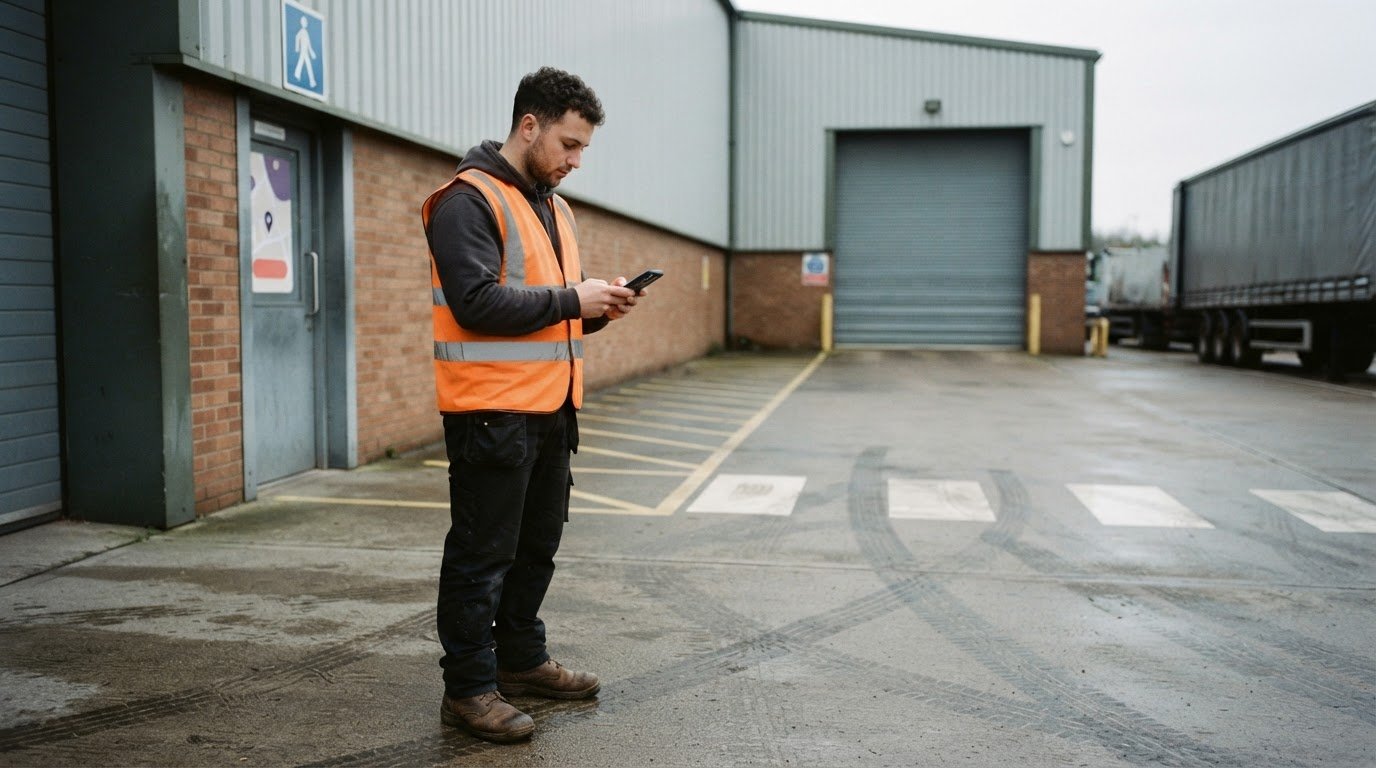
A recorded clock-in is easier to review when it includes where the shift started. GPS staff clock in software records clock-in and clock-out times alongside the staff member’s location, giving you a digital record to compare with paper timesheets or phone-and-text updates.
Workers can clock in using a mobile app. Whether they use a personal phone depends on the agency’s process and the app’s requirements. This article explains how GPS clock-ins work, what to consider when using personal phones, and how GPS compares with other ways to record time.
Key Takeaways
- Decide how staff will access clocking before setting up a mobile process, including whether they use their own phones.
- Understand how a location record can add context to a clock-in or clock-out time.
- Compare mobile clocking, shared terminals and paper timesheets against the needs of each shift setting.
- Keep clocking records organised alongside rota and timesheet preparation to make them easier to review.
Does GPS clocking use the worker’s own phone?
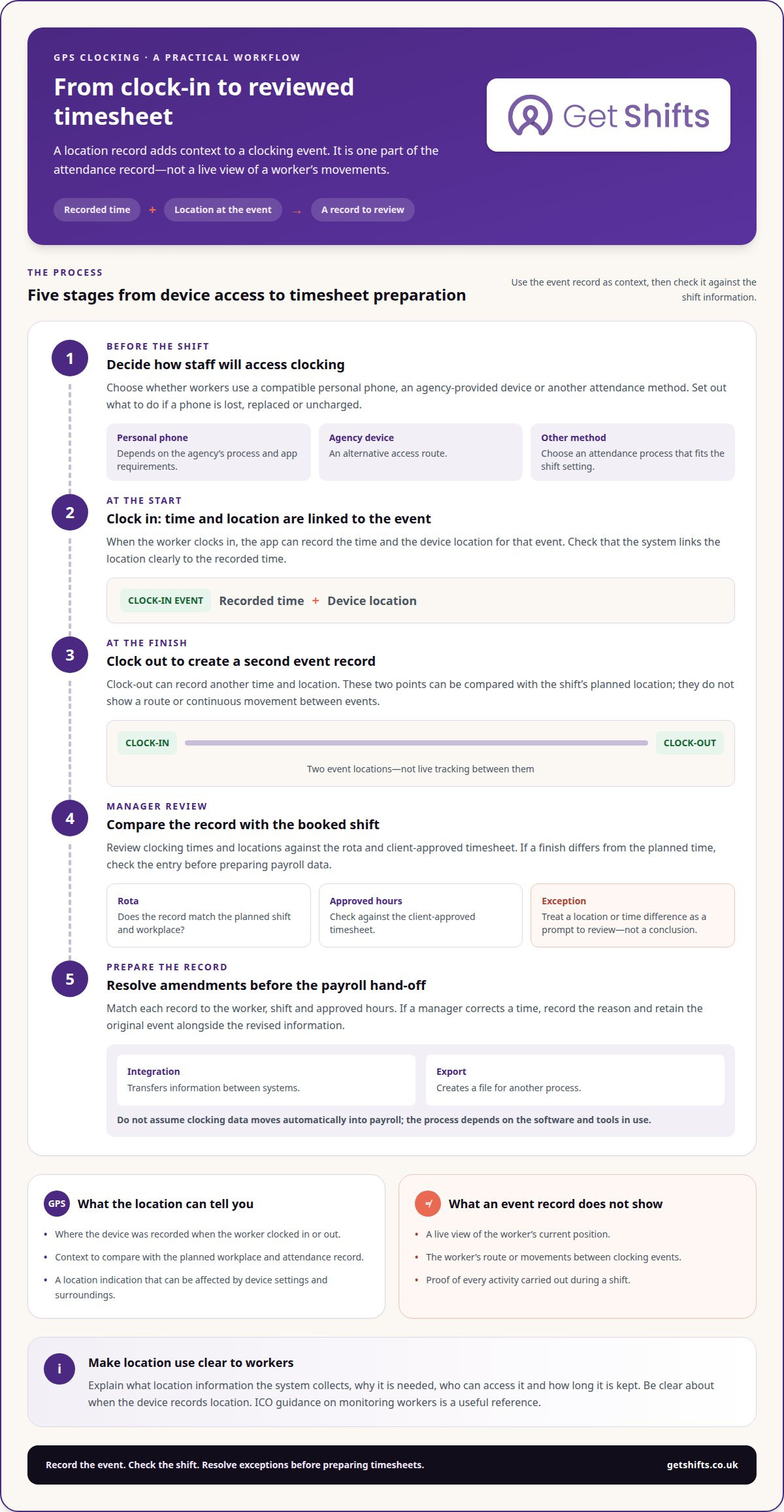
GPS clock-in can use a worker’s phone, provided the device supports the app and the agency has chosen that process. An agency can also provide a device or use another attendance method. Decide how workers will access clocking before adding it to the rota, and set out what to do if a phone is lost, replaced or uncharged.
For a booked shift, clock-in and clock-out records can show the recorded times alongside the device location. The agency can compare these details with the rota and client-approved timesheet. If a recorded finish differs from the planned time, review the entry before preparing payroll data. A precise record supports checks, but discrepancies still need to be resolved.
GPS clock-in software costs in the UK vary by provider, features and agency requirements. Don’t rely on an industry average as a current fee: compare providers’ pricing directly against the functions your agency needs.
There’s no single app for every UK staffing agency, and a popularity ranking is useful only when it has a current, named source. Compare how each option records clock-ins, manages timesheets and prepares payroll data instead of choosing by popularity alone.
Distinguish an integration from an export. An integration transfers information between systems; an export creates a file for another process. Before payroll, match each record to the worker, shift and approved hours. Review amendments and missing clock-ins, then prepare the timesheet or payroll file. Don’t assume clocking data moves automatically into payroll: the process depends on the software and tools in use. Knowing the difference helps you identify where manual checks are still needed.
How device location is attached to clocking events
A mobile app can record a worker’s location when they clock in or out. These event-based records don’t necessarily provide a live view of someone’s movements.
Location captured at clocking events
At clock-in, the app records the time and location linked to that event. Clock-out can create another record, giving you two points to compare with the shift’s planned location. Device settings and surroundings can affect GPS accuracy, so use location as context for a record, not proof of every activity during a shift.
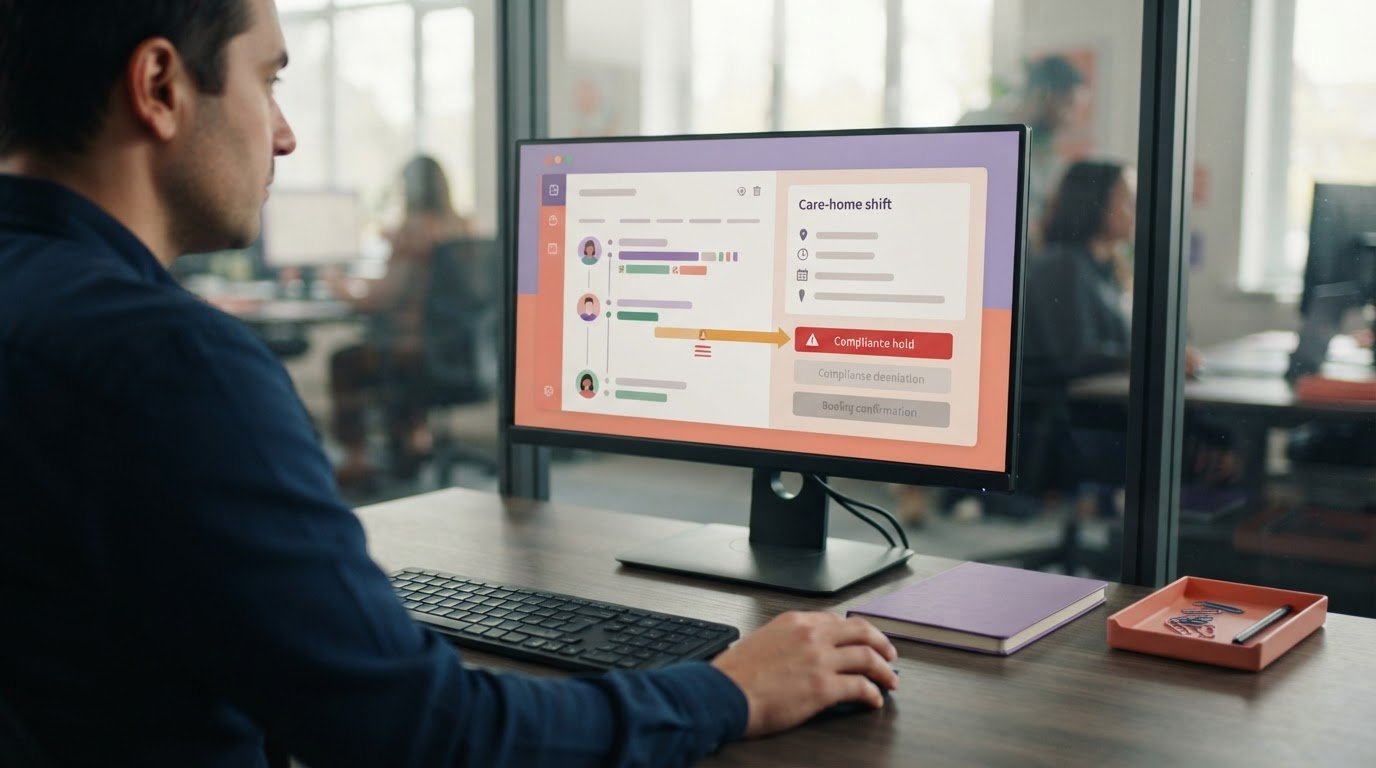
For example, a care home’s address can help you assess whether a clock-in matches the planned workplace. Check that the system shows a location for each event and clearly links it to the recorded time.
Current and last-known worker locations
An event-based clocking record shows a location when a worker clocks in or out. On its own, it doesn’t show their current position or route between events. A last-known location may simply be the location recorded at the most recent clock-in or clock-out, not a live update.
This distinction matters when coordinating cover across multiple sites. A rota and recorded shift locations can show where workers are booked, but GPS clocking doesn’t necessarily provide live workforce tracking or minute-by-minute route planning. Check what the location display represents before using it to make operational decisions.
Worker permission for location tracking
Tell workers what location information the system collects, why it is needed, who can access it and how long it is kept. The ICO’s guidance on monitoring workers is a useful reference for considering location data, privacy notices and workplace policies.
Keep the purpose clear: clock-in and clock-out locations support attendance records, while continuous tracking is a different activity. Workers should understand when their device records location and how the agency handles that information. To assess clock-in options for agency shifts, compare event-based GPS records with the process your agency needs.
Mobile GPS clocking versus shared terminals and manual timesheets
For a UK staffing agency, the right clocking method depends on where shifts take place. Mobile records, shared terminals and paper timesheets each require different checks from managers.
Mobile clock-on and clock-off records
A mobile GPS time clock can attach location data to clock-in and clock-out events. Managers can compare the records with the rota and client-approved hours. A shared terminal records time at a fixed location, while a paper timesheet relies on written entries. For overtime, compare the recorded finish with the agreed shift hours before approving a change.
Clocking with the mobile app
With a mobile app, a worker opens the clocking screen and records the start or end of a shift. The app links the event to the device and, where GPS clocking is enabled, its location. This can suit staff working across care homes or other client sites. Make the steps clear, including what to do if a device is unavailable.
Mobile, web and kiosk time clocks
A mobile clock is carried by the worker; a web clock is accessed through a browser, and a kiosk is a shared device at a workplace. Each suits different settings. A care home with a fixed team may prefer a shared clocking point, while agency staff arriving for separate shifts may need individual access. Compare who records each event and how managers review corrections.
Mobile clocking for field teams
Mobile clocking lets field teams record attendance at separate work locations without returning to one terminal. For example, a worker can record a shift at a client site, while managers compare the event with the booked location. GPS attached to clocking events is not continuous monitoring of workers moving between sites. Choose a method that fits the work pattern and the records managers need to review.
Worker clock-in and clock-out records
GPS staff clock in software records workers’ clocking events and can associate them with device location. For UK agencies, useful features include geofencing, clear records, amendment history and timesheet exports.
GPS-enabled worker time tracking
Treat a location exception as a prompt to review, not a conclusion about a worker’s conduct. If a clock-in appears outside the expected area, for example, compare it with the booking and confirm attendance through your usual process. GPS staff clock in software is most useful when managers follow a consistent process for resolving exceptions.
Worker clocking records
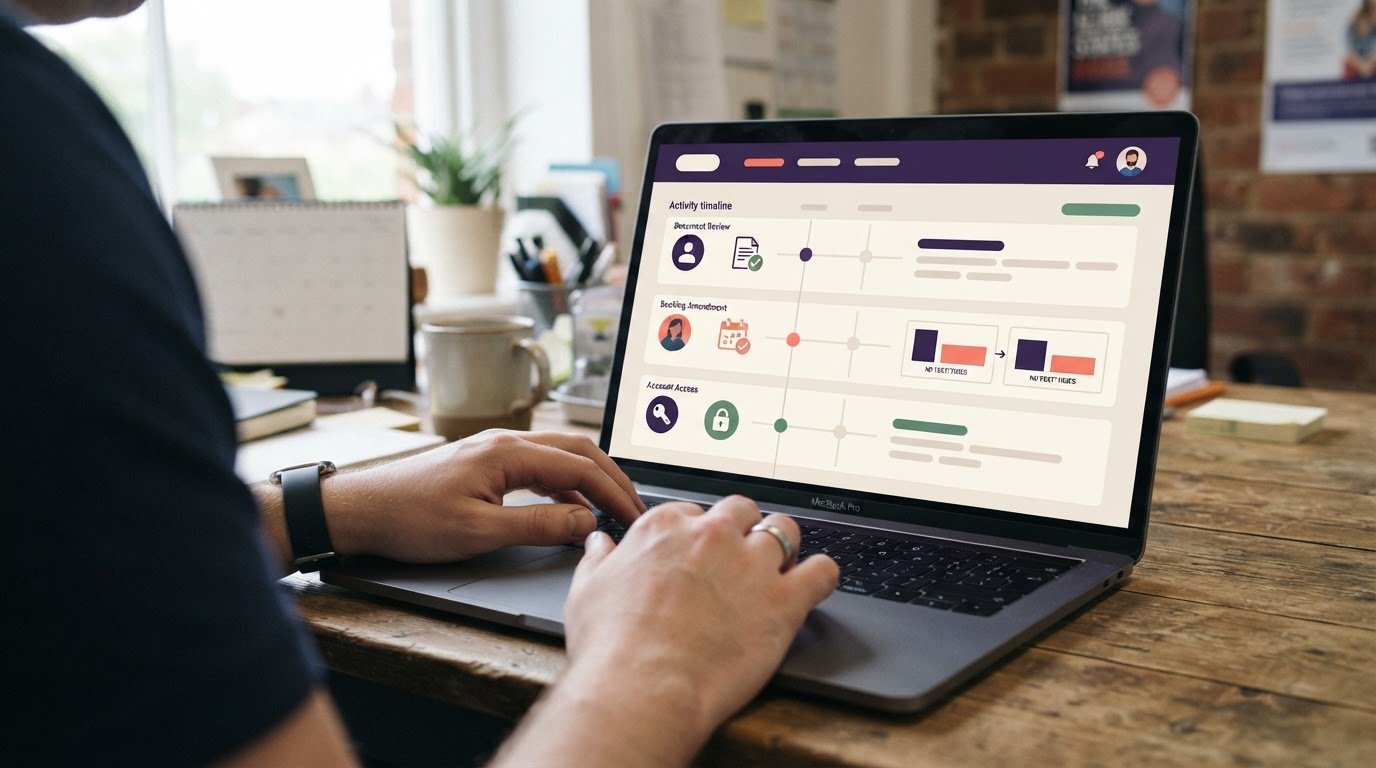
Keep a clear record when a manager corrects a time entry. Note the reason for the amendment and retain the original event alongside the revised information. This helps the agency respond if a client later queries approved hours. Check that exports include the details needed to review the timesheet, not just a total.
Using workers’ own phones
If workers use personal phones, explain the clocking steps before their first shift. Tell them how to access the app, what to do if they replace a device and how to report a failed entry. GPS staff clock in software should fit a process that works across client sites, with a clear alternative for recording attendance when a phone can’t be used.
Worker tracking compliance
Manage location records through a defined operational process. Limit access to people who need the information for rota, attendance or timesheet work, and record decisions made after reviewing exceptions. A consistent approach supports workforce data protection without treating a location reading as a complete account of a shift.
Get Shifts: Staffing Agency Management Software
Get Shifts brings shift management and clocking records together for staffing agencies. GPS geofenced and QR code clock-in options let agencies choose a method for each client site. Workers can use the iOS and Android app, and clients can manage bookings through the client portal.
This can help agencies coordinating shifts across care homes, hospitals and other locations, with attendance records alongside bookings. Get Shifts provides software for agencies, not temporary staff or payroll processing. Worker earnings and payroll exports support payroll preparation, which remains the agency’s responsibility.
If you’re considering a more organised way to manage bookings and clock-ins, contact Get Shifts to discuss your agency’s needs.
Make your next clocking decision practical
Choosing GPS staff clock in software is an opportunity to make attendance records fit the way your agency manages shifts. Start by identifying where clocking creates the most admin, such as matching hours to bookings, filling open shifts or keeping rotas current. Then decide which process to improve first.
Get Shifts provides Staffing Agency Management Software with Shift Booking & Rota Management and Open Shift Broadcasting to Eligible Workers. These tools connect shift coordination with the practical demands of agency staffing, rather than treating clocking as an isolated task.
Keep the next step straightforward. Bring your current process and priorities into the conversation, then explore whether Get Shifts fits the way your agency manages shifts. Discuss your agency’s clock-in needs with Get Shifts and take a considered next step.
Common questions
Is GPS clocking legal in the UK?
There isn’t a blanket answer for every workplace. The purpose of the monitoring and how the agency uses the resulting records matter. GPS clocking raises data-protection considerations, and the ICO provides guidance on monitoring workers. Check the ICO’s current guidance to understand the issues.
Can GPS clocking be used alongside clocking terminals?
Yes, if your processes can reconcile records from both methods. Decide which record takes precedence for each site or shift, and give managers a clear way to resolve conflicts. If a worker clocks in on a phone and at a terminal, for example, flag the duplicate for review instead of counting both events as separate attendance.
Can someone clock in from home and say they were on site?
A clocking entry alone can’t explain why a record appears inconsistent. If a worker says they were on site but the entry raises a concern, gather their explanation and relevant shift information before deciding what happened. Keep the review factual and consistent, and record the outcome so later timesheet queries follow the same process.
Does having a time clock app with GPS lower your operational costs?
GPS clocking may reduce some manual tasks, but the overall effect depends on how your agency operates. Track the time spent correcting entries, chasing approvals and preparing payroll information before changing processes. Compare those tasks afterward, while accounting for app administration and exception reviews. This gives you a more useful assessment than assuming fewer paper forms mean lower costs.
Does the time clock software work without internet?
Get Shifts GPS clock-in requires an internet connection. If a worker arrives at a site without a reliable connection, use your agreed fallback attendance process and note the shift and recorded times. Managers can reconcile the manual record against the booking before completing timesheet checks. Don’t assume an offline entry will upload later.
How accurate is the GPS location?
Before relying on GPS records operationally, trial the process at the types of sites workers attend. Indoor layouts and phone settings can affect how useful a location reading is at a particular venue. Use the trial to decide how managers should handle unclear records and whether the location boundary suits the site. Treat the clocking record as one part of the attendance review.
Frequently Asked Questions
Which GPS time-tracking apps are popular with UK businesses?
No single app suits every UK staffing agency. Compare how each option handles clock-in records, timesheets and payroll preparation.
What are the risks of GPS clock-in software, including spoofing, poor signal and battery use?
GPS accuracy can vary with device settings and surroundings, so treat location as context, not proof of activity. Set out a clear alternative for recording attendance if a phone is lost, replaced, uncharged or unavailable.