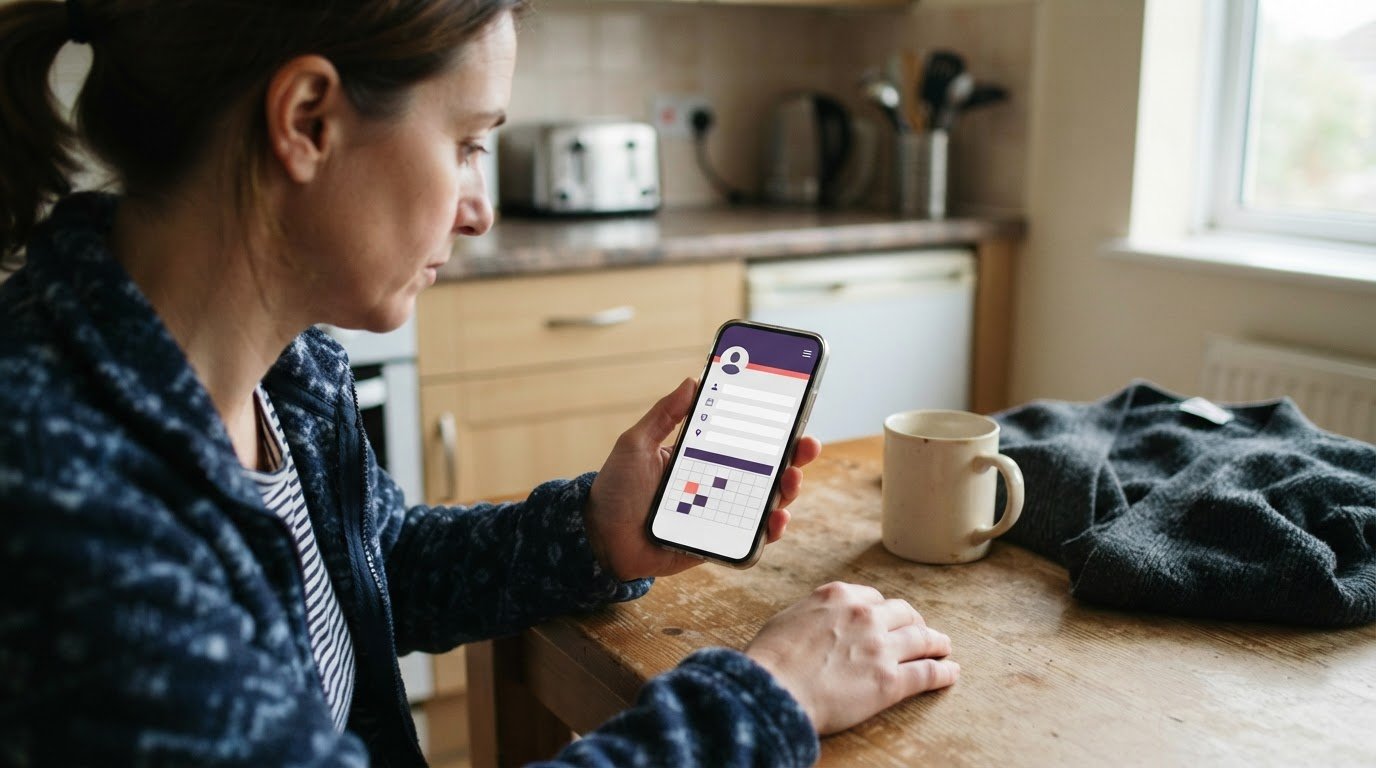
Digital reference collection software: setup time and sharing
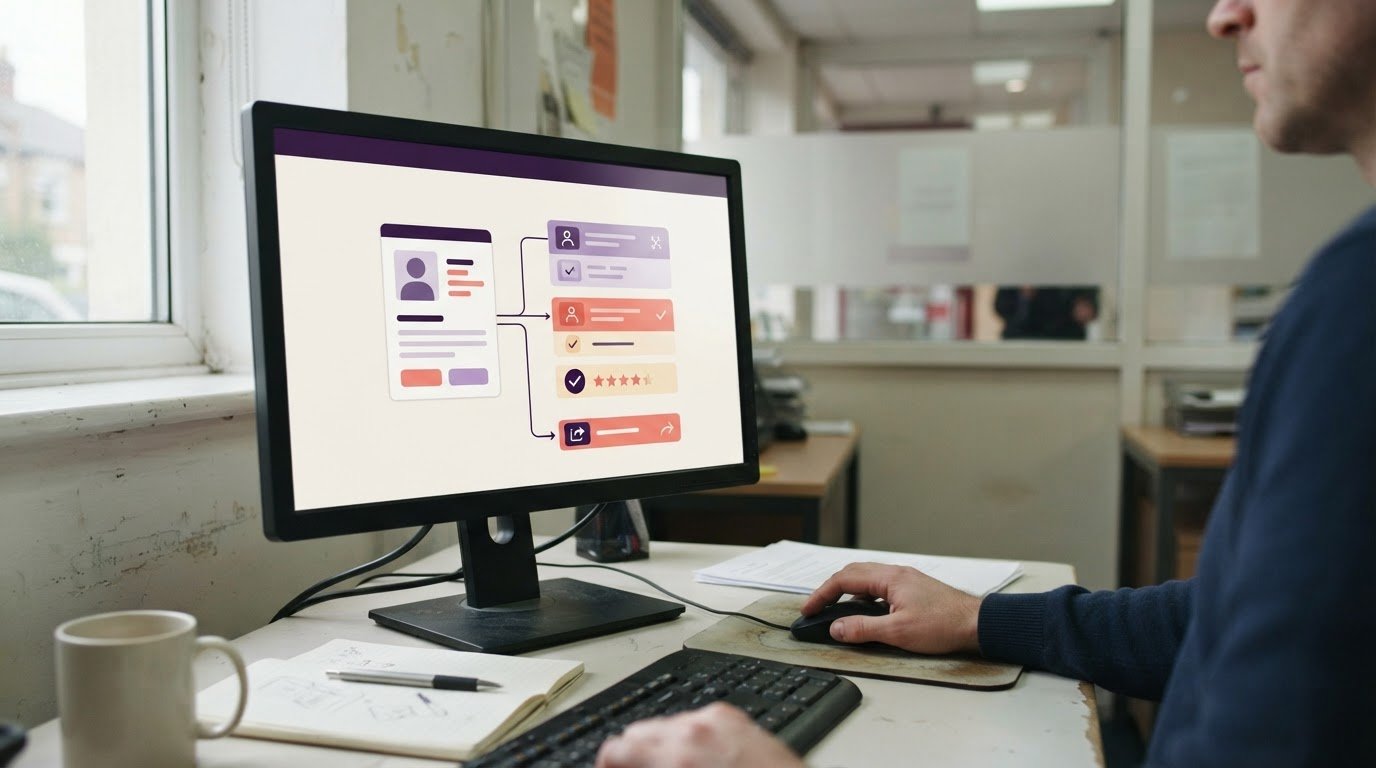
Reference chasing can leave staffing agency teams with scattered emails, unclear ownership and delays when a client needs an update. Digital reference collection software brings requests, replies and review into a more organised workflow. The setup work depends on how your agency currently handles references and what information needs organising.
This guide explains what digital reference collection software can support, why preparation varies and how to assess a workflow before introducing it to your team. The practical details matter: a process with consistent records and clear responsibilities may need fewer changes than one spread across inboxes and paper files. We’ll also explain how reference collection fits into staffing agency software.
Key Takeaways
- Estimate implementation around the work involved: existing records, team processes and the setup decisions that need to be made.
- Compare systems by how they collect, organise and share references, then choose an approach your team can use comfortably.
- Consider how users with disabilities access key tasks, including navigating the platform and working with reference information.
- See how GetShifts’ online reference collection fits within staffing agency management software when you want reference work alongside other agency operations.
Implementation timelines
There is no single implementation timeline for digital reference collection software. Preparation depends on how your agency requests, receives and stores references, and how much of that process needs to change. A team using email and shared folders may need to organise existing documents first. An agency with clear reference stages and consistent records may have fewer process decisions to make.
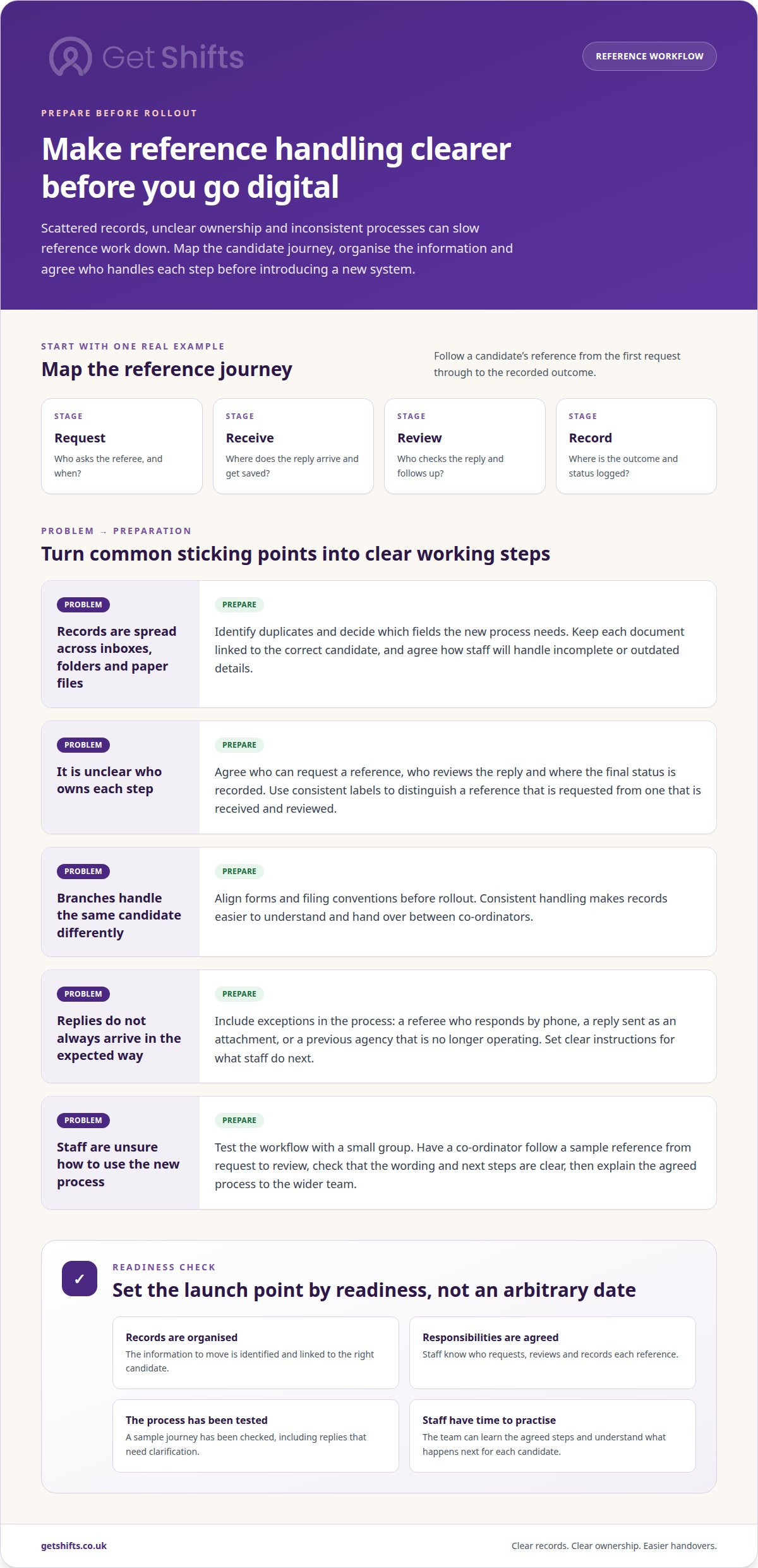
Map one real candidate journey, such as a nurse applying for agency shifts. Record when references are requested, who follows up, where replies are saved and how the outcome is logged. Include exceptions: a referee who responds by phone, a reply sent as an attachment, or a candidate whose previous agency is no longer operating. These examples help identify where your process needs clear instructions.
Agree how staff will manage each step. Decide who can request a reference, who reviews the reply and where the final status is recorded. Use consistent status labels across the team, distinguishing, for example, between a reference requested and one received and reviewed.
If branches use different forms or filing conventions, align them before rollout. Otherwise, co-ordinators may handle the same candidate record differently, making handovers harder.
Existing records affect the preparation needed for digital reference collection software. A spreadsheet with candidate names, referee details and reference statuses may be easier to organise than information scattered across inboxes, folders and paper files. Before moving records, identify duplicates and decide which fields the new process needs. Keep each document linked to the correct candidate, and agree how staff will handle incomplete or outdated details.
Test the process with a small group before wider use. Ask a co-ordinator to follow a sample reference from request through receipt and review. Check that the wording is clear, staff know where to record the outcome, and there is a defined next step for replies that need clarification. Adjust the process based on the test, then explain the agreed steps to the wider team.
Set the launch point according to readiness, not an arbitrary date. Key dependencies include organised records, agreed responsibilities, a settled process and time for staff to practise. If reference handling is changing alongside candidate onboarding, plan the decisions together. Clear handovers help staff understand what happens next for each candidate.
Clarify what “software reference” means in project discussions, as it can refer to a different kind of work. The U.S. National Software Reference Library collects software and incorporates profiles computed from it into a Reference Data Set that organisations can use to match files on computers, according to the National Institute of Standards and Technology.
That is distinct from collecting employment references and managing their review. Keep the intended workflow explicit when discussing readiness, so staff are planning around the candidate and referee process rather than assuming that every reference-related software task involves the same records or steps. This distinction can help keep process decisions focused while the agency prepares its own launch.
How do digital reference collection systems compare on features and ease of use?
Digital reference collection systems vary in how they capture, organise and share records. For a staffing agency, compare how a reference moves from request to review instead of judging a system by its feature count. A clear way to handle a referee’s reply may matter more than extra tools your team rarely uses.
Start with the information staff need to keep together. A reference record might include the referee’s details, their reply and a note about follow-up. Academic research tools, by contrast, can collect references from databases and websites, organise them into folders, and attach notes or files. Some also retain links to full-text articles. These features illustrate the range of reference software, but may not suit an agency’s candidate vetting workflow.
Compare systems against the practical tasks your co-ordinators carry out. Consider whether staff can:
- Find a candidate’s reference without searching several inboxes or folders.
- Keep a reply or supporting document with the relevant record.
- Add a note that explains a follow-up or unresolved point.
- Share information with colleagues who need to review the reference.
Shared records and collaboration tools can help colleagues see the same information. Some academic reference programmes also offer PDF highlighting, but the practical test for an agency is whether a colleague can understand a record’s status and next action without asking the original co-ordinator. A shared folder stores documents, but does not necessarily make progress or responsibilities clear.
Judge ease of use by everyday tasks, not a demonstration of advanced features. Ask a co-ordinator to find a record, add a note, attach a reply and share it with a colleague. Look for unnecessary steps, unclear labels and duplicate entry. Repeat the test on a phone if staff manage candidate communication away from a desk. A straightforward routine is easier to follow consistently.
The University of Derby advises choosing a programme that feels comfortable to use, since no single option suits everyone. It also notes that records can often transfer between programmes, so teams may use more than one tool. Free reference management programmes are available, but agencies should assess suitability against their own processes. Bibliography creation and Harvard citation formatting may help academic researchers, for example, but are less relevant to collecting employment references.
Make the comparison practical: list the records your agency needs, then test each system using the same sample candidate journey. Prioritise accurate filing, readable notes and clear sharing over features that do not support a real vetting task. This gives your team a consistent basis for comparing options without adding unnecessary complexity.
How accessible are digital reference collection platforms for users with disabilities?
Accessibility depends on whether users can complete reference tasks using different ways of navigating and reading content. A co-ordinator with limited vision may use a screen reader, while someone with reduced dexterity may rely on keyboard controls. Test the actual actions involved: opening a candidate record, reading a reply, adding a note and sharing information.
Begin with navigation. Move through the platform using only a keyboard, without a mouse. Check that the focus indicator remains visible, menus open predictably, and every field and button is reachable. Then use a screen reader to check whether headings, form labels and status messages make sense when read aloud. A button labelled “Submit reference” is clearer than one announced simply as “Button”.
Next, assess readability and form design. Check that text remains legible when enlarged, contrast is clear and instructions do not rely on colour alone. A reference marked “awaiting reply”, for example, should use words rather than only an amber status badge. Forms should identify required information and explain errors beside the fields that need attention.
- Keyboard use: Can a user open a reference and save a note without using a mouse?
- Screen reader use: Are the candidate’s name, reference status and action buttons announced clearly?
- Visual access: Does enlarged text remain readable without hiding the reply or save control?
- Understanding: Do instructions explain what to enter, such as a referee’s email address?
Check how the system handles documents, too. A scanned reference may be difficult to use with assistive technology, even if the surrounding platform is straightforward. Test how a user opens an attachment, identifies its contents and returns to the candidate record. A text-based document may be easier to access than a photograph of a paper page.
Test on the devices your team uses. One co-ordinator might review a reference on a desktop, while another uses a phone between calls. Ask people with different access needs to complete the same tasks, then note where they pause, lose their place or need help. This reveals practical barriers that a feature list can miss.
For an agency reviewing its reference workflow, explore the platform features alongside these task-based accessibility checks.
Reference management software for research helps users build electronic lists for assignments, so accessibility checks should cover adding, locating and transferring records, not just reading a finished entry. Users may use more than one reference management programme because records can often be transferred between them. Check whether imported and exported records remain understandable and usable with assistive technology.
Research software should be cited with a DOI when one exists, because the DOI provides a persistent identifier that can remain useful if the software's location changes. SWHIDs are intrinsic identifiers that do not rely on an external register, allowing end users to recompute identifiers from retrieved software objects and verify the match. The University of Derby notes that free reference management programmes are available and advises users to assess which suits their needs. Include accessibility and everyday reference tasks in that assessment.
GetShifts: Staffing Agency Management Software
Get Shifts provides staffing agency management software, including recruitment and applicant tracking with online reference collection. Agencies can gather references as part of candidate onboarding, then manage shift bookings, worker compliance and attendance in the same platform. Digital timesheets with client sign-off support a separate step after shifts are worked.
Get Shifts may suit an agency that wants to bring reference collection into its wider staffing operations, rather than manage requests across email and shared folders. Review how your co-ordinators handle candidate records and how clients approve timesheets, then see how Get Shifts can support those workflows.
Contact Get Shifts to discuss your agency’s reference collection needs.
Make your next process change count
Choose one part of candidate vetting to improve first, then decide how it should fit your agency’s working practices. Contact Get Shifts to discuss your needs and consider a practical next step for your team.