Security Staffing Rota Software for Multi-Site Teams
A rota can look complete on paper and still leave a site short when availability changes or a worker’s documents expire. Security staffing rota software helps agencies coordinate shifts across sites, match assignments to eligible workers and track compliance. This guide covers practical ways to fill open shifts, manage multi-site teams and build rotas with staff wellbeing in mind.
Key Takeaways
- Build cover around staff availability, relevant training and a balanced workload, not just an empty shift.
- Keep multi-site rotas clearer by accounting for each location’s staffing needs and deployment details.
- Use a visual rota to make changes easier to manage, while keeping decisions and approvals with the right people.
- When open shifts need filling, consider tools that can share them with eligible workers and bring rota management into one place.
Automated shift filling based on availability, stress profile and training
UK security rotas need to balance cover, staff availability, training and recovery between shifts. The Working Time Regulations 1998 cover average weekly hours, rest breaks, and daily and weekly rest. Check the current official guidance to understand the general duties and how they apply to your circumstances.
Automated shift allocation
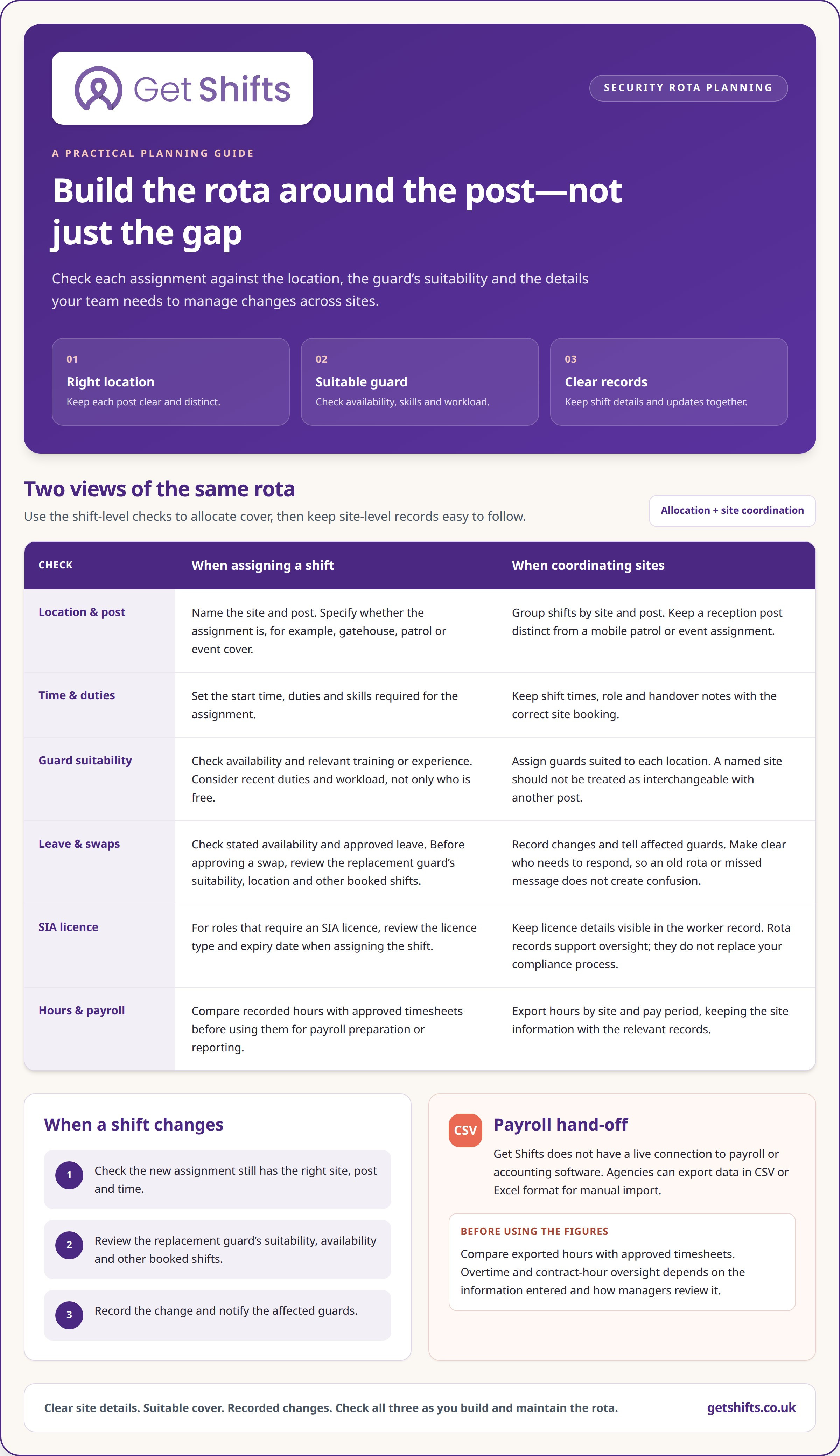
Shift allocation means matching each open shift with a suitable guard. Start by checking availability and the training or experience required for the assignment. Consider recent duties and workload too, rather than filling every gap with the same available person.
A patrol shift and an event post, for example, may call for different experience and coverage. Break each assignment into its location, start time, duties and required skills. This makes gaps easier to identify, especially when a patrol route or event needs cover at several points—an approach frequently used by UK commercial guarding specialists like stepsecurity.co.uk when managing diverse multi-site deployments.
For static site guarding and mobile patrol services, BS 7499 is a standard that many UK security companies work towards, according to the British Standards Institution. Keep the relevant site requirements visible when assigning guards, so a named location is not treated as interchangeable with another post.
Availability and leave approvals
Recording availability and approved leave helps prevent a rota from relying on a guard who cannot work. Keep each worker’s stated availability and leave up to date, and have an authorised manager review changes before assigning cover. Before approving a shift swap, check the replacement guard’s suitability, location and other booked shifts.
Make shift notes specific: include the site, post, handover details and any change to the assignment. When a shift changes, notify the affected guards and record who needs to respond. A clear update helps prevent confusion caused by an old rota export or a missed message.
Planning rotas for security teams across multiple locations
Multi-site rotas need clear site, shift and worker records. Check data handling, hours reporting and how changes reach staff.
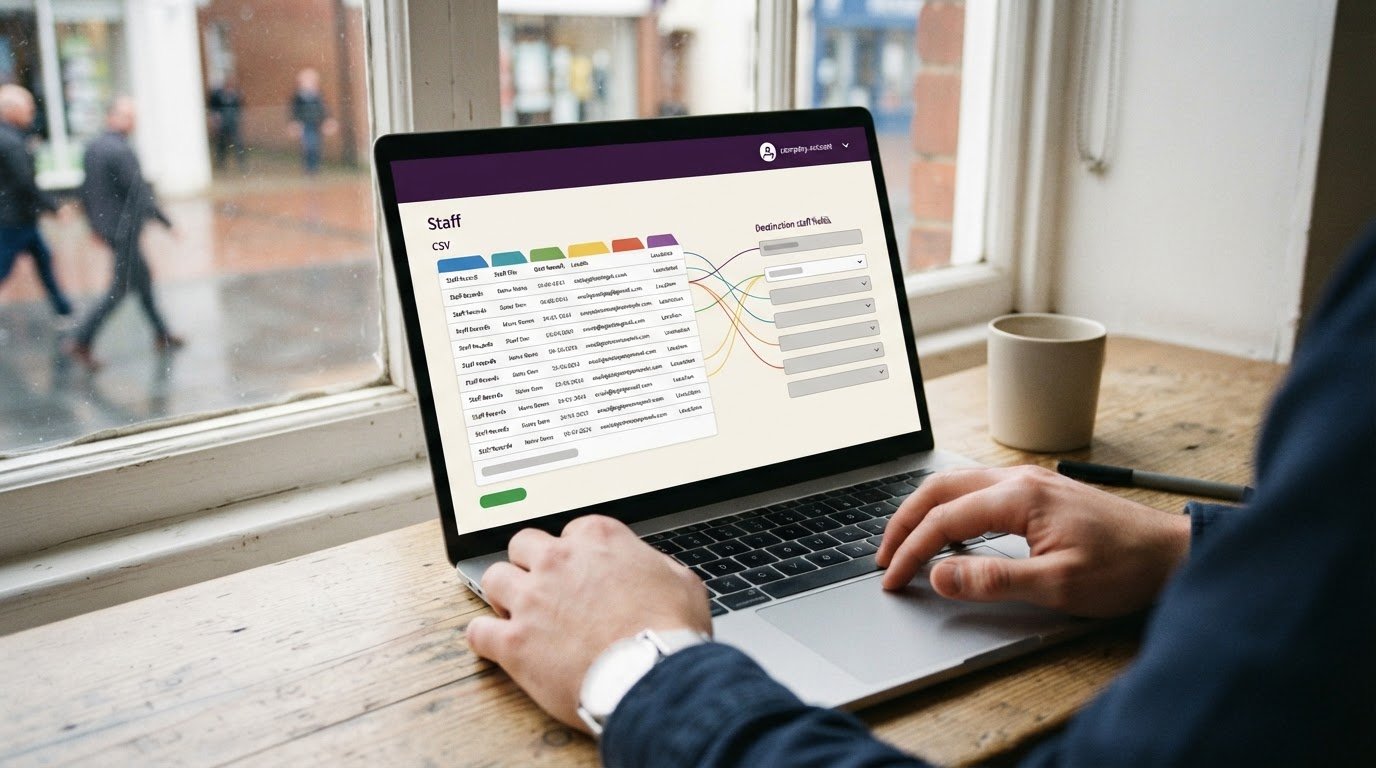
Payroll and accounting connections vary by product. Get Shifts does not have a live connection to payroll or accounting software, but agencies can export data in CSV or Excel format for manual import.
For UK GDPR considerations, use the ICO’s guidance for organisations when assessing personal-data handling and security controls. Rota tools can help record hours and rates, but overtime and contract-hour oversight depends on the information entered and how managers review it.
Planning rotas for staff across sites
Group shifts by site, post and required cover, then assign guards suited to each location. A mobile app can show workers their own rota and send change notices. The Security Industry Authority says licences for licensable roles are typically issued for three years. Keep licence details visible when making assignments.
Site rotas and hours exports
Separate site rotas make it easier to distinguish a reception post from a mobile patrol or event assignment. Include the site name, shift times, role and handover note so the details stay with the right booking. Export hours by site and pay period for payroll preparation or reporting, then compare them with approved timesheets before using them.
Licence checks during rota planning
Make licence status part of allocation for roles that require an SIA licence. Keep the licence type and expiry date with the worker record, then review them when assigning shifts. The Security Industry Authority’s licence guidance explains how licence details can be checked. Rota records support oversight, but don’t replace your compliance process.
Choosing and trialling software
Trial a realistic rota, not just a simple demonstration. Include several sites, different post types, a leave request and a last-minute change. See how easily a coordinator can find a gap, reassign a guard and notify staff. Review permissions, data exports and how hours relate to pay rates and contract hours. Note any manual steps before deciding whether the system suits your operation.
Customer support and free trial
Support and trial terms can affect how easily your team evaluates rota software. Use a sample rota, a realistic payroll workflow and clear questions to assess whether it fits.
Customer support options
Check which support channels are available, when they operate and who can use them. During a trial, test a practical issue, such as correcting a repeated shift pattern or finding a recorded change. Note the response and whether the instructions help your coordinator complete the task. Check whether onboarding, data import and day-to-day questions use different support routes.
Before testing, list the tasks your team may need help with. For example, ask how to set up a site, amend a shift and export hours. Check whether guidance is written, live or both, and whether it covers administrators and workers. This helps you assess how support fits your rota process.
Trial and cancellation terms
Read the trial and cancellation terms before entering worker or client information. Confirm the trial length, available features, whether payment details are required and what happens when the period ends. Only plan around a three-month free trial if the offer states that duration. Check how to cancel and when cancellation takes effect.
A free plan and a free trial are different offers. A plan may continue with limits, while a trial may end unless you take action. Check which features remain available, whether records can be exported and whether access changes at the end. Add any renewal or cancellation date to your team calendar.
Use the trial to test a complete workflow: create a shift, assign a worker, record a change and prepare payroll information. Compare the result with your spreadsheet process. If the trial ends before you can assess a full rota cycle, note what you could not test rather than assuming it will work as expected. Record unanswered questions and relevant terms with your evaluation.
Drag-and-drop rota creation for security teams
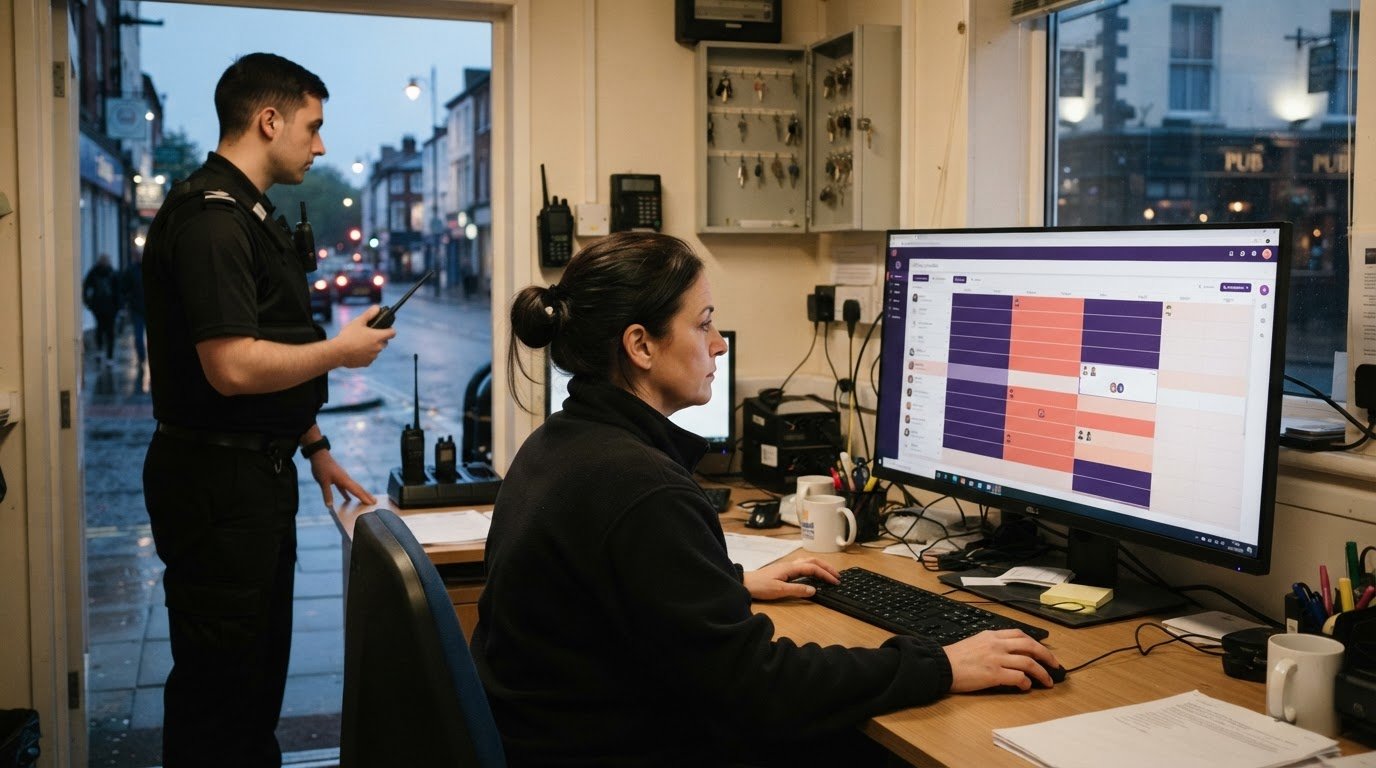
Drag-and-drop rota tools let coordinators move shifts between workers or time slots on screen. For a security agency, the benefit is being able to see how coverage changes as assignments move, rather than editing separate spreadsheet cells. A visual rota can make a patrol gap, double booking or uncovered handover easier to spot before changes are approved.
Try a practical example: Site A needs a gatehouse guard, while Site B needs patrol cover. Place each shift under the correct site, then move an available worker to cover a gap. Check that the assignment still shows the right location, role and time. This quick visual review can catch an accidental move to the wrong post.
Drag-and-drop changes still need a clear approval process. A coordinator can propose a move, review its effect on other shifts and then approve the updated rota. If the change affects a worker’s availability or handover, record the reason and notify everyone involved. Keep a record of previous versions where possible so changes can be traced.
Use the rota alongside timesheets, not as proof of hours worked. If a patrol shift moves to another worker, for example, compare the approved assignment with the completed timesheet before confirming the record. This helps identify differences between planned cover and recorded hours without assuming the shift took place as planned.
During a software trial, ask a coordinator to make a realistic change: move a guard between posts, adjust a patrol handover and review the updated rota. Check that the site, time and worker remain clear after each move. A useful drag-and-drop view should make changes easier to review, while leaving checking and approval to your team.
Get Shifts: Staffing Agency Management Software
Get Shifts provides staffing agency management software for agencies co-ordinating security cover across sites. Shift Booking & Rota Management brings bookings and rota planning together, while the Security Sector Pack supports security staffing operations.
When a shift is still open, Get Shifts can broadcast it to eligible workers. This gives coordinators a clear next step for finding cover without treating the software as a staff supply service. Agencies use the platform to manage their own bookings and worker pool.
If you want to see how Get Shifts could fit your agency’s rota process, contact Get Shifts.
Make your next rota decision with confidence
Choosing security staffing rota software is an operational decision, not just a matter of screen preference. Before committing, agree what coordinators need to see in a workable rota, what information must pass between teams and which changes require human review. Shared criteria make it easier to assess whether a tool suits the way your agency works.
Turn those priorities into a short evaluation plan. Include the people who handle bookings, site cover and payroll preparation, then map how each task moves from request to confirmed record. Note where the current process relies on separate messages or manual re-entry. This keeps the assessment focused on practical fit, not just a feature checklist, and makes it easier to compare feedback from day-to-day users.
When you’re ready to discuss your agency’s rota needs, contact Get Shifts. A clear starting point can make the next decision easier.
Frequently Asked Questions
What is security rota software?
Security staffing rota software helps agencies plan guard cover, assign shifts and manage changes across client sites. Depending on the product, it may also support availability, compliance records, attendance and timesheets. A co-ordinator could use it to identify shifts needing cover and manage assignments and updates in one place, rather than relying on separate spreadsheets and messages.
Can guards clock in at the site instead of the office?
Yes. Get Shifts supports GPS-geofenced clock-in through its worker app, as well as QR-code clock-in at work locations. Agencies can use QR codes at sites where guards record attendance on arrival, or enable geofencing for location-based clock-ins. A worker cannot clock in to two shifts at once. GPS clock-in and these self-service features require the mobile app.
What features should security staffing rota software include?
Start with the day-to-day workflow: creating shifts, assigning guards, updating rotas and notifying workers of changes. Useful capabilities can also include availability management, compliance records, attendance alerts, digital timesheets and client sign-off. Consider how site and shift details are recorded, who approves changes and whether you can export the records needed for payroll preparation.
What are the best security workforce rota platforms in the UK?
There is no single right fit for every UK security agency. Compare systems against your actual operations: multi-site rota visibility, worker access, shift changes, licence document tracking, attendance records and how hours reach payroll. Test a typical workflow, such as replacing an absent guard at a client site, and assess whether the steps and records suit your co-ordinators.
How can security rota software manage SIA licence checks and expiries?
Software can store licence details and expiry dates against a worker’s profile, then alert managers as an expiry approaches. Get Shifts tracks document expiry and offers booking rules that can warn or block; its Security sector booking rules are on by default. This supports allocation checks, but the agency remains responsible for its own compliance process and current SIA guidance.
How can software handle last-minute shift changes, staff availability and absence cover?
When a guard reports an absence, a co-ordinator can identify the affected shift, review eligible workers and offer the vacancy for cover. Get Shifts supports open-shift broadcasting to eligible workers, with automated notifications by email or push; SMS is manual. Once a replacement accepts, update the rota and confirm the assignment so the client and incoming worker have the correct details.