Temp Agency Rota Software: Which Staff Scheduling Tool Fits

The most feature-packed rota tool isn’t always the right fit for a staffing agency. When you compare temp agency rota software, focus on how it handles your staff, connects with the systems you use, and keeps bookings, availability and shift changes clear. The right choice depends on your agency’s workflow, not the length of a feature list.
Rota planning can quickly become a tangle of messages, spreadsheets and last-minute updates. A suitable tool should make work easier to follow while fitting the way you book and manage staff.
This comparison explains the main types of rota tools, from spreadsheets and standalone systems to wider staffing platforms. You’ll see which integrations, staff-management needs and practical features to assess, so you can narrow down the options with day-to-day operations in mind.
- Match rota software to how your agency manages bookings, changes and staff availability.
- Trace how rota information moves between payroll, HR and point-of-sale systems.
- Compare how each option handles agency, bank, hourly and salaried staff.
- Test spreadsheets, standalone tools and staffing platforms against a real workflow from your team.
What Is the Best Software for Staffing Agencies?
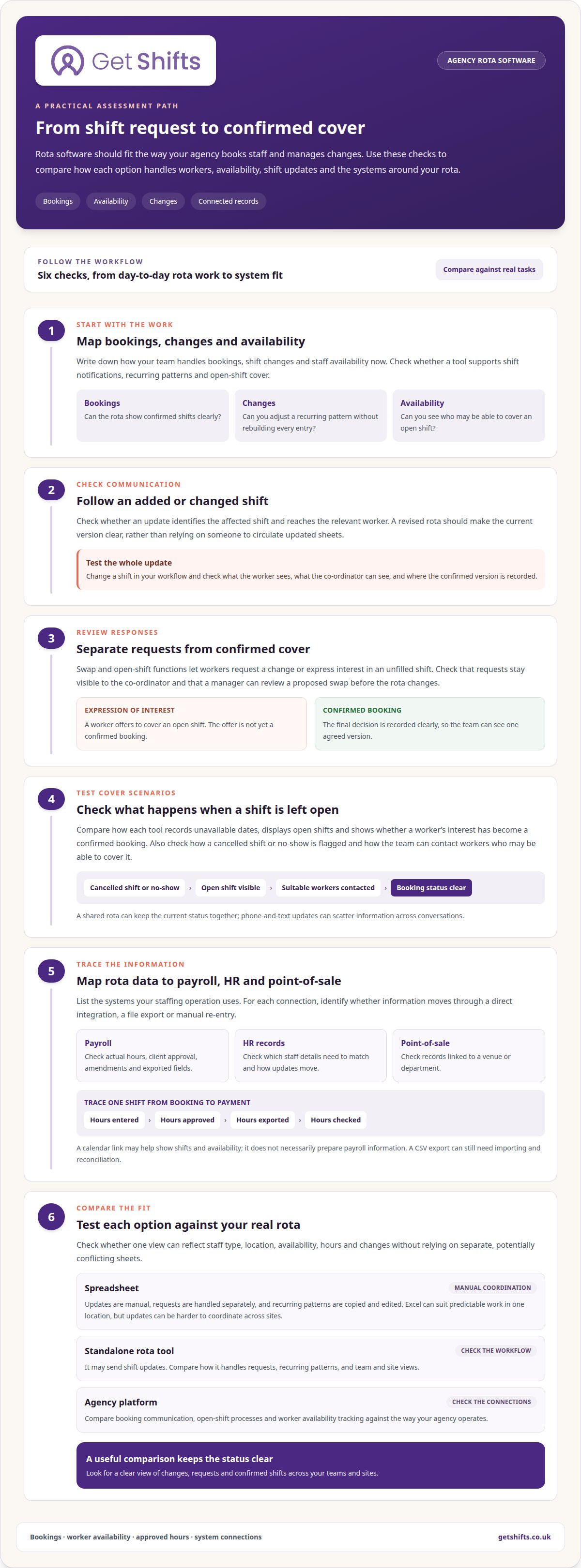
For a temp agency, look for shift notifications, recurring patterns, availability tracking and open-shift cover. When cancellations or no-shows leave gaps, compare how each option flags them and helps you contact available workers.
Shift notifications and changes
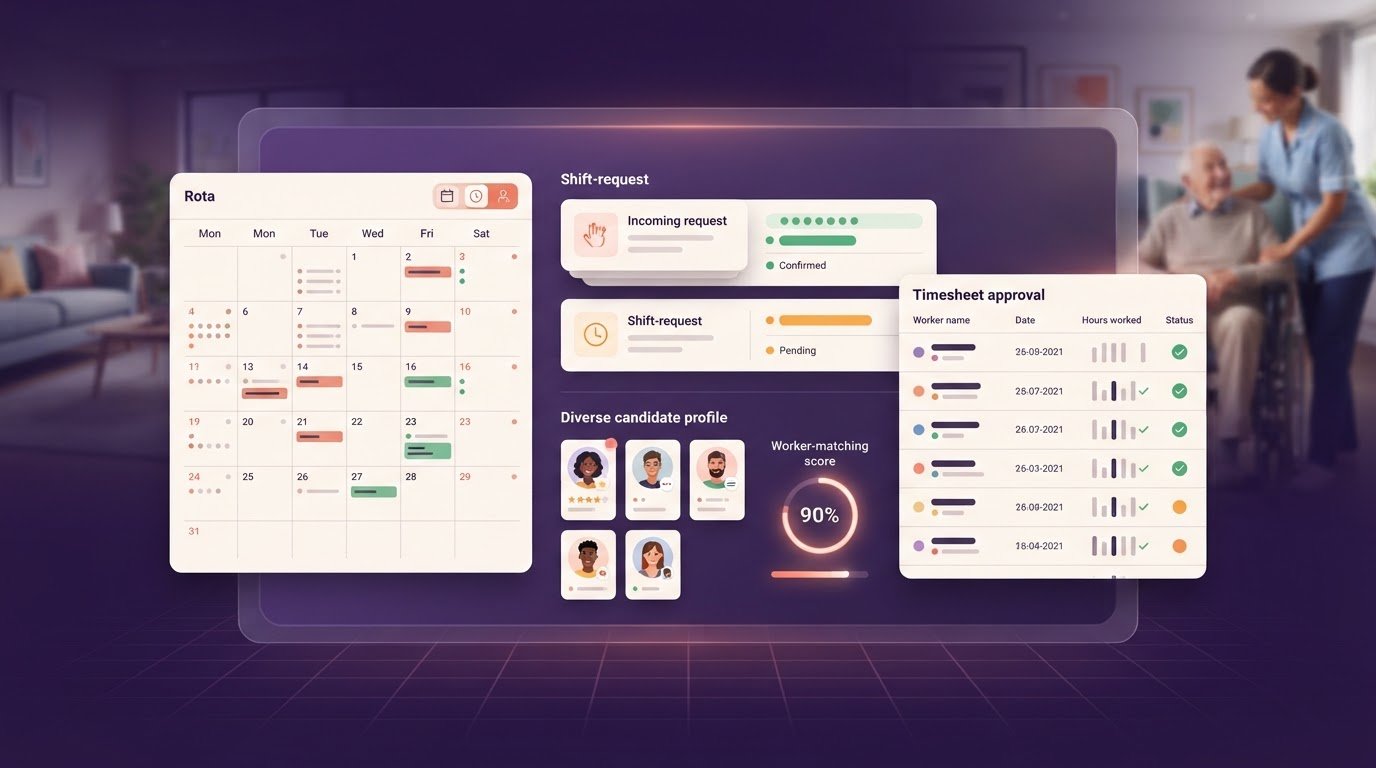
Notifications tell workers when shifts are added or changed, without relying on someone to circulate revised sheets. Check whether updates identify the affected shift and reach the relevant worker. Recurring patterns matter too: can you reuse a Monday care rota across teams or sites, then adjust it without rebuilding every entry?
According to UK Government, most workers in the UK are entitled to 5.6 weeks of paid holiday on an annual basis, although entitlement and calculation can vary depending on circumstances.
Swaps and open-shift bidding
Swap and bidding functions let workers request a change or express interest in an unfilled shift. Unlike basic notifications, they support a response, not just an update. Check whether requests remain visible to the co-ordinator and whether a manager can review a proposed swap before the rota changes.
For example, if a worker offers to cover a vacant nursing shift, the system should show who can respond and whether the booking is confirmed. Check that the final decision is recorded clearly, so the team sees one agreed version rather than conflicting spreadsheet edits.
Availability and last-minute cover
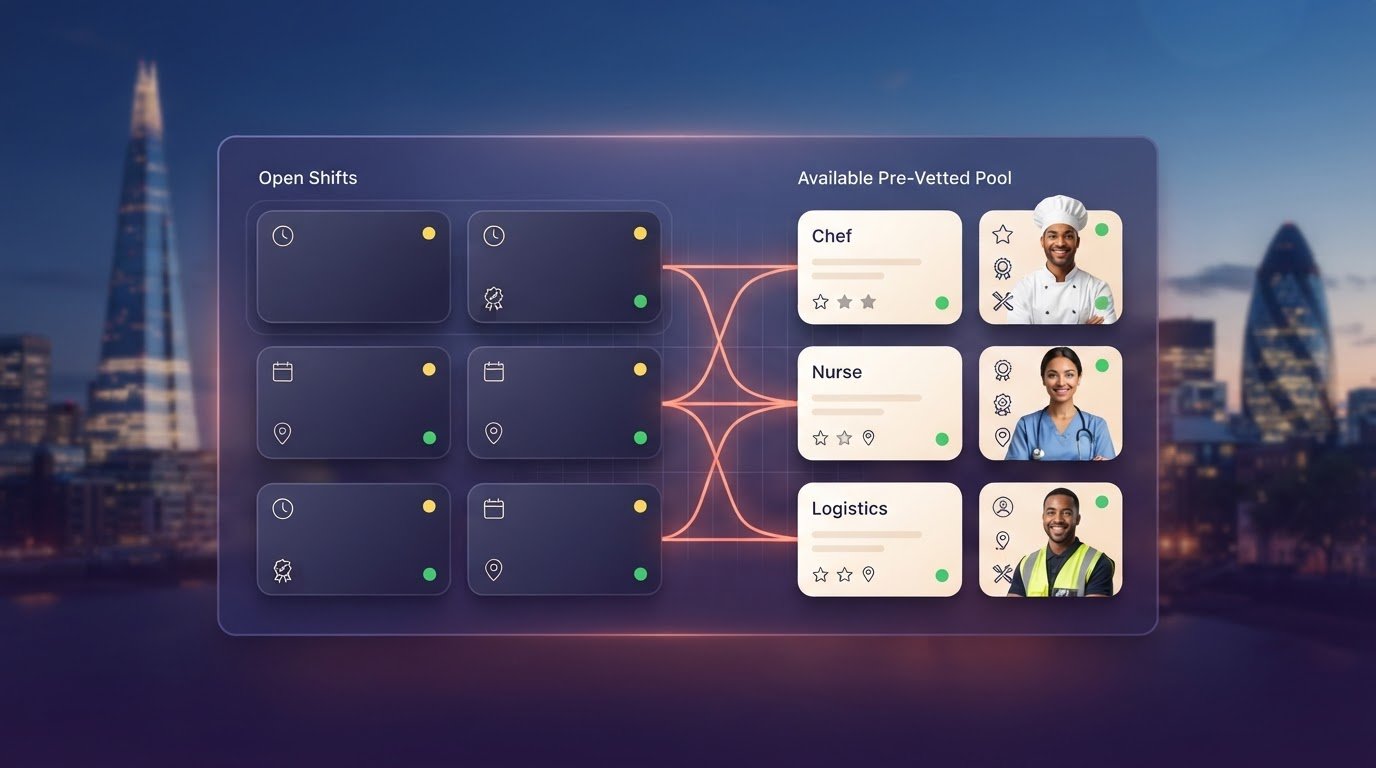
Availability tracking helps co-ordinators identify workers who may be able to cover a cancelled shift. Compare how each tool records unavailable dates, displays open shifts and distinguishes an expression of interest from a confirmed booking. This helps coordinate cover across sites without treating every worker as available.
For a no-show, look for a clear way to flag the uncovered shift and contact suitable workers. Check how changes appear on the rota and reach those affected. A phone-and-text process can scatter updates across conversations; a shared rota keeps the current status together.
| Option | Notifications | Swaps and open shifts | Recurring patterns and availability |
|---|---|---|---|
| Spreadsheet | Manual updates | Requests handled separately | Patterns copied and edited |
| Standalone rota tool | May send shift updates | Compare request workflows | Check team and site views |
| Agency platform | Compare booking communication | Check open-shift processes | Compare worker availability tracking |
Choose an option that keeps changes, requests and confirmed shifts clear across teams and sites.
Integrations with accounting, HR and point-of-sale systems
Check how rota data reaches payroll, HR records and point-of-sale systems. Distinguish a direct integration from a file export or manual re-entry before comparing options.
Payroll-ready hours and timesheets
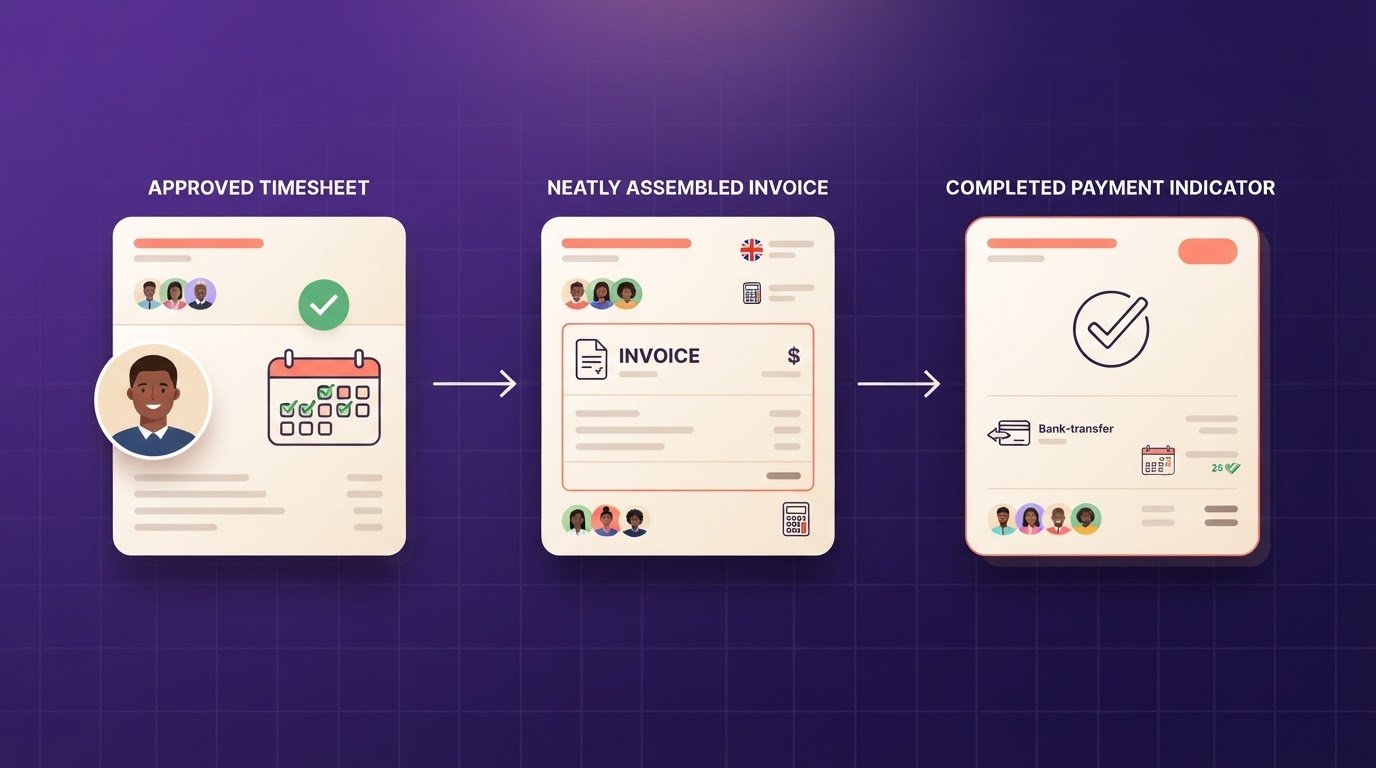
Payroll-ready hours are approved timesheet records prepared for payroll, not payroll processing itself. Compare how a tool captures actual hours, records client approval and handles amendments. For example, a manager should be able to identify a changed shift before exporting its hours.
Check whether exported fields match your payroll process, including worker details, hours and pay categories. A clear approval step distinguishes submitted hours from approved hours. If holiday is recorded separately, include that in your review.
Payroll and calendar integrations
Payroll integrations transfer approved hours or earnings; calendar links focus on displaying shifts and availability. They solve different problems. A calendar view may help a co-ordinator spot a clash, but it won’t necessarily prepare payroll information.
Map a shift from booking to payment: note where hours are entered, approved, exported and checked. Then ask how the system handles a cancellation or changed start time. A CSV export can support payroll, but someone may still need to import and reconcile the file.
HR and point-of-sale links need separate checks. An HR system may hold staff details, while a hospitality point-of-sale system may record hours against a venue or department. Compare which records need to match, how updates move between systems and who resolves mismatches. If managers edit availability in separate tools, establish which record guides rota decisions.
Before choosing, list the systems your staffing operation uses and mark each connection as direct, export-based or manual. Ask support how they explain setup, field mapping and failed transfers. A digital timesheet and payroll export workflow can help you assess how approved hours move onwards.
Rostering agency, bank, hourly and salaried staff
Rota software should distinguish agency bookings from internal bank cover, hourly work and salaried patterns. In the UK, working-time and holiday rules affect how agencies manage records. Rota software can support record-keeping, but it doesn’t provide legal advice.
Choose a workforce management tool based on how each staff group is booked and paid. An hourly hospitality worker, for example, may need shifts matched to venue demand, while a salaried worker may follow a recurring team pattern. Check whether one rota can show these differences without relying on separate, potentially conflicting sheets.
An applicant tracking system (ATS) records recruitment activity, but may not manage temporary staffing operations. Agencies placing freelance or event staff also need to coordinate availability, confirmed bookings and changes across clients. For crews working across several events, the rota and worker records need to reflect the same commitments.
Microsoft Excel can suit a small team with predictable work, one location and few changes. A manager can plan a weekly, fortnightly or monthly rota in a spreadsheet. But Excel won’t automatically track whether someone has worked six days straight, and updates can be harder to coordinate across sites.
For a mixed workforce, compare how a tool handles the full booking period: staff type, location, availability, hours and changes. Check whether managers can distinguish agency and bank cover, and whether the same view works for care, security or hospitality. These details matter more than a generic staff list.
Staff data also needs careful handling. The ICO explains how the UK GDPR and Data Protection Act 2018 apply to personal data; check its current guidance for organisations. Consider who can access worker details, what information appears in rota views and how records are shared with clients. Role-based access can help separate information by user.
Before choosing, test a real example from your operation, such as filling a hospitality event while keeping a salaried team rota intact. Compare how each tool records availability, bookings and amendments over the same period. This practical test shows whether its workforce management approach fits your staffing model.
Comparing rota software providers
Compare platforms against the work your agency needs to manage. A useful assessment goes beyond rota screens: consider notifications, attendance, timesheets, compliance records and how each tool fits your staffing process.
Use the same test case for every option. For example, follow a care-home booking that changes after confirmation, from the rota update to worker notification, attendance and approved timesheet. Note any step that requires a separate spreadsheet or manual re-entry. This makes differences between scheduling tools easier to identify.
- Rota changes: Check whether the right worker receives an update and can see the current booking.
- Attendance: See how a missed clock-in or unfilled shift appears to the co-ordinator.
- Timesheets: Follow actual hours through client approval and any later amendment.
- Compliance: Review whether booking information can be considered alongside worker records.
- Exports: Check what data can be taken out, in what format, and how much work remains.
Ask each provider to demonstrate those steps using the same scenario, rather than a prepared example that skips awkward changes. Check who can access each record, how notifications are delivered and what support covers during setup. For a care agency, trace a booking from client request through confirmed shift to signed timesheet. A hospitality agency might instead test changing venue requirements across several bookings.
Then weigh the practical trade-offs. A spreadsheet may suit predictable rotas managed by one person, while a platform can bring bookings, attendance and records into a shared workflow. More functions don’t automatically mean a better fit; the key is whether the tool removes hand-offs that slow your team down.
Write down the gaps each demonstration leaves, then compare their operational impact before deciding. If you’re assessing a shared rota workflow, explore shift management software for staffing agencies.
Get Shifts: Staffing Agency Management Software
Get Shifts supports temporary staffing agencies managing bookings, rotas and open shifts. Its staffing agency management software brings shift booking and rota management into one platform, helping co-ordinators organise bookings and broadcast open shifts to eligible workers.
Workers can use Get Shifts’ iOS and Android app to access their shifts. It can help agencies manage regular changes across care, security, hospitality and other staffing teams, while giving co-ordinators a clearer view of bookings and cover.
If you’re comparing options, consider whether this approach fits your agency’s workflow. Contact Get Shifts to discuss your rota needs.
Make your next rota decision with confidence
Before choosing, set a practical test for the system you’re considering. Use a real staffing workflow and define what a good result looks like for co-ordinators, workers and clients. Note where information is re-entered, which hand-offs cause confusion and what your team needs to see at a glance. This gives your evaluation a clear purpose instead of turning it into a feature-counting exercise.
As you compare temp agency rota software, apply the same test across your shortlist. Involve the people who manage bookings and timesheets, so the decision reflects their daily work. A considered next step makes change easier to plan and keeps attention on the operational details that matter to your agency.
Start a conversation with Get Shifts about your rota workflow and explore a suitable way forward for your team.
Frequently Asked Questions
Can I track who made changes to a rota and when?
Yes, if the rota system records an audit trail of changes and approvals. This helps you investigate a specific shift, such as a booking moved to another worker after a client request. Check whether the record shows who made the change and when, and whether it covers rota edits as well as timesheet amendments. Clear records make follow-up easier.
Can employees view and manage their shifts on their phone?
Yes. Workers can use a mobile app to view and accept shifts, set availability and clock in. They can check an upcoming booking and update their availability for later shifts. Get Shifts provides an app for iOS and Android, with self-service features for workers. Check which actions workers can complete themselves and which need a co-ordinator.
What is rota software?
Rota software is a digital tool for planning shifts and recording who is assigned to them. Staffing agencies can organise bookings by worker, client and location, then update the rota as work changes. Some platforms also connect rota activity with other agency operations, so compare what each one covers.
Which rota software platforms are best for UK temp agencies?
There isn’t one best platform for every UK temp agency; the right fit depends on how you book workers and manage clients. A care agency may prioritise worker records and client bookings, while an events agency may focus on changing venue requirements. Get Shifts provides staffing agency management software for temporary staffing agencies. Assess each option against your actual workflow.
How do temp agency rota software options compare on shift scheduling and availability management?
Compare how each option takes a shift from request to confirmed booking and represents unavailable workers. Try a practical scenario: a client requests cover, a worker becomes unavailable, and a replacement needs the shift details. Note which steps happen in the rota and which require separate messages or records. This reveals the work behind each approach.
Which UK rota platforms support temp worker timesheets, attendance, and payroll exports?
Look for a platform that covers attendance records, digital timesheets and payroll data exports, then check how the information moves between steps. Get Shifts supports GPS or QR code clock-ins, digital timesheets with client sign-off, and worker earnings and payroll exports. Payroll exports are not payroll processing, and data may need manual import into an external payroll system.