Temporary Staffing Software with a Client Portal
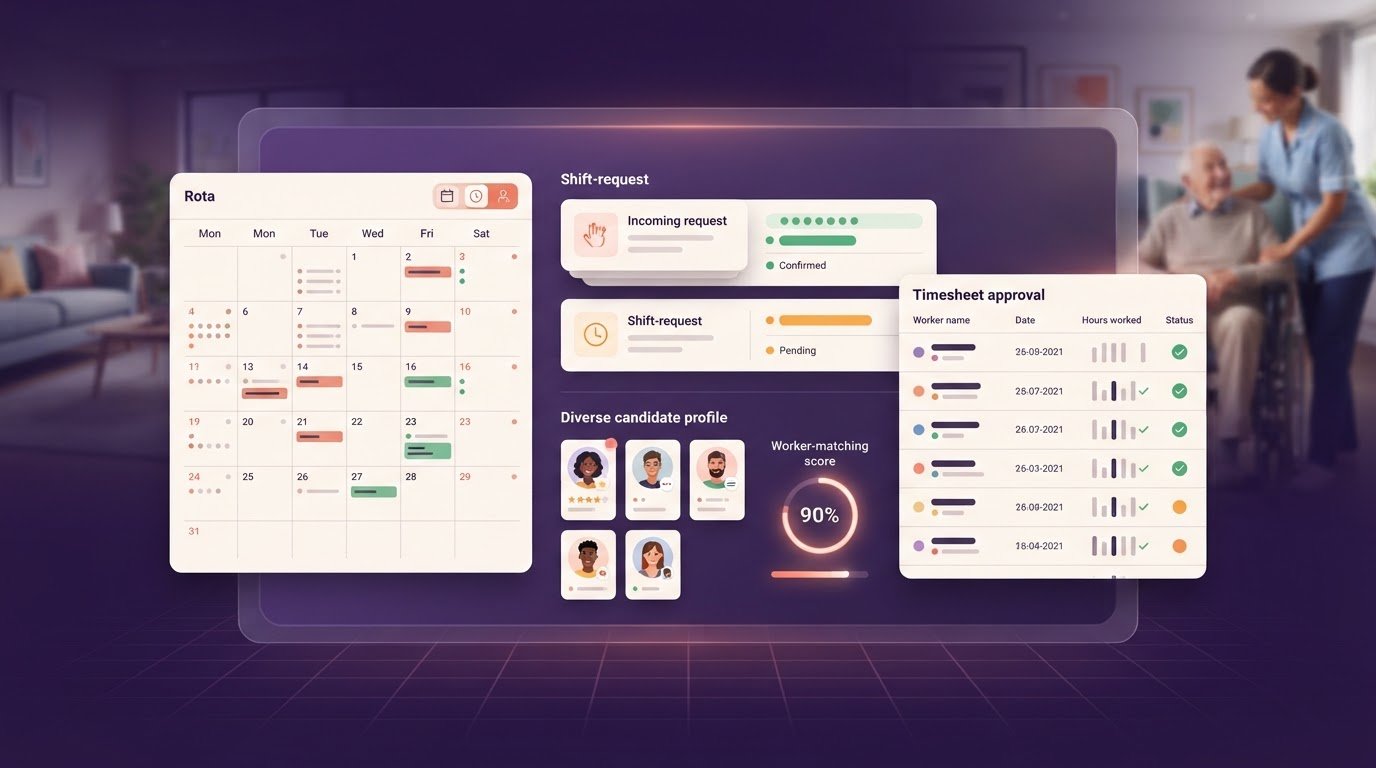
Calls, texts and email threads can scatter temporary staffing requests, booking changes and timesheet queries across your day. Temporary staffing software with a client portal gives clients and agencies a shared place to manage these tasks.
If you coordinate a busy UK rota, you need to see what has been requested, confirmed or left awaiting approval without piecing together separate messages.
This article explains how client portals organise shift requests, agency communication and timesheet approvals, and what to consider when choosing one for your workflow.
Key Takeaways
- Keep shift requests, booking changes and cancellations in one clear record so your team and agency can follow what needs action.
- Use a shared portal to keep booking details and agency communication together, making it easier to manage each request.
- Review digital timesheets and record approvals or queries against the relevant shift before payroll and invoicing steps.
- Choose a branded portal that gives clients a straightforward route to submit new role requests and approve timesheets.
What is a Temporary Staffing Client Portal?
A temporary staffing client portal gives a care home, hospital or other client a shared place to request shifts and follow booking changes.
Shift Requests and Booking Changes
A client can submit a shift request with the role, location, date, start time and required skills. For a change, such as a cancelled shift or revised start time, the portal should update the booking record for both the client and agency. To set one up, agree who can submit requests, what details each request needs and who confirms changes. Clear statuses help both sides see what still needs action.
Logistics Requirements and Shift Matching
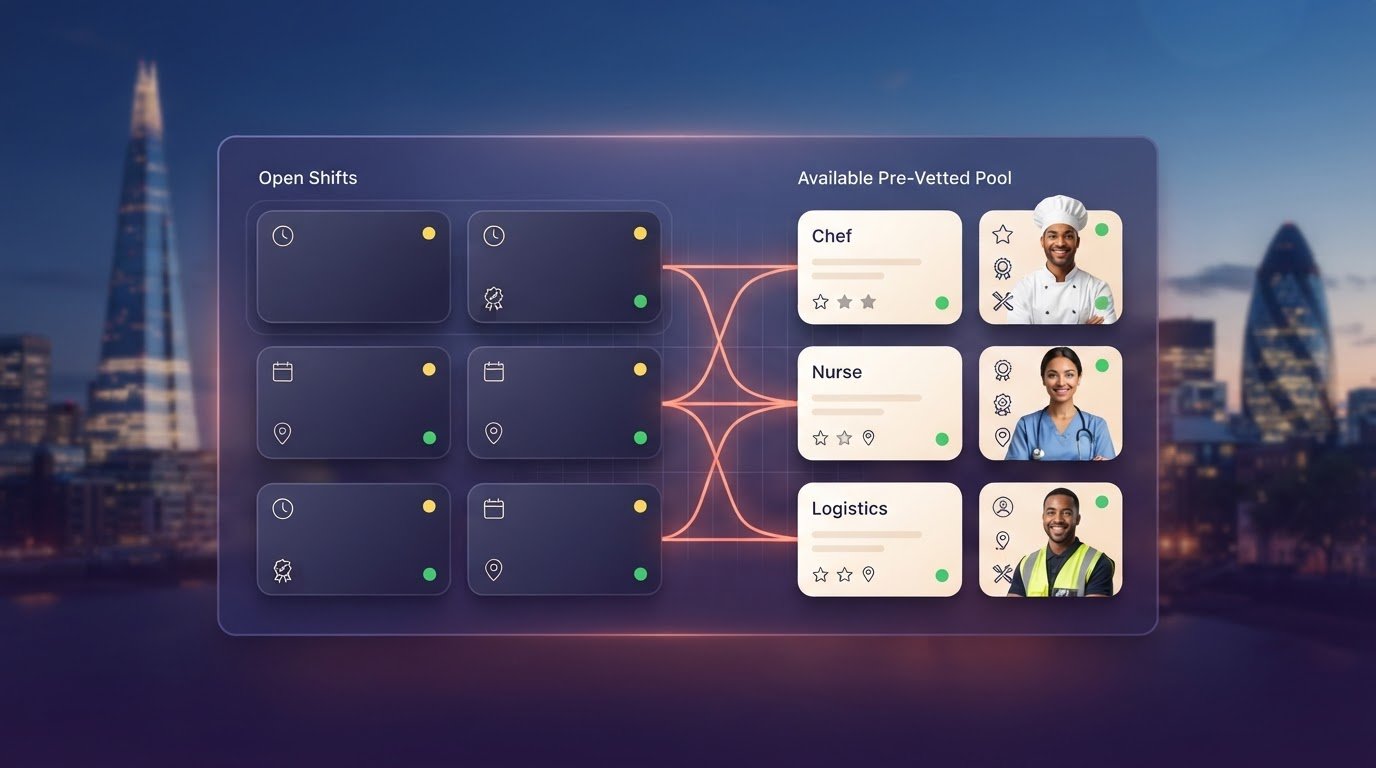
Logistics requests may include a site, shift time, task requirements and staff numbers. These details help an agency compare the role with worker availability before offering a shift. Automated matching can bring suitable available workers into view; a backfill process helps staff a vacancy after a cancellation. For a warehouse afternoon shift, for example, the request should make the site and required duties clear before matching begins.
Scheduling and Shift Confirmations
A portal should distinguish requested, offered and confirmed shifts so clients can see each booking’s status. Once the agency confirms a worker, the agreed shift details should appear in the booking record. Check how changes are displayed and whether clients can see them without searching through separate messages. This keeps rota planning aligned with the latest booking information.
Portal Features and Usability
Compare platforms by testing common tasks: submit a request, find a booking, amend its details and check confirmation. Leading systems differ in how clearly these steps work; usability matters as much as the feature list. Useful portal features include booking status, worker availability and a clear route for new requests. UK agency and client feedback is most useful when it describes these everyday tasks, not broad claims.
Set access according to each user’s role, and limit worker information to people who need it. Poorly managed permissions can expose operational or personal data. Review who can view, amend and approve bookings, then update access when responsibilities change.
Centralised employer-agency communication
A shared portal gives the agency and client one place for shift-related updates. Instead of searching email threads, text messages and call notes, a coordinator can follow each booking conversation alongside its role and shift details. For example, a care home can keep a query about a booked nurse connected to the relevant assignment. This makes it easier to see what the client asked and what still needs a response.
Agree on a simple communication process before inviting clients. Decide who can raise a request, who handles queries and where the agreed outcome is recorded. Keep role details, booking updates and relevant worker information in the correct record. A clear process reduces the risk of teams acting on different versions of the same message.
Agency Workers Regulations records are another part of the record-keeping picture. A system can help organise worker assignment details and related records for review alongside bookings. Treat these records as an operational aid, not a substitute for checking current official guidance. Limit access to people who need the information for their role, and review permissions when responsibilities change.
Branding can help clients recognise the portal as the agency’s own. A branded agency portal on the agency’s own subdomain gives clients a familiar route to booking and communication tasks. Before launch, make the agency name and visual identity clear, and explain how clients should use the portal for routine requests. Consistent branding helps distinguish the official portal from an old email thread or an unfamiliar link.
For a practical review, test a client query from submission through response and record-keeping. Then check whether the right agency team member can find the conversation and its related booking. Agencies comparing worker compliance tracking can consider whether assignment information sits clearly alongside day-to-day communication.
Can clients approve timesheets in bulk?
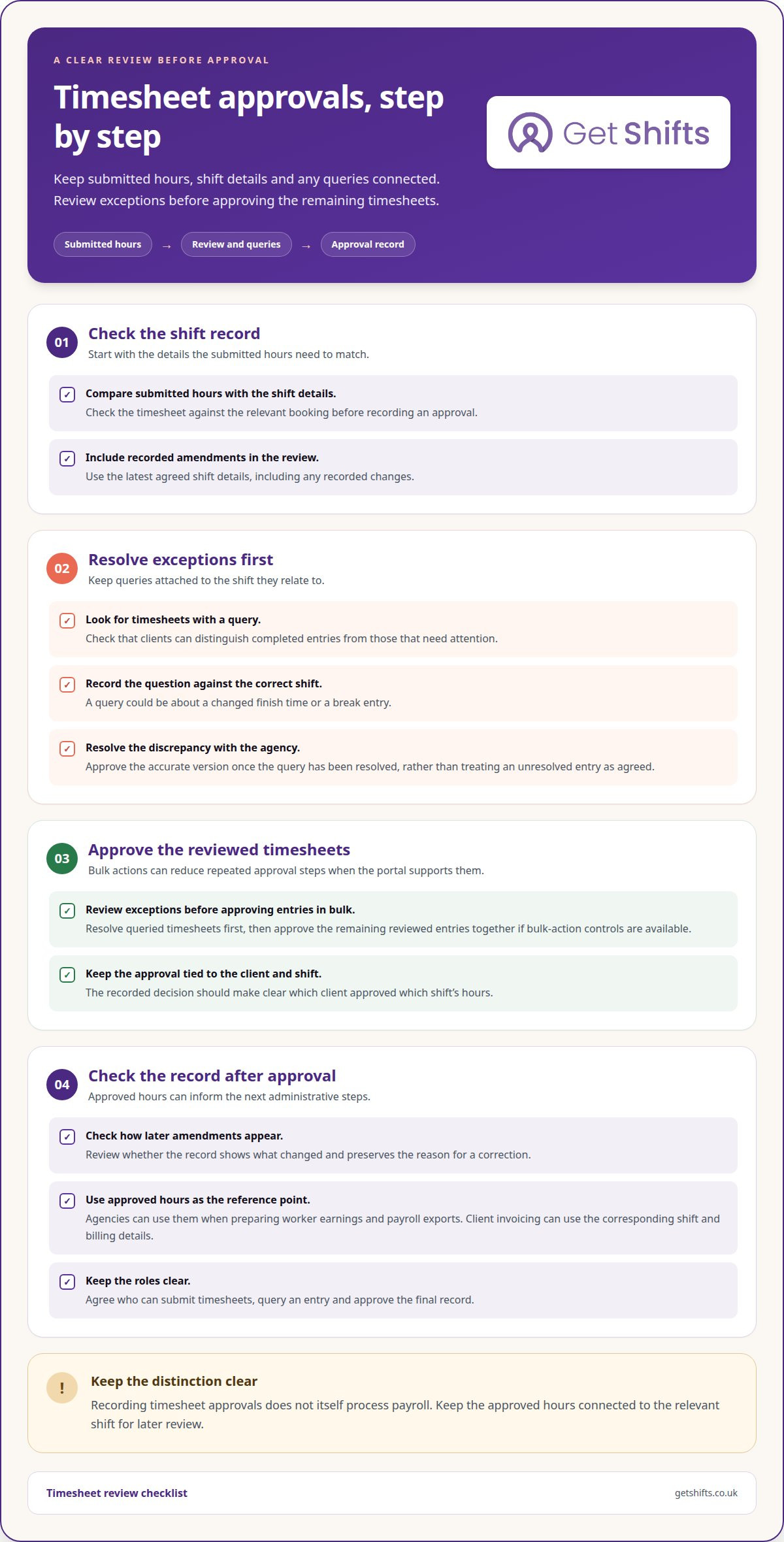
Clients can approve timesheets in bulk when the portal provides bulk-action controls. Without them, each timesheet needs individual review and approval. Digital approval connects the client’s decision to the relevant shift. A query can also be recorded against that shift, giving the agency a clear place to resolve a discrepancy.
Before approval, compare the submitted hours with the shift details and any recorded amendments. For a hospitality worker, a timesheet query might concern a changed finish time or a break entry. Record the question against the correct shift, resolve it with the agency, then approve the accurate version. This avoids treating an unresolved entry as agreed.
Bulk approval saves repeated actions, but it should not replace a sensible review. Check whether clients can distinguish completed timesheets from entries with queries. A practical process is to review exceptions first, resolve them, then approve the remaining entries together. Keep the approval record tied to the client and shift.
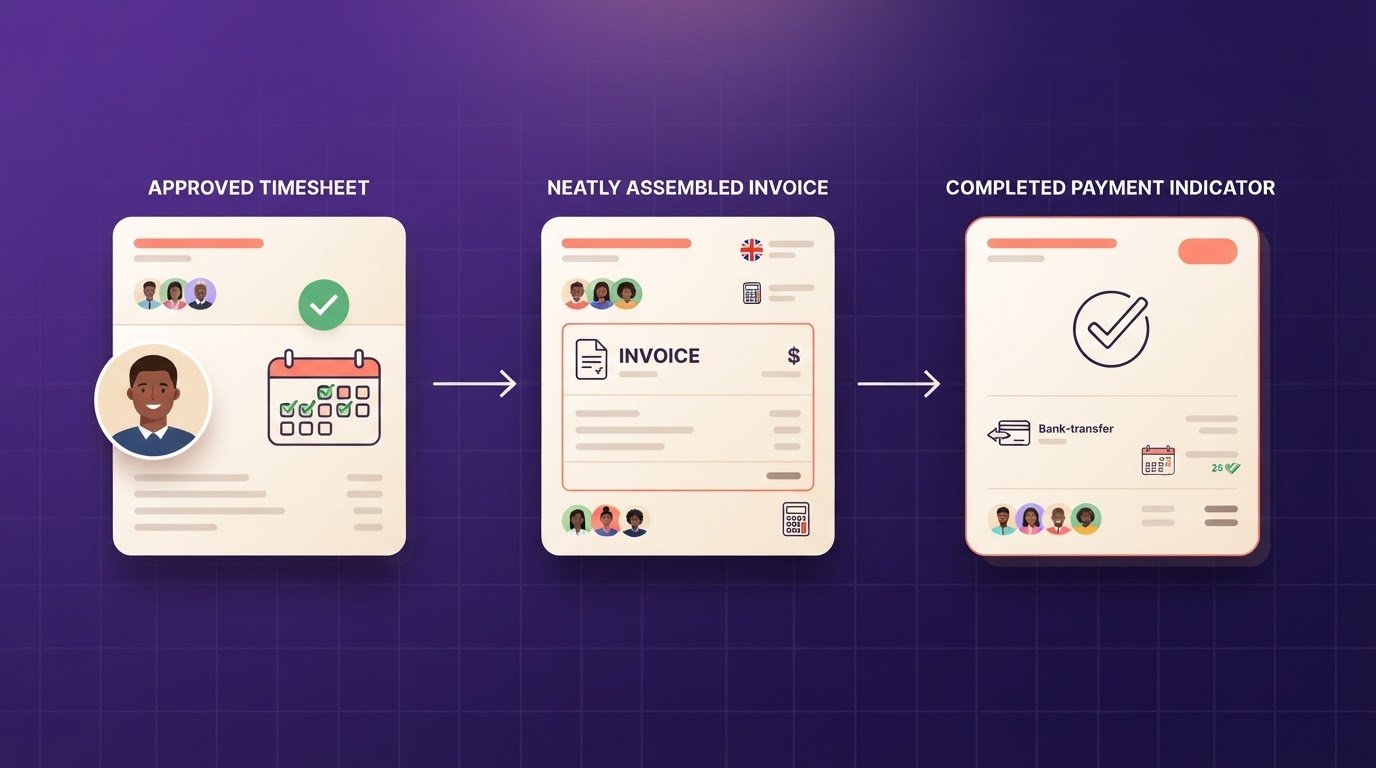
Timesheet approval also supports the next administrative steps. Agencies can use approved hours when preparing worker earnings and payroll exports, while client invoicing can use the corresponding shift and billing details. These workflows are connected, but software that records approvals does not itself process payroll. Use the approved timesheet as the reference point when reviewing an invoice or export.
For compliance and clear records, check how amendments appear after approval. A useful system shows what changed and preserves the reason for a correction. Agree who can submit timesheets, query an entry and approve the final record. That simple division helps clients, agency coordinators and finance teams work from the same approved hours.
Branded client portal for timesheet approvals and new role requests
A branded portal gives care homes and hospitals a familiar route to agency bookings. The agency can use its name and visual identity on a dedicated portal, helping clients distinguish booking tasks from general email. The practical test is whether a client can recognise the portal, sign in and find the right action without guidance. Keep labels direct: “request a role” and “approve timesheet” are clearer than internal recruitment terms.
New role requests should capture enough information for the agency to act. A client might enter the job title, location, shift details and required experience. The agency can then review the request alongside its recruitment and booking workflow, rather than rebuilding the details from an email. Agree which client contacts can submit requests and who receives them. This keeps ownership clear when a care home has several departments.
For timesheet approvals, make the client’s next step easy to spot. The portal should connect each timesheet to its shift and show whether it needs review, approval or attention. If an entry needs correction, a clear query route helps the client and agency resolve it against the right record. Test the flow using a completed shift and a timesheet with a query before inviting clients.
Plan the rollout around clients’ daily tasks. Share the portal address, explain how to request a role and show where approvals sit. Use familiar terms across pages, confirmation messages and help notes. A consistent agency identity supports recognition, while a simple task path reduces reliance on separate emails. Review client feedback after launch and refine confusing labels or steps.
See how a branded portal could support your agency workflow.
Get Shifts: Staffing Agency Management Software
Get Shifts provides staffing agency management software for agencies coordinating temporary workers and client bookings. If shift requests, rota changes and worker availability sit across separate tools, a shared system can bring these tasks into one workflow.
Use shift booking and rota management to organise bookings, then broadcast open shifts to eligible workers. Workers can use the mobile app on iOS and Android to view and accept shifts, set availability, and clock in or out. Together, these tools support agency teams managing bookings and filling open shifts, without treating software as a staff supply or payroll service.
If you’re reviewing your agency’s booking process, contact Get Shifts to discuss how the software could fit your workflow.
Choose a workflow that fits your next stage
Your next step is to map where booking work slows down: who raises demand, how coordinators assign cover, and where client approvals wait. This gives your team a practical basis for deciding whether temporary staffing software with a client portal fits its workflow, rather than choosing from a long feature list.
Get Shifts provides staffing agency management software, including shift booking and rota management, plus open-shift broadcasting to eligible workers. These tools support agencies coordinating client demand and worker availability. To assess the fit, trace a real booking through the tasks your team handles and note where handovers occur. This keeps the conversation grounded in your operation and the changes you want to make.
Contact Get Shifts to discuss your agency’s workflow and take a clear next step towards a more organised process.
Frequently Asked Questions
Can I see which timesheets are missing before payroll?
Yes. Before preparing an export, compare completed shifts on the rota with timesheet records and flag any shift without a corresponding record. Separate missing entries from submitted entries awaiting approval, as they need different follow-up. Get Shifts supports payroll data exports for manual import, but it does not run payroll. This check helps your coordinator resolve gaps before passing figures to the payroll process.
Can workers submit timesheets and request shifts on their phone?
Not as a manual timesheet form or a client role request. The iOS and Android worker app lets staff view and accept shifts, set availability, and clock in or out; these clocking records feed digital timesheets. A worker who spots a missed clocking should report it to the agency for review. This distinction clarifies which actions belong to workers and which belong to client users.
What happens when a worker drops out the night before?
When a worker drops out before a shift, that creates an open vacancy, not a confirmed replacement. The agency can offer the opening to eligible workers and track whether someone accepts; the client should receive the revised booking status. No-show alerts address a different situation: they flag attendance issues after a shift is due, rather than replacing advance cover planning. Keep a separate process for urgent client updates.
What is temporary recruitment software?
Temporary recruitment software manages an agency’s candidate pipeline, from application through interview and reference collection. It differs from shift management, which assigns available workers to client demand after onboarding. For example, a recruiter can track an applicant’s progress before that person enters the agency’s worker pool. The software supports the agency’s process; it does not place candidates on the agency’s behalf.
What temporary staffing software offers a client portal in the UK?
For UK agencies, Get Shifts provides temporary staffing software with client portal functionality as part of its Staffing Agency Management Software. The platform includes two-factor authentication, Microsoft SSO and role-based access. These controls help agencies manage which client users can view or handle information. Consider them alongside portal tasks and user access needs when assessing whether the software fits your operation.
How do client portals handle shift requests, bookings and approvals?
Temporary staffing software with client portal functionality can give users a shared reference for a booking’s progress. In Get Shifts, the shift lifecycle runs from Open through Requested, Accepted and Booked, then In-progress, Completed, Timesheet approved, Invoiced and Paid. Exceptions include cancelled, no-show and expired. Agree who updates each stage so agency staff and clients can interpret booking statuses consistently.