Worker app for online shift bookings and department approvals
Shift bookings become harder to manage when availability, applications and approval decisions are spread across different tools. A worker app for shift bookings gives staff one place to view and apply for open shifts, while agency teams review requests and confirm bookings.
A clear booking process takes a shift from availability to confirmation. Workers need to see the key details and know how to apply; managers need to see who is available and which requests still need a decision.
This article explains how online shift booking systems support that process, from making shifts visible to routing applications for approval. You’ll also see what to consider when choosing a system for an agency or a care provider, and how online bookings can reduce the back-and-forth of phone calls, texts and spreadsheet rotas.
Key Takeaways
- See how meeting points and automatic book-on and book-off times can support clearer shift records.
- Follow the steps from a worker’s shift application to a department’s approval decision.
- Know what to assess when choosing online booking software for an agency or care provider.
- Explore how Get Shifts brings rota management, open-shift broadcasting and a worker mobile app together.
What is a Shift Booking System?
A shift booking system brings rota details, applications and booking decisions into one online workflow. Depending on its features, it can also support attendance records, updates and the filling of open shifts.
Automatic Booking and Shift Filling
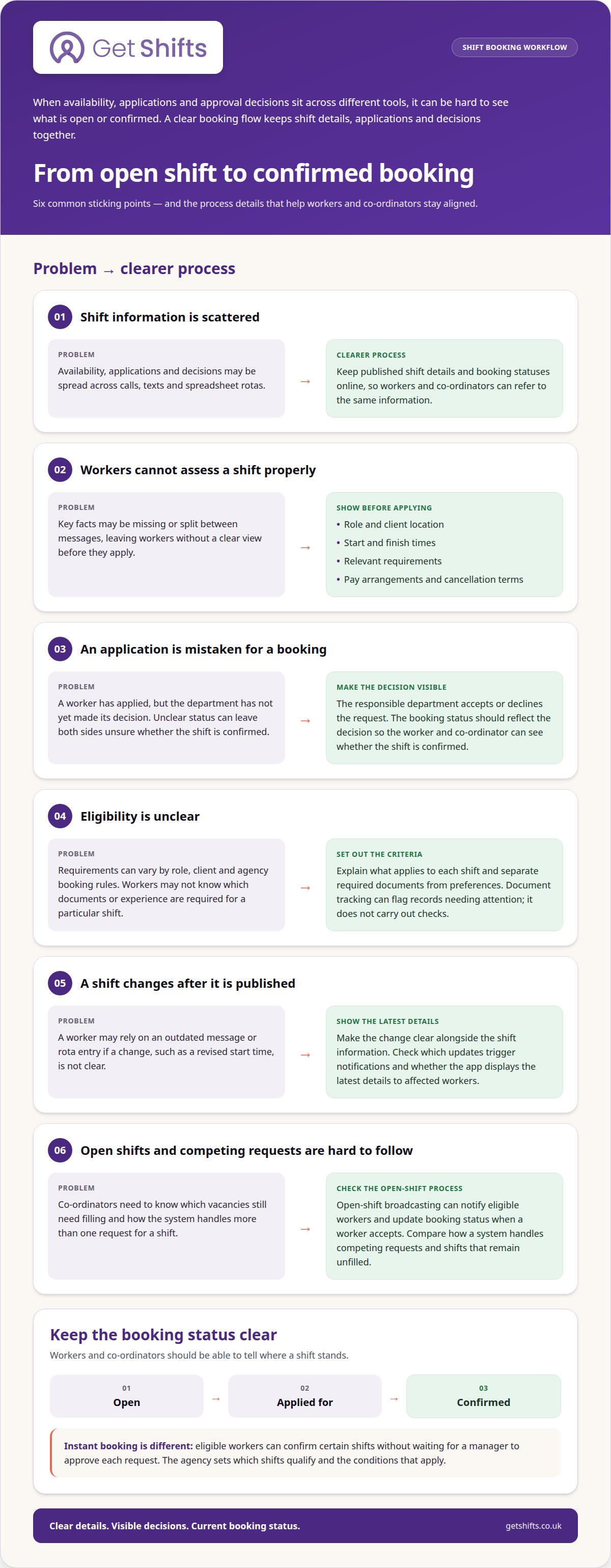
With instant booking, eligible workers can confirm certain shifts without waiting for a manager to approve each request. Agencies set which shifts qualify and the conditions that apply. For other vacancies, open-shift broadcasting can notify eligible workers, then update the booking status when a worker accepts. Check how the system handles competing requests and shifts that remain unfilled.
Rota Planning and Conflict Detection
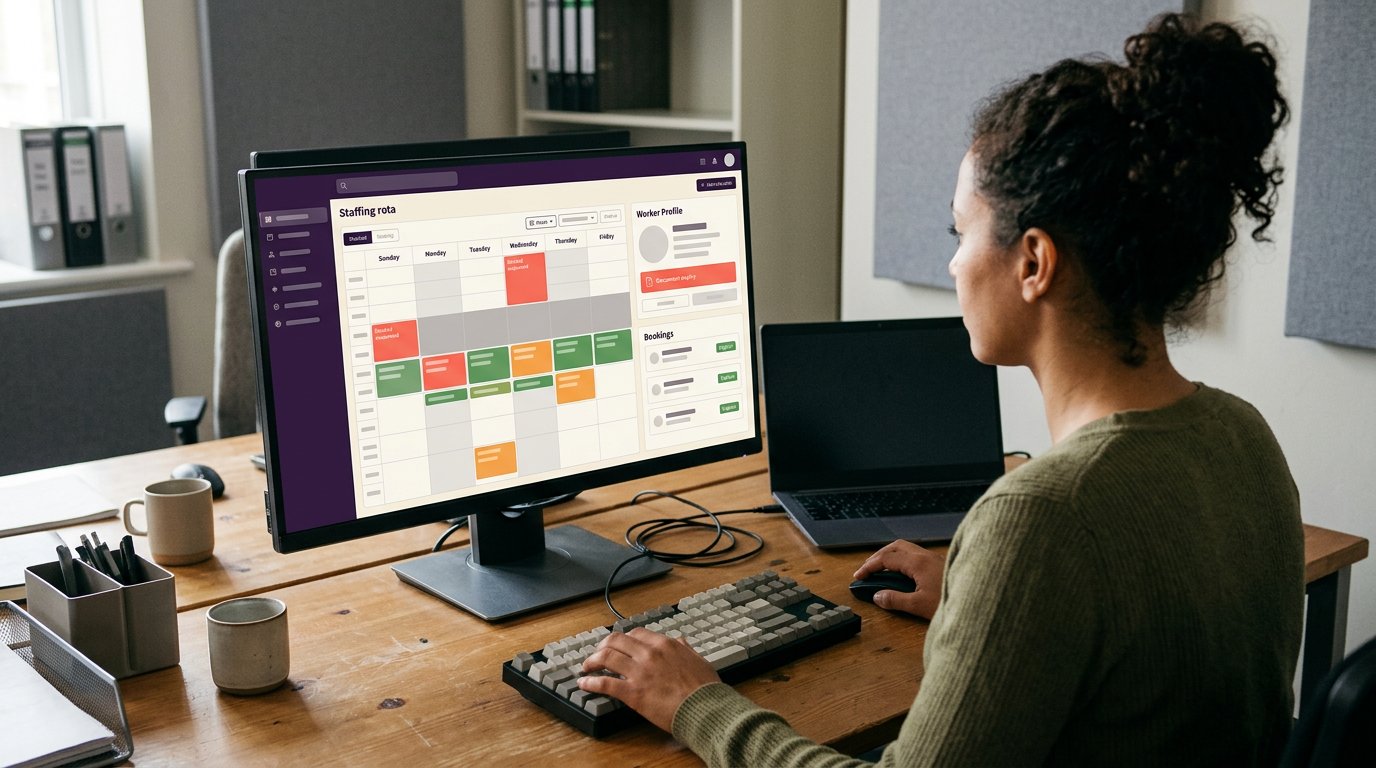
Saved shift patterns and repeat templates can reduce repeated rota entry. Conflict checks can flag overlapping shifts before a rota is published, giving a co-ordinator time to resolve the issue. Make the reporting location clear in the shift details. GPS geofenced or QR code clock-in can record attendance and support timesheet creation with clock-in and clock-out times.
Shift-Change Notifications
When a published shift changes, notifications can alert affected workers. Make the change, such as a revised start time, clear alongside the shift details so workers know what to do next. Check which updates trigger notifications and whether the app displays the latest shift information. This helps prevent workers relying on an outdated message or rota entry.
Comparing Shift Booking Apps
When comparing UK apps, look at how clearly each one displays shift details, applications, confirmations and changes. A worker app for shift bookings should make the next step obvious, whether a worker needs to apply or can confirm an eligible shift.
What are the cancellation, lateness and no-show rules? The agency or client sets the terms, which workers should be able to review before booking. What are the pay rates and fees? These depend on the agency’s terms and the shift. How quickly do apps pay workers? Payment timing depends on the agency’s arrangements, not just the booking app. Compare the stated terms and the process for raising a booking query.
Applying for shifts and department approval
An application shows that a worker is interested; department approval determines whether the booking can proceed. Clear shift details and eligibility criteria help workers and agency teams make informed decisions.
Details Shown Before Applying
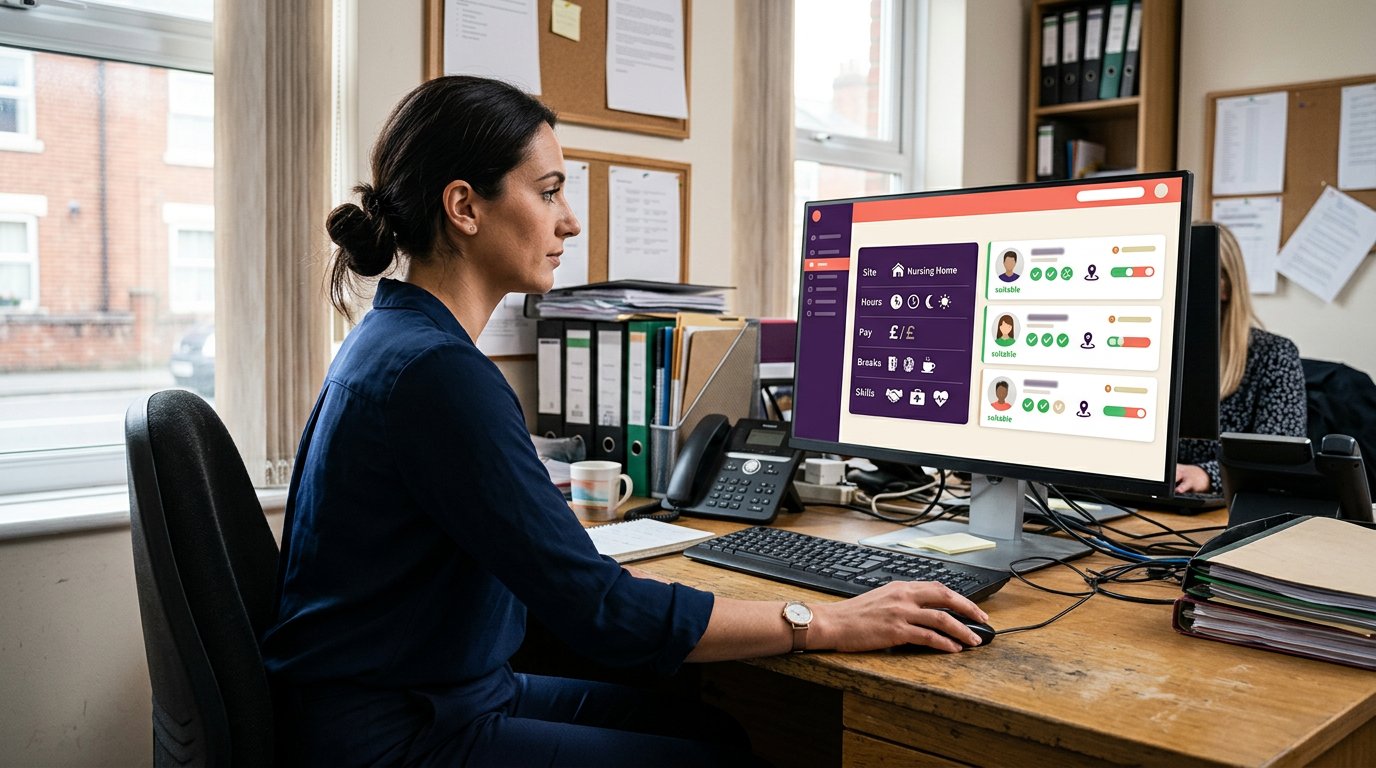
Before applying, workers need enough information to decide whether a shift suits them. Include the role, client location, start and finish times, and any relevant requirements. Explain pay arrangements and cancellation terms so workers can consider them before accepting. For example, a care shift in a particular ward may call for different experience from a general support role.
Clear details also help departments assess applications consistently. If the location or start time changes, show the updated information before the worker accepts. Workers should not have to piece together essential facts from separate messages.
Eligibility Checks and Required Documents
Eligibility depends on the role, client and agency booking rules. Requirements may include relevant experience, role-specific documents or current compliance records. Explain what applies to each shift and distinguish required documents from preferences. Document tracking helps agencies identify records needing attention, but it does not carry out checks.
Care booking requirements can vary by client and role. Set out the criteria clearly, then let the department review whether an applicant meets them before confirming the booking.
A straightforward approval flow lets the worker review the shift details and apply, then the responsible department accepts or declines the request. The booking status should reflect the decision so the worker and co-ordinator can see whether the shift is confirmed. If instant booking is enabled for eligible workers, a separate approval and waiting period may not be necessary.
What risks and worker protections apply to shift booking apps in the UK? Risks include inaccurate shift details, unclear cancellation terms and bookings that appear unconfirmed. Clear terms, visible status updates and a record of decisions help workers and agencies understand what was agreed. Explain pay arrangements separately from the booking process, including how payroll is handled.
Online shift booking software
Online shift booking software gives workers and agency teams a shared way to view and manage bookings. Shift details and booking statuses are available online, rather than scattered across calls, texts and rota files.
Online Booking Access
Cloud-based systems let workers access shifts online through supported devices. They can view available shifts and book future work they want to take. For an agency, keeping published details and booking statuses in one place helps workers see what remains open and co-ordinators see what is booked.
Online access also gives teams a consistent record to refer to when a worker asks about a booking. Both the worker and co-ordinator can refer to the same shift information instead of relying on separate message threads.
UK Apps for Booking Shifts
In the UK, workers can book shifts through apps provided by staffing agencies or online shift-booking platforms. The route depends on how the agency publishes shifts and manages applications. Workers should be able to identify the agency or client, review shift details and see whether a booking is open, applied for or confirmed.
For agencies, the useful comparison is not simply one app against another. Consider how each option connects workers to the agency’s actual vacancies and booking process.
A joined-up online process makes the steps clear: the agency publishes a shift, eligible workers view it, and a worker applies or books. The booking record gives the agency a central place to follow up. This is especially useful when a rota covers different clients, locations or roles.
Online visibility can also reduce avoidable confusion. Workers can see which shifts they want to work, while co-ordinators can identify gaps that still need filling. A worker who sees a shift already booked can focus on another vacancy, instead of applying through an outdated message.
Which UK apps let workers book shifts?
UK workers can book shifts through staffing agency apps and platforms that publish available work. The right route depends on who manages the vacancy. For agency shifts in care, nursing, security or hospitality, workers generally need access to that agency’s booking process. No single app displays every agency’s vacancies.
Workers should start by identifying the agency responsible for the shift. Before applying, check that its app shows the client, location, role, hours and booking status. For example, a nursing shift at a care home should identify the site and shift times clearly, helping workers decide whether they can accept it.
Agencies should assess the booking journey from the worker’s perspective. Can workers view open shifts, apply and recognise when a booking is confirmed? Can the agency share vacancies only with eligible workers? These questions matter when filling shifts across multiple clients or departments. Clear statuses help distinguish an application from a confirmed booking.
App access is only one part of the process. Consider how the agency publishes vacancies, handles department approvals and communicates changes. Browser access alongside a mobile app may suit workers who prefer a larger screen. Choose a system that connects workers to the agency’s actual vacancies and keeps booking information clear from application to confirmation.
If you’re reviewing your agency’s booking process, map each step from publishing a vacancy to confirming a worker. This makes gaps in access, approval and status updates easier to identify before deciding how to manage online bookings.
Get Shifts
Get Shifts helps UK staffing agencies manage shift bookings and rotas in one platform. Its worker app for iOS and Android lets staff view and accept shifts, while agencies can broadcast open shifts to eligible workers. This creates a clear route from publishing a vacancy to filling it.
It can suit agencies handling bookings across care homes, hospitals or other client sites, where availability and approvals need co-ordinating. If you’re reviewing how your agency manages online shift bookings, Get Shifts brings staffing agency management software together with practical booking tools.
Contact Get Shifts to discuss your agency’s booking process.
Set a clear next step for your agency
Before changing your booking process, decide who is responsible for each step, from publishing a vacancy to confirming a booking. Make sure the worker app fits the workflow, including department approvals and how workers receive decisions. Identify where calls, texts or separate records interrupt the process, then use those gaps to plan improvements.
Get Shifts provides Staffing Agency Management Software, including Shift Booking & Rota Management and Open Shift Broadcasting to Eligible Workers. Its shift management software supports agencies managing bookings and sharing eligible open shifts through a connected process.
Talk through your agency’s booking process with Get Shifts. A clear starting point can help you plan the next step with confidence.
Common questions
Can I upload shifts in bulk?
Bulk shift uploads depend on the software and the data format it accepts. Don’t assume that importing worker records also imports shifts. For recurring cover, shift templates and repeat patterns can reduce manual entry without a large upload. Use consistent client, role and location names so the resulting rota is easier to review.
How can I simplify rota planning?
Use consistent names for clients, locations and roles whenever you create a rota. Keep a clear record of who can approve changes so requests do not get stuck between teams. When a client changes its staffing needs, update the relevant rota entry and notify affected people. Reviewing the same core details each time helps keep planning orderly.
What are the common mistakes in rota planning?
Common mistakes include using different names for the same client site, leaving outdated draft entries in circulation and failing to record who approved a change. These make records harder to interpret later. Agree on a naming convention, remove or mark superseded rota versions, and keep approval notes with the relevant booking. Co-ordinators then have a clearer record to refer to.
What is a worker app for shift bookings?
A worker app is a digital tool that connects workers with the staffing agency managing their bookings. It is not a staffing agency or a source of work on its own. The agency controls access and the opportunities available. This distinction matters for anyone expecting an app download alone to provide shifts or place them with a care home.
How do shift booking apps work for workers?
Workers access the app through an account associated with their agency. The agency’s setup determines which features are available, such as viewing rotas or managing account details. Some systems also provide browser access for workers who prefer a larger screen. Follow the agency’s instructions for account access and support.
How can a worker sign up and book their first shift?
Workers should register with the staffing agency they want to work through, rather than relying on an app alone. The agency explains its enrolment process, including the profile details and documents it needs. Once the account is set up, workers can follow the agency’s instructions to view suitable shifts and complete the booking steps.
Frequently Asked Questions
What are the cancellation, lateness and no-show rules on shift apps?
The agency or client sets the cancellation, lateness and no-show terms. Workers should be able to review these rules before booking.
What are the pay rates and fees for shift booking apps in the UK?
Pay rates and fees depend on the agency’s terms and the shift, while payment timing depends on the agency’s arrangements. For workers paid through PAYE at large hospital groups, Novello says the agency is contracted to the same rate whether the worker or agency books the shift.